
OS-level telemetry
Monitors from the kernel rather than relying on the agent’s own logs, so activity can be reviewed independently of what the agent reports.

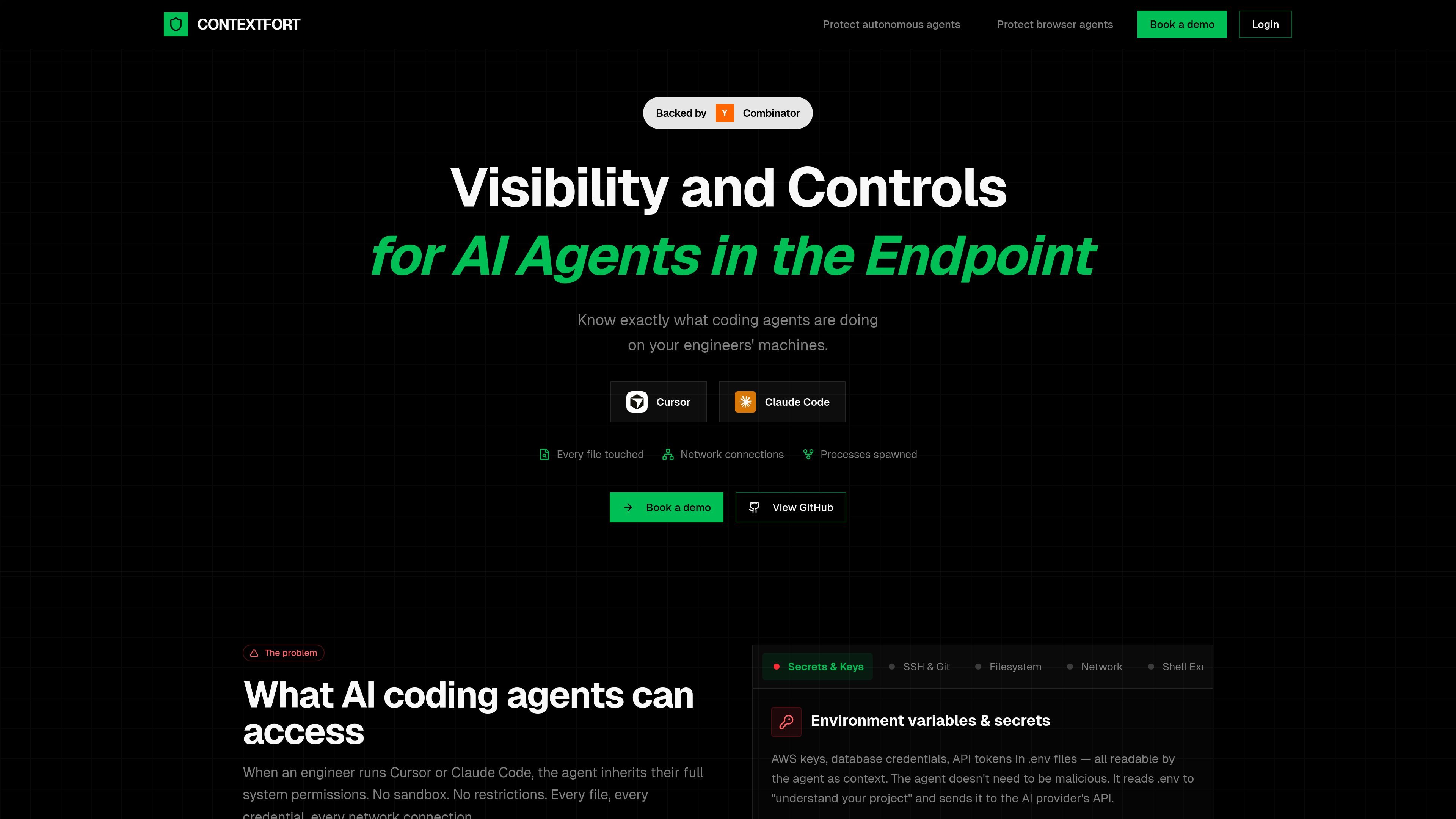
ContextFort monitors AI coding and browser agents at the OS level, giving engineering teams real-time visibility into files, processes, and network activity.
ContextFort is an endpoint visibility product for AI coding and browser agents. The site positions it as a way to detect and track AI agents in real time so engineering teams can see what those agents are doing on developers’ machines.
Its core purpose is to provide independent, OS-level visibility into file access, network activity, and spawned processes. The product is framed as a response to the access that agents like Cursor and Claude Code inherit when they run with a user’s system permissions.
Monitors from the kernel rather than relying on the agent’s own logs, so activity can be reviewed independently of what the agent reports.
Captures every file the agent reads or writes, including source code, credentials, SSH keys, and environment files such as `.env`.
Tracks outbound connections initiated during agent activity so teams can see what data may have been sent and where it went.
Records subprocesses and shell activity, giving visibility into commands, installs, and build steps launched by the agent.
Maintains an audit trail of agent actions that the product says the agent cannot tamper with after the fact.
Describes platform coverage across Linux, macOS, and Windows using eBPF, Apple’s Endpoint Security Framework, and ETW plus Minifilter.
Review what an AI coding agent accessed during a session, including files opened, commands launched, and network connections made.
Investigate whether an agent read sensitive files such as `.env`, SSH keys, or cloud credentials while working on a repository.
Track subprocesses and shell execution when an agent installs packages, runs builds, or spawns helper processes.
Correlate outbound network activity with agent behavior to understand what data may have left the machine.
ContextFort is designed for engineering environments where AI coding or browser agents run with broad system access. It helps teams understand what those agents touched so they can review activity after the fact.
The source describes OS-level monitoring for file access, network activity, and process trees, plus an independent audit trail. It is presented as monitoring from the kernel rather than relying on agent self-reported logs.
The site references Linux, macOS, and Windows support through eBPF, Endpoint Security Framework, and ETW plus Minifilter, respectively.
The public site does not provide setup steps, pricing details, or integration documentation. It points users to book a demo or view the GitHub repository for more information.
Traffic data is for reference only.

soloterm.com
Solo is a desktop workspace for running AI coding agents alongside your local stack, helping developers watch processes, restart crashes, and coordinate workflows.

band.ai
Band is an enterprise-grade platform for real-time collaboration between humans and AI agents, with shared rooms, mentions, approvals, and visible handoffs.

murmell.com
Murmell is a browser-based canvas for running AI coding agents in shared cloud sandboxes. It helps developers coordinate Claude Code, Codex, Kimi, and OpenCode on one project without local setup or file collisions.

superagent.computer
Superagent is a Mac app where a coding agent can work in a real browser and an iPhone simulator, with persistent chats on your machine. Watch it build, edit, and test projects on your Mac using your existing Claude Code subscription.
bentoai.dev
Bento Term is a native tmux client for watching and interacting with coding-agent sessions over SSH. It helps developers monitor multiple panes, respond when agents need input, and inspect files from Mac, iPhone, or iPad.