
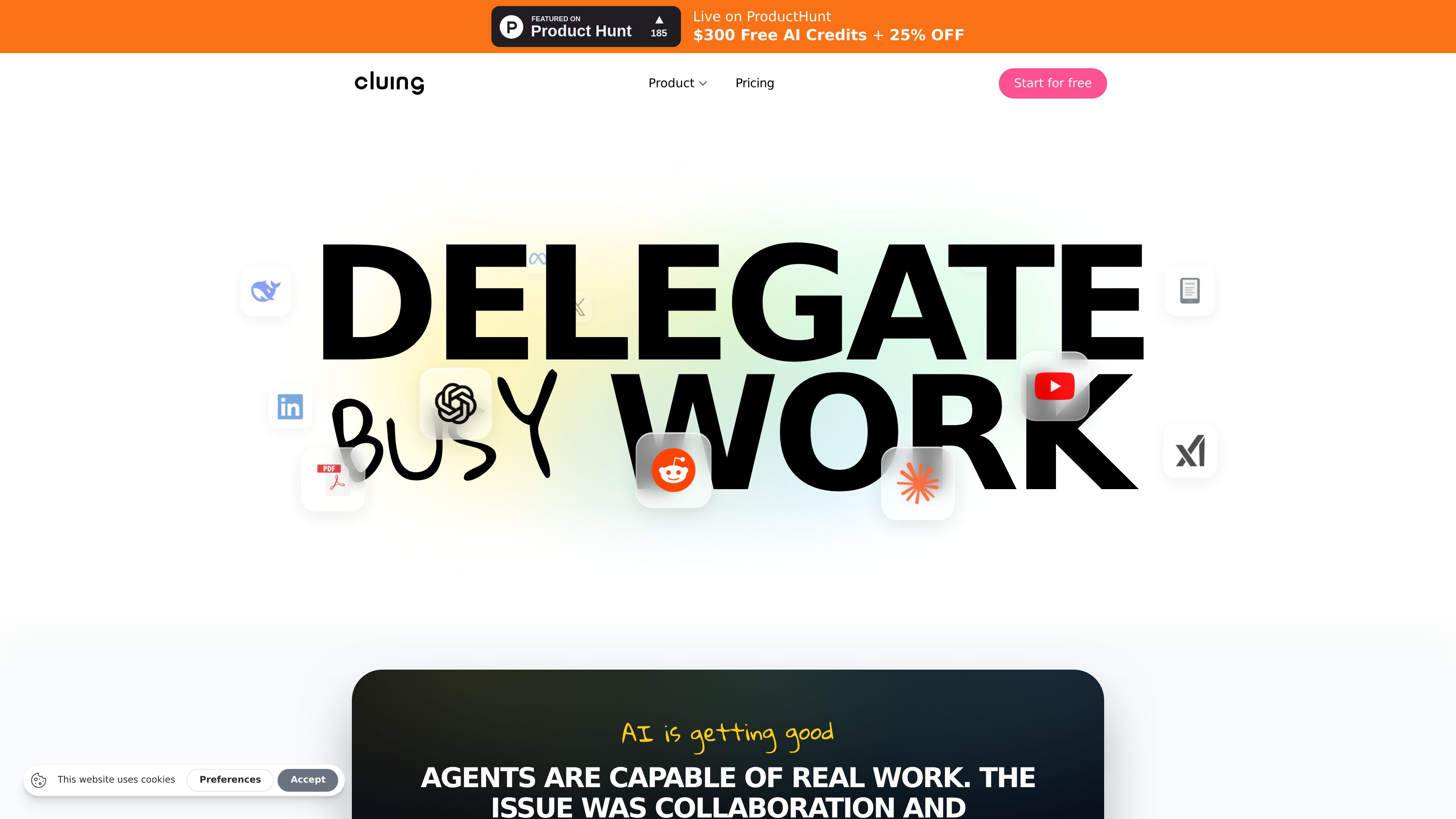
Capture from many source types
Save insights from webpages, YouTube, PDFs, LinkedIn, X, Reddit, Kindle, email, and similar sources.

Cluing helps people capture and organize insights from webpages, PDFs, videos, social posts, and other online sources so they can reuse that context with AI and collaborate around it.
Cluing is a knowledge tool for capturing useful information from webpages, PDFs, videos, social posts, email, Kindle, and other sources. It is built to turn scattered research into a structured knowledge base that you and your AI can reference later.
The product organizes saved material into snippets, topics, and clusters, and it adds AI tools such as Copilot and deep research on top of that context. The result is a workflow for collecting source material, organizing it, and asking questions against the material instead of starting from a blank prompt.
Save insights from webpages, YouTube, PDFs, LinkedIn, X, Reddit, Kindle, email, and similar sources.
Saved items are grouped into a self-organizing knowledge base so related research stays together and can be shared as a workspace.
Ask questions and get answers based on the material you have saved rather than only on general model output.
Run multi-step research that reads across your sources and current web content to build answers from more than one reference point.
Teams can share private clusters, apply roles and permissions, and use a shared context layer with AI.
Higher-tier plans include always-on agents that research, monitor, and organize information around the clock.
Save useful passages from articles, videos, PDFs, or social posts into one place so they are easier to revisit later.
Use Copilot and deep research to gather and compare source material when you need a current view of a topic or company.
Create shared clusters for a team so multiple people can work from the same context instead of keeping separate notes and link lists.
Upload PDFs and larger files on paid plans to keep reports, decks, and other reference material inside the same knowledge base.
Use hosted agents on supported plans to help monitor topics and keep the knowledge base updated without manual checking all the time.
Cluing lets you capture information from online and document sources, organize it into a knowledge base, and ask AI questions grounded in that saved context.
Yes. The pricing page shows a free plan with limited credits and smaller storage limits, intended for personal, non-commercial use.
The site lists webpages, YouTube, PDFs, LinkedIn, X, Reddit, Kindle, email, and more as capture sources.
Yes. Team and enterprise plans include shared team memory, shared private clusters, roles and permissions, SSO on supported tiers, and other admin features.
Yes. The product includes deep research that reads across your saved sources and the web, and higher tiers also add access to more AI models and hosted agents.
Traffic data is for reference only.

teract.ai
AI social media writing assistant for on-brand posts and comments

www.expertchase.com
Expert Chase is a personal productivity app that uses AI, called E.Y.E., to help people organize everyday tasks, routines, and connected calendar data in one place. It is available on web, iOS, and Android.

monolog.ing
monolog is a private journaling and memory-capture app for recording thoughts conversationally, then organizing and finding them by context, date, keywords, or tags. It helps you keep a diary, save reminders, and revisit scattered memories.