
Agent configuration
Build multiple agents and edit each agent's instructions, model, tools, skills, MCP servers and allow or deny permissions in the app.

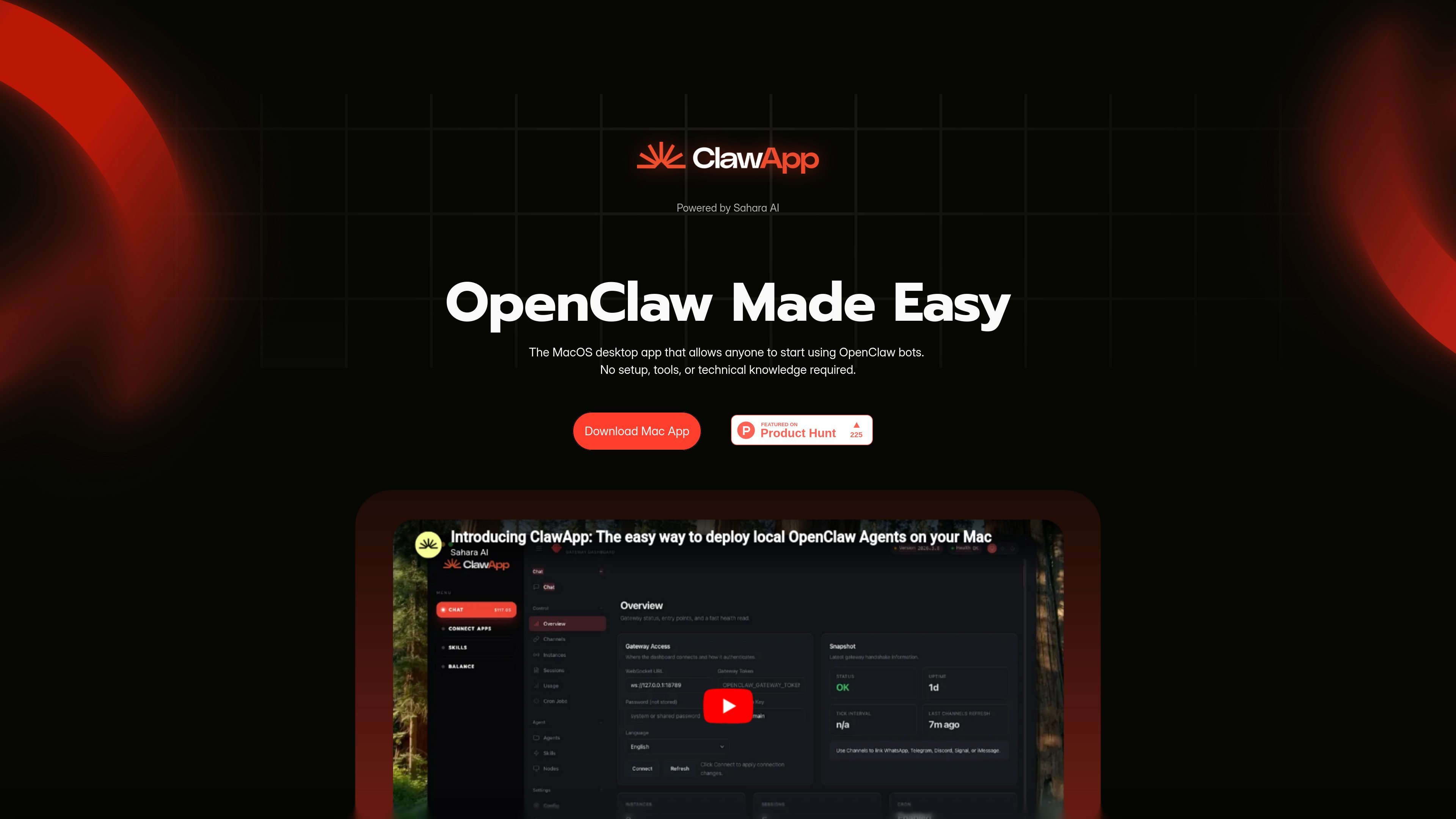
A macOS desktop app for creating, configuring and scheduling OpenClaw agents with hosted or local models.
ClawApp is a macOS desktop interface for running OpenClaw agents. Create an agent through guided setup or manual configuration, choose its model, and assign the skills, tools, MCP servers and permissions it can use. You can interact through chat or attach a recurring schedule for tasks such as document summaries, file organization and research.
Each agent can use a hosted model or a locally installed model through Ollama. The tools and access you enable determine which actions it can perform. Inspect run transcripts and delivery status to check what happened, rather than treating a natural-language instruction as proof that an action succeeded.
Build multiple agents and edit each agent's instructions, model, tools, skills, MCP servers and allow or deny permissions in the app.
Use Sahara-hosted model families, connect a compatible external provider, or choose local Ollama models. Different agents can use different models.
Create skills in the app or import existing Claude skills as .md files. Register MCP servers and assign tools to individual agents.
Attach scheduled tasks to an agent using its configured model, skills, tools and permissions. Results can be delivered in ClawApp, through Telegram, or both.
Inspect live activity, transcripts, run status, duration, delivery status and history, including failed or undelivered scheduled work.
ClawApp handles compatible runtime installation, health checks and configuration repair, with a gateway restart control.
Configure a research agent and a schedule, then send its summaries to the app or Telegram. Review the summary, its underlying sources, and the recorded delivery result before using the report.
Select a suitable local model and enable the required local resources for summaries, classification, extraction or file organization.
Use a local model for predictable repeated tasks and a hosted model for another agent when the workload needs different capabilities.
ClawApp supports macOS on Apple Silicon and Intel. Windows support is planned.
Install and run Ollama, download a compatible model, then open ClawApp. Detected local models appear under Models; select one for a new or existing agent. Check that the chosen model supports the tool use your workflow needs.
Sahara-hosted agent usage uses credits, with in-app top-ups. Local Ollama inference has no per-token model API fee, but it uses your hardware. External model providers and connected tools can have their own costs; introductory credits do not mean unlimited hosted use.
Ollama can keep model prompts and responses on your computer and run inference offline after download. Online services, remote MCP servers, messaging, and web searches use their own infrastructure and require connectivity. Offline tasks need all necessary data and tools to be available locally.
Open the run history to inspect the transcript, status, duration and delivery result. A run can fail or finish without delivering its output, so review both execution and delivery.
Traffic data is for reference only.
| Jun | 0 |
|---|---|
| Jul | 550 |
| Aug | 240 |
Traffic analytics are not available yet.

teamily.ai
Teamily AI is an AI-powered social collaboration platform for creating and managing AI agents across web, desktop, and mobile, with a free plan, paid tiers, and a 7-day Plus trial.

flower.ai
Open-source AI models, agents, and infrastructure for collaborative AI.

openbot.run
A desktop workspace for running teams of AI agents on your computer.

usekopai.com
Kopai is a hosted platform for building, running, publishing, and monetizing domain-specific AI agents. It supports internal team agents, marketplace listings, and deployment to a creator’s own site through live APIs.

dataiku.com
An enterprise platform for teams building and governing analytics, ML models, and AI agents.

langflow.org
A low-code builder for developers creating AI agents, RAG applications, and MCP servers.