
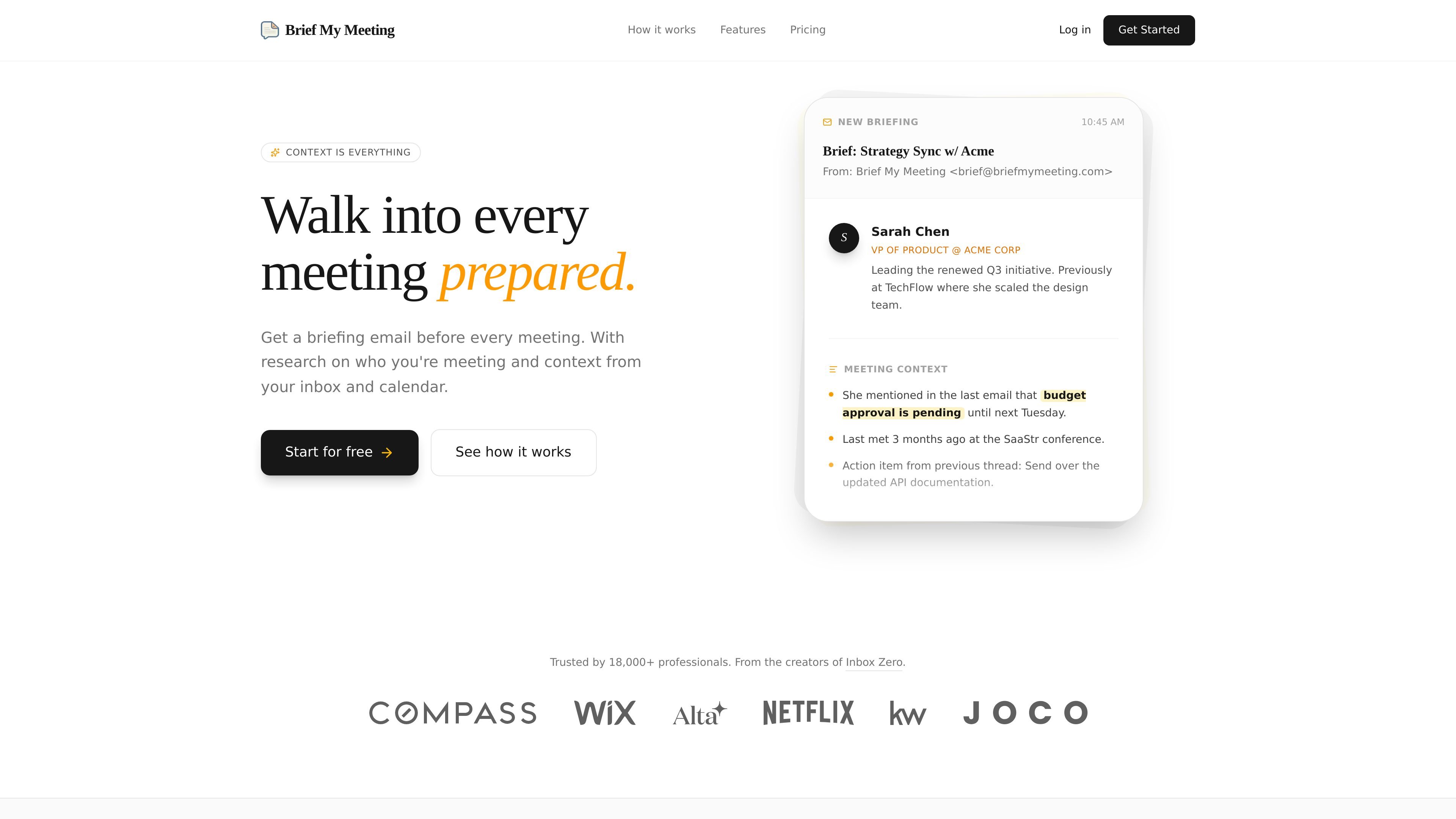
Email and calendar connection
Connects a Google or Outlook email account and calendar so the product can collect meeting-related context automatically.
Brief My Meeting sends AI-powered briefings before external meetings using your email and calendar context.
Brief My Meeting is an AI-powered meeting preparation tool that sends a briefing email before each external meeting. It uses context from your email and calendar to gather relevant history, attendee information, and related documents.
The product is designed for people who want to walk into calls already knowing who they are meeting, what has been discussed, and which follow-up items or files matter. The homepage shows it working with Google or Outlook email and calendar accounts, with briefings delivered 4 hours before meetings.
Connects a Google or Outlook email account and calendar so the product can collect meeting-related context automatically.
Builds a pre-meeting email that arrives 4 hours before external meetings, so context is ready before the call starts.
Surfaces attendee details such as LinkedIn profiles, company information, and role context for people in the meeting.
Pulls in prior email threads, past meetings, and attachments tied to the attendees so you can review the full interaction history in one place.
Shows the relevant documents and action items mentioned in earlier threads, helping users pick up where the conversation left off.
Replaces last-minute inbox digging with a single briefing that combines context from multiple sources.
Useful when a user has back-to-back meetings and needs a concise recap of prior emails, notes, and attachments without searching through the inbox manually.
Helpful for account managers, sales reps, or consultants preparing for external calls where attendee roles, company background, and prior exchanges matter.
Supports follow-up conversations by surfacing action items, previous thread details, and files referenced in earlier discussions.
Fits situations where a meeting includes new participants and the user wants a quick view of who they are and how they relate to the thread.
Works for teams that want a repeatable preparation process instead of rebuilding context before every call.
The homepage says you connect your email and calendar, then receive a briefing email before each external meeting. It does not describe a separate manual setup workflow beyond linking those accounts.
The source says it connects with Google or Outlook Calendar and Email. It does not list other integrations on the provided pages.
The site says briefings are sent 4 hours before each meeting, and the free trial lasts 7 days. It does not show separate team plans or an enterprise sales flow in the provided content.
The homepage says the service aggregates email, documents, and calendar events related to your meeting attendees, and surfaces LinkedIn profiles, company info, and role context. It also shows a sample briefing with prior emails, an attachment, and meeting history.
The pricing page in the provided source returns a 404, so the exact plan structure is not confirmed there. The homepage shows a monthly price with an annual discount and a 7-day free trial.
Traffic data is for reference only.

lindy.ai
AI executive assistant for email, meetings, calendars, and follow-ups

www.read.ai
Read AI is an AI meeting assistant and enterprise search tool that turns meetings, emails, and messages into summaries, transcripts, and searchable answers.

claralabs.com
Clara is an AI scheduling assistant that books meetings from email threads and works with Google and Outlook calendars.

fyxer.ai
Fyxer is an email assistant that organizes your inbox, drafts replies in your voice, and captures meeting notes. It supports Gmail and Outlook and offers a 7-day free trial.

slashy.com
Slashy is an AI email client that drafts replies, organizes inboxes, and handles calendar and follow-up tasks in one workflow for individuals, teams, and enterprises.

bondapp.io
BOND is an AI chief of staff that turns Slack, email, calendar, and docs into a ranked to-do list and follow-ups.