
Scene-aware inspection
Expose read-only information about objects, materials, animation, rigs, cameras, nodes, render settings, and `.blend` health to connected agents.

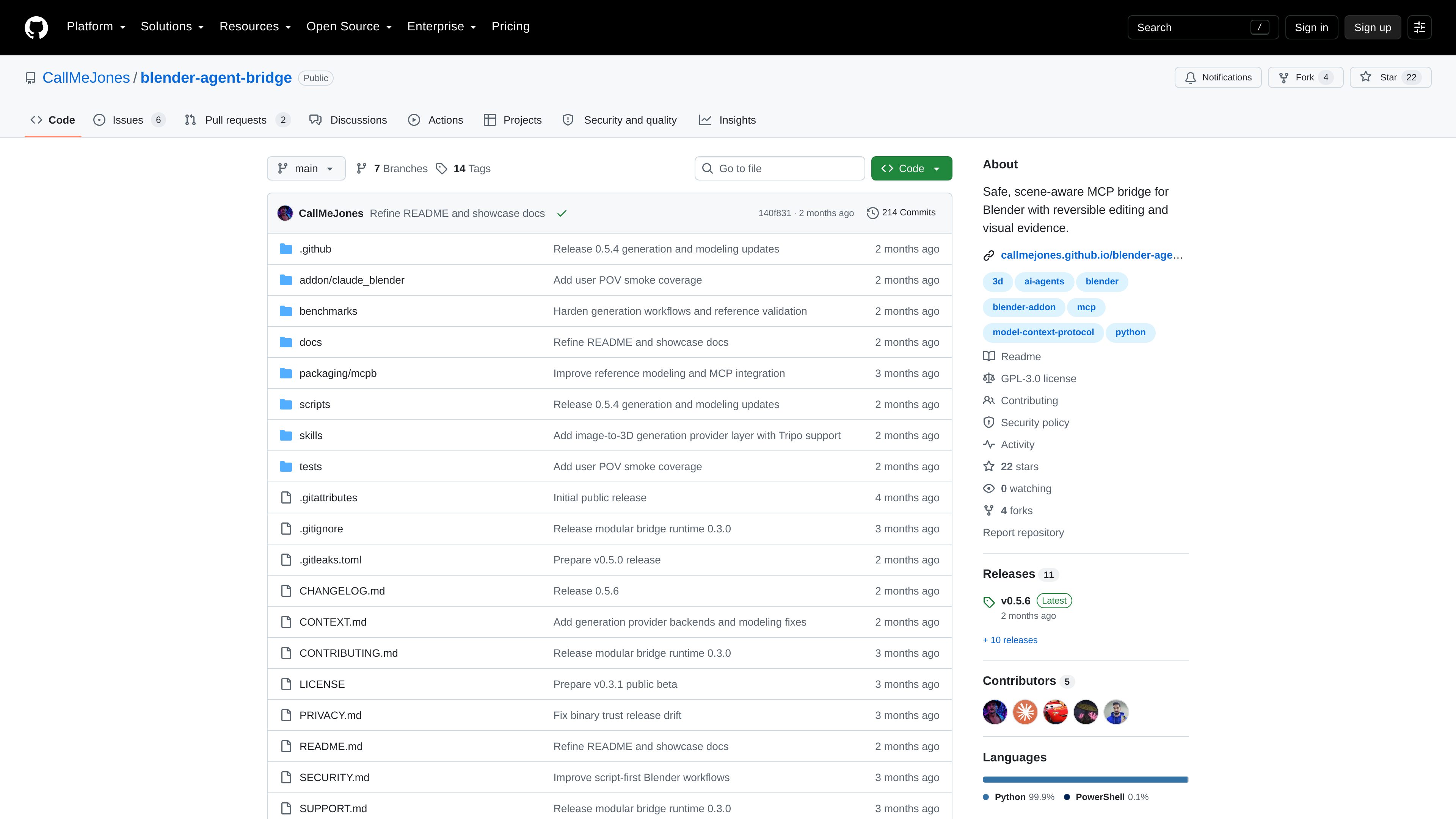
Blender Agent Bridge is a Blender extension and localhost MCP server that lets MCP-capable AI clients inspect Blender scenes, collect visual evidence, and make reversible edits. It is intended for users who want agent-assisted Blender workflows with explicit controls over trust and changes.
Blender Agent Bridge is a Blender extension paired with a localhost MCP server. It connects Blender to external, MCP-capable AI agents so they can inspect the open scene, gather visual evidence, and assist with scene changes while keeping trust and reversibility under the user's control.
The bridge is designed around scene-aware workflows rather than unrestricted automation. It provides read-only access to scene information and visual outputs, while helper edits can be reviewed through visible Commit and Revert controls. Running broader Blender Python requires an explicit session-trust setting in Blender.
Expose read-only information about objects, materials, animation, rigs, cameras, nodes, render settings, and `.blend` health to connected agents.
Provide viewport, playblast, inspection-render, thumbnail, and render-job evidence that an agent can review before proposing or applying scene changes.
Use helper-based editing with visible Commit and Revert controls in Blender, allowing users to review changes before making them permanent.
Keep broad Blender Python execution behind the separately enabled Trust Agent Scripts session setting rather than enabling it by default.
Run the bridge on localhost and copy a generated MCP configuration containing the local command, bridge URL, session token, version metadata, and tool-registry digest.
The repository documents provider-specific workflows involving Poly Haven, Sketchfab, Tripo, Meshy, local TripoSR, and self-hosted studio setups, with consent and provenance requirements.
Use an MCP client to examine scene structure and health across objects, materials, animation, rigs, cameras, nodes, and render settings before deciding what needs attention.
Request viewport captures, playblasts, thumbnails, or inspection renders so an agent can assess the visible result instead of relying only on scene metadata.
Apply supported helper edits, inspect the result in Blender, and use the visible Commit or Revert controls to keep or discard the change.
For workflows that require broader Blender Python access, explicitly enable session trust and run the authored operation only after accepting that higher-trust mode.
Start the bridge in Blender, copy its generated configuration, and connect it to Codex, Claude Desktop, Claude Code, or Cursor using the client-specific setup process.
The main installation is a Blender extension that includes the MCP server in its extension ZIP. The separate MCPB package is a connector format for Claude Desktop; it does not install Blender or the Blender extension.
The quick-start documentation requires Blender 4.2.0 or newer. The release workflow checks Blender 4.2 LTS, 4.5 LTS, and 5.1, while newer versions are allowed through capability checks rather than a fixed maximum-version gate.
Supported helper edits are reversible and exposed through visible Commit and Revert controls in Blender. Broader Blender Python execution requires the user to explicitly enable Trust Agent Scripts for the session.
The repository provides setup instructions for Codex, Claude Desktop, Claude Code, and Cursor. It describes the MCP connection as usable with other MCP-capable clients as well, but client-specific setup details may vary.
The bridge is described as enabling agent workflows without putting a chat application or model-provider key inside Blender. Optional external asset and generation workflows have provider-specific consent and provenance requirements.

usefiretower.com
Firetower is an open-source, self-hosted control plane for running coding agents on servers you own. It lets developers start agent sessions from repositories, monitor them from desktop or mobile clients, review changes, and ship branches without keeping the initiating device online.

0mcp.io
0mcp converts selected operations from an OpenAPI-described API into a hosted Model Context Protocol (MCP) server. It helps SaaS, platform, and internal teams make approved API actions available to MCP-compatible AI clients without implementing and operating the protocol layer themselves.

zapier.com
Zapier MCP connects AI clients such as Claude, ChatGPT, and Cursor to actions across Zapier’s app ecosystem. It lets an agent discover an appropriate action, request missing details, and execute it with authentication and permissions managed through Zapier.

bitrise.io
Bitrise Remote Dev Environments provides on-demand cloud VMs for developers and AI agents, using the same machines, toolchains, and caches as Bitrise CI or Build Hub. Teams can connect with familiar development clients, persist session state, and run agent workflows from template to pull request.

nuclia.com
Progress Agentic RAG is an enterprise platform that indexes documents, files, and media into a governed knowledge layer for search, assistants, and agent workflows, with tuned retrieval, citations, access controls, and tiered pricing.

theagentrouter.ai
Agent Router is an open-source Go project for managing unified access to generative AI services through Envoy Gateway. It is intended for teams that want a gateway-based control point for AI service traffic and related agent or MCP workloads.