
Automatic subject detection
AI detects the subject and removes the surrounding background after upload, reducing the need to trace an outline manually.

Free online background removal for product photos, portraits, and design assets.
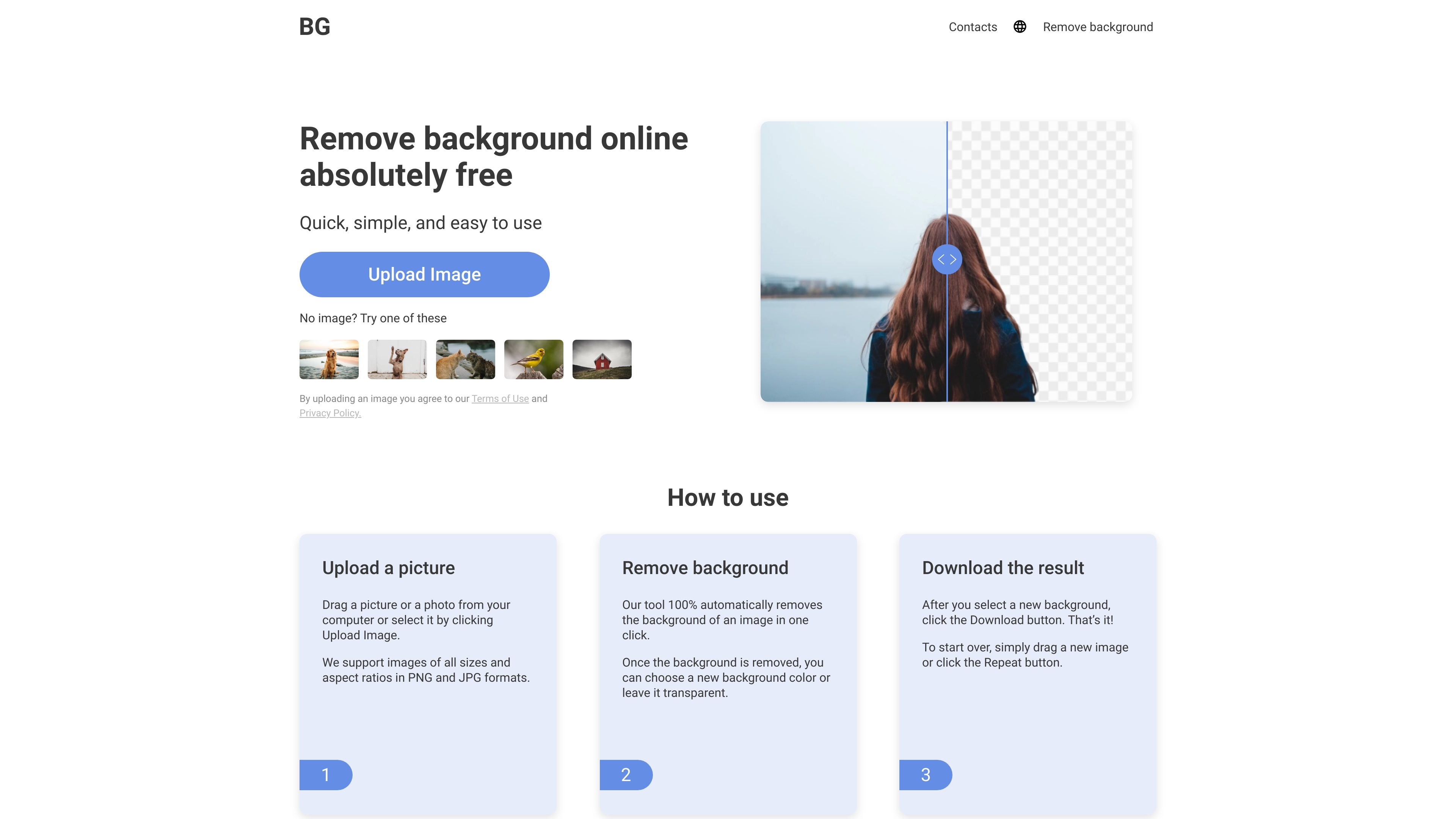
Background Remover is a free online image editing tool that uses AI to separate subjects from their backgrounds. It works with photos of people, animals, cars, and objects, helping users prepare isolated images for designs and business materials.
The workflow is straightforward: upload a picture, let the tool remove its background automatically, choose a transparent or solid-color background, and download the result. The service runs in a browser without requiring an account, software installation, or a plug-in.
AI detects the subject and removes the surrounding background after upload, reducing the need to trace an outline manually.
Keep the cutout on a transparent background for placement in another design, or select a new background color before downloading.
Upload images in PNG or JPG format by dragging a file into the tool or selecting it from your computer.
View the original image and processed result before saving, so you can assess the background removal.
Use the online tool from a PC, iPhone, or another mobile device without installing a dedicated editor.
Remove the surroundings from product pictures and choose a background color to prepare images for business use.
Isolate a person or object from a photo for use in a social post or banner, where the original setting would distract from the composition.
Create a cutout from a personal photo to place into a greeting card layout with a different backdrop.
Photographers and designers can process supplied photos into isolated assets for subsequent design work.
The website describes the service as completely free and says users can remove backgrounds from unlimited images at no cost.
The website states that it supports PNG and JPG images of all sizes and aspect ratios, including high-resolution pictures such as 1080p and 4K images.
After choosing the background, click Download to save the result. To begin again, drag in a new image or click Repeat.
Traffic data is for reference only.

fotor.com
Fotor is an online photo editor and design platform combining manual tools with AI for enhancement, background removal, image generation, and collages.

vectr.com
Vectr is a browser-based vector editor and logo maker with AI tools, image-to-vector conversion, background removal, and live collaboration.

removelayer.com
Online AI background removal and photo cleanup for sellers, creators, and designers.

vcows.net
Vcows is a multimedia suite for converting, editing, compressing, and enhancing video, audio, and image files, with Windows and Mac licenses plus AI tools for vocal, noise, stabilization, and background removal.