
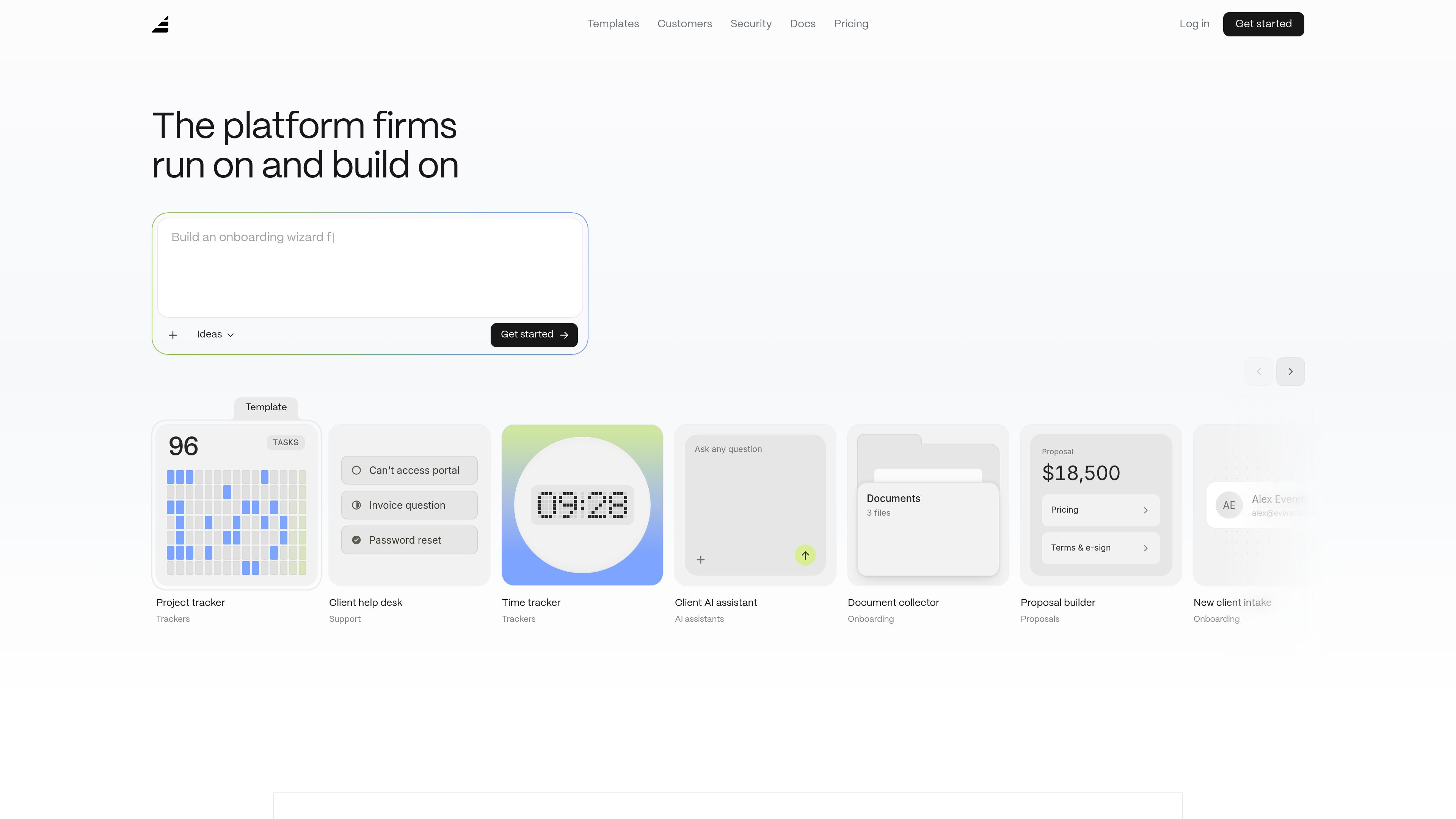
Plain-language app building
Users describe what they want in everyday language, answer a few product questions, approve a plan, and then let the builder create the app.

Assembly Studio is an AI app builder for professional services firms that turns plain-language requests into production-ready internal and client-facing apps, without stitching together separate tools.
Assembly Studio helps firms describe an app in plain language, review a generated plan, and publish a working application in their workspace. The site presents the product as a builder for real client and internal apps, not just prototypes, with support for authenticated, production-ready workflows.
The templates and customer examples show a focus on client experience software: onboarding, billing, document collection, project tracking, proposals, support intake, status pages, knowledge bases, and team collaboration. The product is positioned for service firms that want to replace scattered point tools with one build-and-run platform.
Users describe what they want in everyday language, answer a few product questions, approve a plan, and then let the builder create the app.
The template library includes common firm workflows such as onboarding, trackers, approvals, proposals, AI assistants, support queues, document collection, status pages, and client calendars.
The home page says apps can be refined by chat after they are live, which supports ongoing changes without restarting from scratch.
Examples on the site cover both client-facing experiences, such as portals and support, and internal tools, such as team communications, handbooks, and project tracking.
Pricing pages state that included apps come with hosting, storage, and AI usage built in, so firms are not separately metered for basic app operation.
Paid tiers add features such as custom domains, app visibility controls, automation builder, AI model selection, audit logs, client access permissions, enforced MFA, and SSO on enterprise plans.
Build a branded intake flow that collects goals, scope details, and documents, then routes clients through a structured onboarding process.
Create a portal for password resets, invoice questions, access issues, or other support requests that need to be organized into a queue.
Use templates for project trackers and time logs to record hours, monitor milestones, and keep a firm’s engagement work in one place.
Draft proposal workflows that include pricing, terms, and e-signature steps so clients can review and approve work in a guided flow.
Set up team-facing apps such as internal communications spaces, handbooks, or resource libraries for firm-wide updates and reference material.
Yes. The pricing page says the free plan includes 5 active contacts, 1 internal user, 50 build credits per month, and 3 apps.
The home page describes a four-step flow: describe the app in plain language, approve the plan, publish the app, and then keep refining it by chat.
Running out of credits does not break live apps. Existing apps keep running, and paid plans can add more build credits; on the free plan, credits refresh the next month.
Yes. The site says published apps are real, live apps that clients can use, and pricing notes that usage of live apps does not consume build credits.
Templates shown on the site include onboarding, trackers, approvals, proposals, AI assistants, support workflows, knowledge bases, document collection, status pages, calendars, and internal resource libraries.
Traffic data is for reference only.

dhiwise.com
Rocket is DhiWise’s AI app builder for turning plain-English ideas into production-ready apps.

superapp.dev
Superapp is an AI app builder that turns plain-English product descriptions into native Swift apps for Apple platforms. It supports browser-based building without a Mac, cloud previews, code export, and App Store publishing workflows.

trickle.host
Trickle is an AI app and website builder that uses a natural-language, agentic canvas to create live web projects, with built-in media generation, AI models, a database, and design tools for production-ready apps and websites.

codeflying.app
CodeFlying is an AI app builder that turns plain-language ideas into websites, mobile apps, and mini apps—helping creators build by chatting with AI instead of starting from scratch.

base44.com
Base44 turns plain-language prompts into apps and websites with built-in backend, hosting, and integrations—no coding required.

macaron.im
Macaron builds life-oriented mini-apps from plain-language requests and remembers your context over time.