
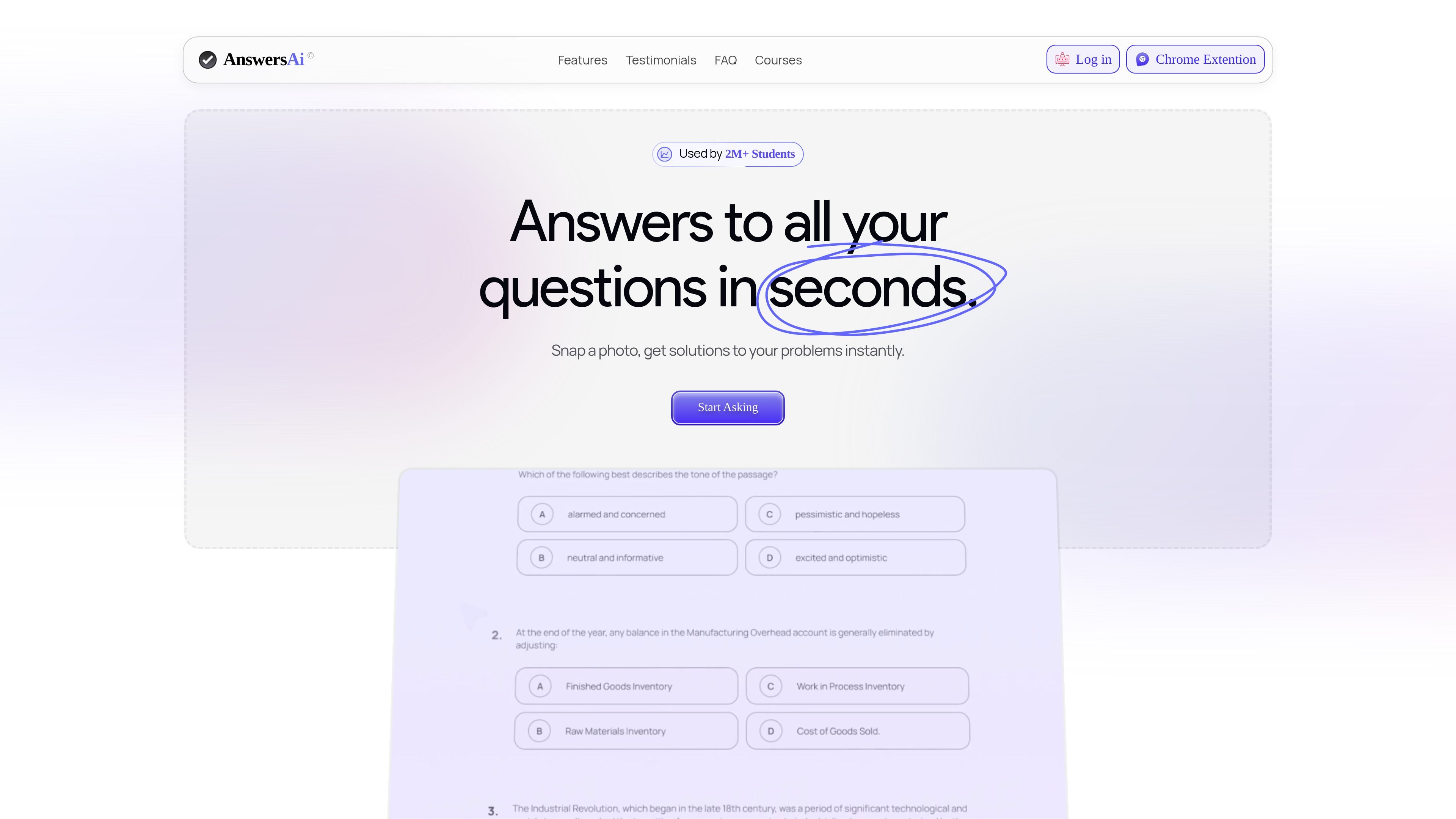
Snap a photo for answers
Take a photo or screenshot and receive an answer with supporting follow-up guidance, designed for quick homework and study help.

Answers AI helps students and educators with answers, study materials, assignments, grading, and progress tracking.
Answers AI is an AI-powered education platform for students and educators. It focuses on helping users get answers, study support, notes, quizzes, and assignment assistance through a mix of web, mobile, and browser-based tools.
The product's core workflow centers on snapping a photo or screenshot, using lecture mode for notes and summaries, and turning source material into quizzes. The site also presents an educator-facing set of tools for grading, class material creation, and student progress tracking.
Take a photo or screenshot and receive an answer with supporting follow-up guidance, designed for quick homework and study help.
Convert lecture video, audio, or text into notes, summaries, flashcards, and quizzes that can be saved for later study.
Turn uploaded links, PDFs, or other files into quizzes for review and practice.
Use the service on both mobile and desktop, with access through the website, a Chrome extension, and mobile apps.
Work with content in multiple languages, with the pricing page noting support for 80+ languages.
A student can photograph a homework question or screenshot a problem and get an immediate answer, then ask follow-up questions to work through the solution.
A student can use lecture mode to turn recorded classes or audio into notes, summaries, flashcards, and quizzes for exam preparation.
A student or learner can upload a link, PDF, or file and convert it into a quiz for self-testing and review.
An instructor or teaching assistant can use the educator tools to grade assignments, generate worksheets or quizzes, and track student progress.
Answers AI is available as a mobile app and a Chrome extension. The FAQ also says it currently works specifically with Google Chrome for browser use, while the mobile app is available on iOS and Android.
According to the FAQ, Answers AI does not use traditional passwords. You sign in with verification codes sent to your email or phone number.
The FAQ says subscriptions can be canceled from your account on the website, and the cancellation takes effect at the start of your next billing cycle.
Answers AI says it is a paid application, but the mobile app offers the first five questions for free so users can try the service before subscribing.
The FAQ says refunds are not provided under normal circumstances. Refunds are only considered in rare cases where a verified glitch or error occurred on Answers AI's end and valid proof is provided.
Traffic data is for reference only.

unstuckstudy.com
Unstuck AI turns course materials into study tools for students

coconote.app
Coconote turns lectures, meetings, and documents into organized notes, transcripts, and study materials with AI.

omnisets.com
AI flashcards and study tools that turn notes and files into review materials.

pdf2-anki.com
AI knowledge workspace for grounded Q&A and study materials