
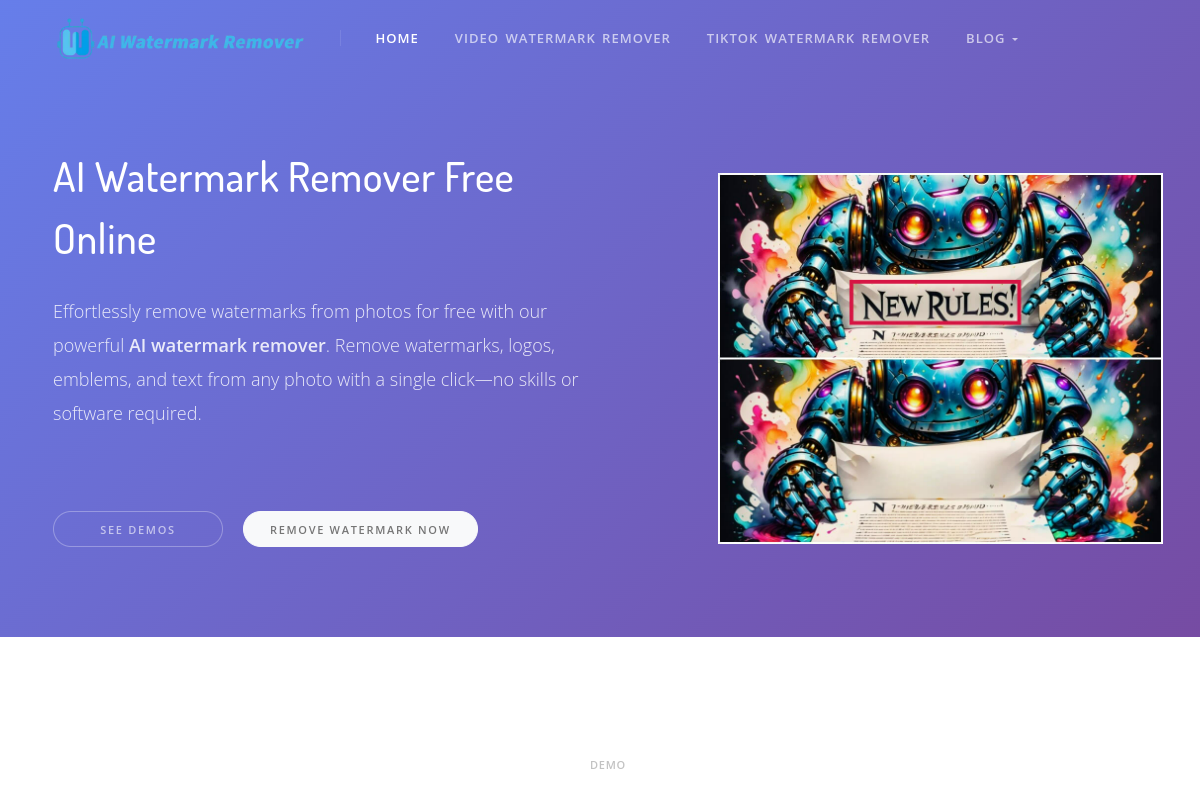
Brush-based removal
Upload a photo or video, then mark the watermark or object you want removed with the brush tool. The workflow is designed for manual selection rather than leaving the whole image unedited.

AI Watermark Remover removes watermarks from photos and videos online.
AI Watermark Remover is a web-based tool for removing watermarks from photos and videos. Its current workflow is manual: users upload media, brush over the area they want removed, and let the AI clear the marked region.
The site positions the product as a free online remover that does not add a new watermark to the output. It also says the service does not store data, and it highlights planned additions such as automatic text-watermark detection, batch removal, video watermark removal, and multi-platform video downloading.
Upload a photo or video, then mark the watermark or object you want removed with the brush tool. The workflow is designed for manual selection rather than leaving the whole image unedited.
The page says the AI can remove selected watermarks and restore the image without requiring Photoshop skills.
The service is described as free and as not adding a new watermark to the exported result.
The home page says uploaded data is not stored, which is relevant for users who want a lighter-touch handling of their files.
The site lists batch watermark removal as coming soon, with support for multiple image uploads.
The site also lists future smart watermark detection, video watermark removal, and multi-platform video downloads as coming soon features.
People who need to clean up a single image can upload it, mark the unwanted watermark, and export a clearer version without opening a desktop editor.
Users with short video clips can use the tool as a starting point for watermark removal, while noting that dedicated video watermark removal is listed as coming soon.
Creators who do not use Photoshop can follow the brush-based flow to remove a marked object or text area with minimal editing setup.
Teams or individual users who prefer a free online tool can use the service without seeing an added output watermark, based on the site description.
Users handling multiple images can note the batch-removal roadmap item, which indicates the product is being extended toward multi-file workflows.
The site says you upload a photo or video, then use the brush tool to highlight the area you want removed. The AI then removes the selected watermark or object and you can download the result.
The site describes the tool as free online and says it does not add a new watermark to the output.
The page says the current workflow requires manually marking the watermark or object to erase. It also says Smart Mode is expected to detect text watermarks automatically in the future.
The home page says privacy is prioritized and that the service does not store any data.
The page mentions photo and video watermark removal, while batch removal, video watermark removal, and multi-platform video downloading are marked as coming soon.
Traffic data is for reference only.
| Apr | 29797 |
|---|---|
| May | 43035 |
| Jun | 22948 |

cleanup.photo
Cleanup is a browser-based photo editor that removes unwanted objects, people, text, and watermarks with a brush-and-rebuild workflow. Free to use, no account required, and exports watermark-free PNGs.

bgsub.cn
BgSub is an online tool that automatically removes or replaces image backgrounds in your browser, with no need to upload image data. Ideal for quickly processing personal photos, product images, and marketing graphics.

immersity.ai
Immersity is a spatial media platform that transforms photos, videos, and digital content into immersive experiences with depth and motion for consumers, creators, OEMs, and tech teams.

erase.bg
Erase.bg is an AI background remover for images and short videos, helping users create transparent backgrounds for people, animals, and objects. It offers a free starter tier after sign-up, paid credit packs, and enterprise options for higher-volume workflows.

pixmiller.com
AI background remover for product photos and subject-based images, with web app and API automation

www.recumeai.com
Recume is a web-based AI car scanner that analyzes photos or short videos of car parts to provide a diagnosis, condition score, estimated repair cost, and follow-up guidance for a quick first look before repair or mechanic service.