
Blog and source-content video creation
Convert a blog URL into scenes with contextual images, or begin with other supported written or audio source material. Review the resulting narration and scene sequence before publishing.

Turn blog posts, text, PDFs or audio into narrated videos with AdoriAI, then review scenes, voiceovers and captions in a browser editor.
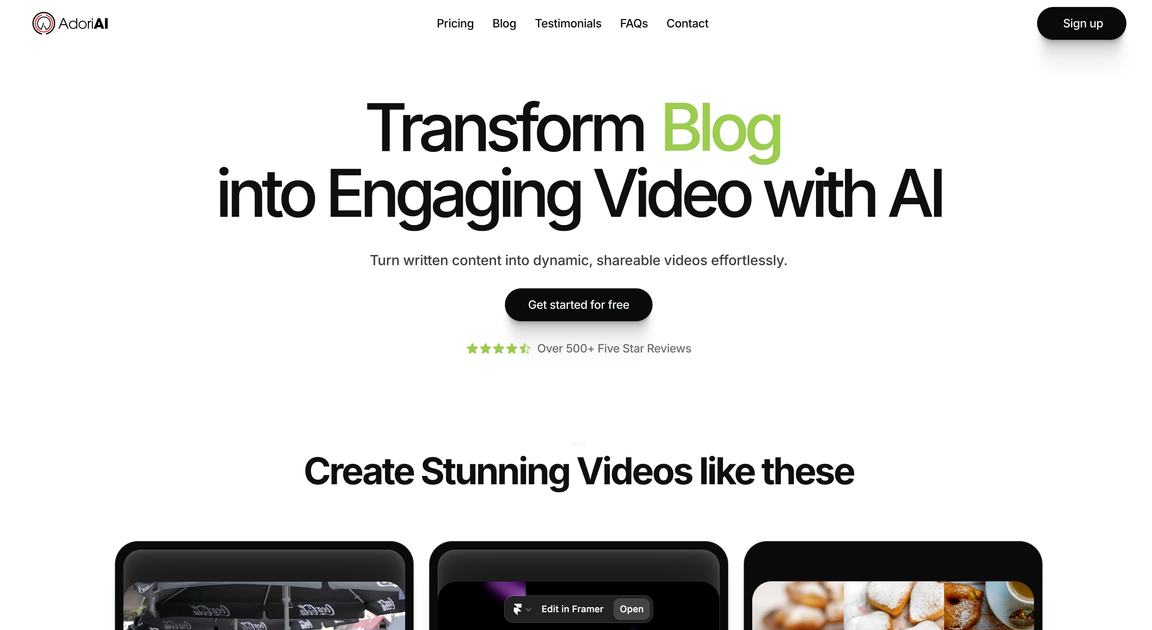
AdoriAI is an AI video creation platform for repurposing written and audio content. Start from text, a blog, a PDF, audio or a podcast, then combine generated scenes, contextual visuals, narration and captions. The browser editor provides scene switching and live preview so users can review and adjust the result.
For a blog URL, the guided workflow fetches the title and divides the article into paragraph-based scenes before voice and subtitle choices. The platform also has a talking-avatar workflow using a script or product brief. Project counts, script and podcast duration, resolution and generated-video-clip allowances depend on the plan.
Convert a blog URL into scenes with contextual images, or begin with other supported written or audio source material. Review the resulting narration and scene sequence before publishing.
Choose an AI voice for narration and add synchronized captions. Subtitle styling and caption edits let users adjust how the spoken content is presented.
Switch between scenes, preview changes and use editing options such as transitions and Ken Burns effects to adjust the video.
Choose an avatar or build one from a description or photo. Supply a script or product brief, add product images, and select orientation and resolution for the avatar video.
Link a YouTube account through the dashboard’s Google authorization flow. Then choose a video in My Videos, select YouTube and publish from the dashboard.
Use a blog URL as the starting point for a narrated video, review its paragraph-based scenes and adapt the captions and visuals for the audience.
Start with text or a PDF and review the generated video’s narration, scene sequence and supporting visuals.
Use audio or a podcast as source material while staying within the selected plan’s podcast-duration allowance.
Combine a script or product brief with product images and an avatar for a demonstration or social-video creative. Select the orientation for the intended placement.
The homepage offers a free starting option without a credit card. Check the current account and pricing options for project, image, storage, duration, resolution and generated-video-clip allowances.
Project counts, input duration, team access, output resolution and generation allowances depend on the selected plan. Review the current plan comparison before choosing a workflow.
Yes. Use scene-based editing and live preview, choose voice and subtitle styling, and review the result before publication.
Yes. Choose an avatar or create a custom one from a description or photo, provide a script or product brief, add product images and choose the orientation and resolution.
Yes, after connecting a YouTube account in the dashboard and granting its requested permissions through Google. In My Videos, select the finished video, choose YouTube and publish.
Traffic data is for reference only.

lumen5.com
Turn scripts, blog posts, transcripts, public webpage links and ideas into editable videos with AI-built scenes, visuals and timing.

narakeet.com
Create text-to-speech audio and narrated videos from scripts, subtitles, and slides.

anistudio.ai
Anijam is a web-based AI animation platform that turns text, scripts, images, or audio into animated videos. Creators, marketers, educators, and storytellers can build scenes, characters, lip sync, and timeline edits in one workflow.

fliki.ai
AI video generator that turns text, scripts, and more into narrated videos

deepbrain.io
AI video generator and editor for creating, translating, dubbing, and publishing videos from text, URLs, and files.

focalml.com
Focal is an AI video creation platform that turns ideas or scripts into finished videos, shows, and cinematic scenes, with visuals, voiceovers, and editing in one workflow.