
Screenshot-based homework help
Capture a question, diagram, graph, or other visual content and get help directly in the browser.

Aceify is a browser-based AI study tool for homework, quizzes, diagrams, graphs, and YouTube summaries, with a free plan and Aceify+ at $9.99/month.
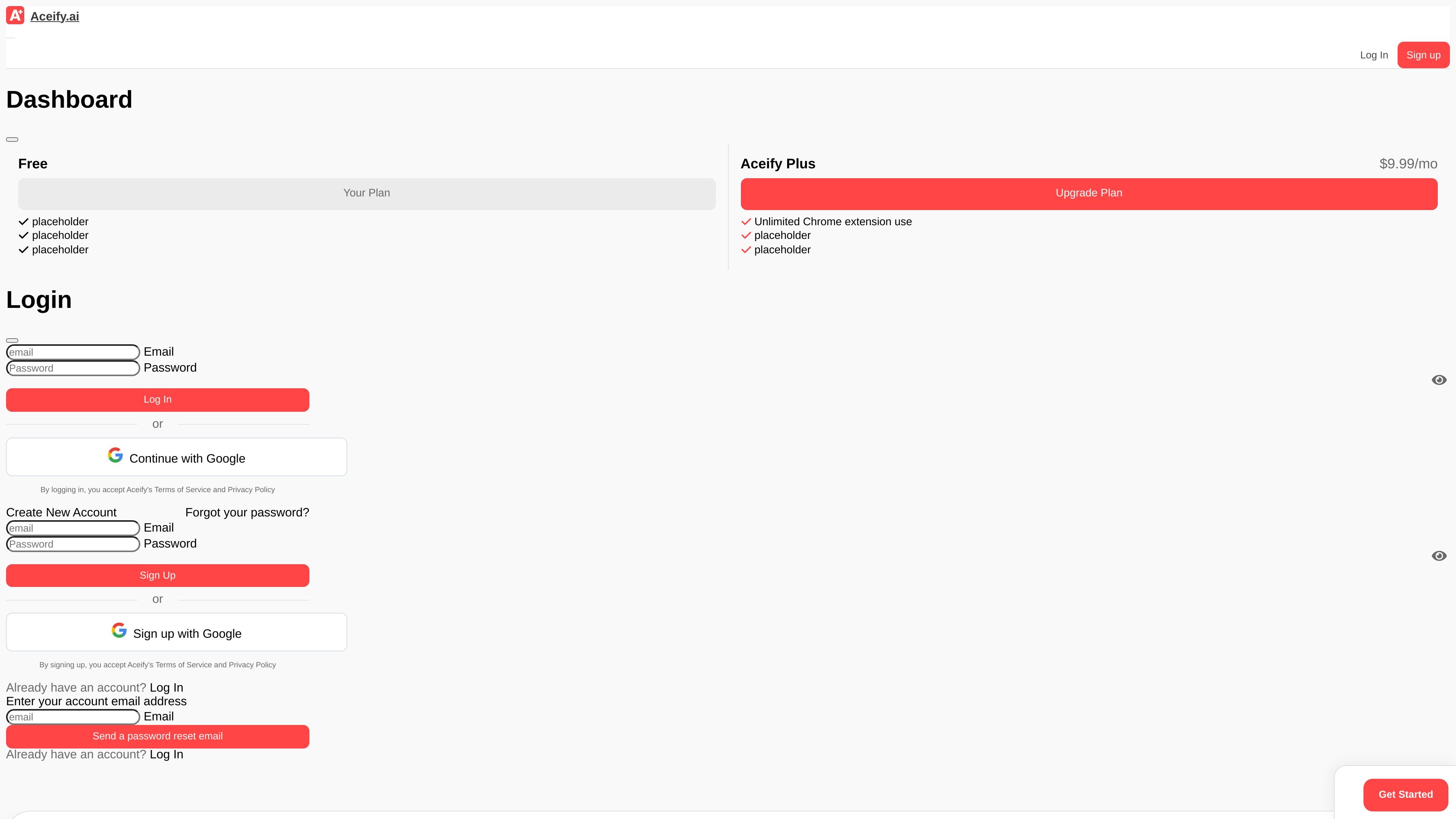
Aceify is an AI study tool that helps students answer homework questions, quizzes, diagrams, and graphs in the browser. Its main workflow is to let users capture a question with a screenshot tool or use the Aceify button on supported sites to get guided help.
The site also includes a separate YouTube video summarizer for turning video transcripts into concise summaries. Aceify offers a free plan, with an Aceify+ paid plan shown on the site for $9.99 per month.
Capture a question, diagram, graph, or other visual content and get help directly in the browser.
Use the Aceify button on supported sites to guide you toward an answer without switching tools.
Summarize YouTube videos with the dedicated video summarizer page.
Access the product from a Chrome extension and browser-based workflows.
Use it for homework questions, quizzes, diagrams, and graphs, according to the homepage copy.
Works on most platforms for screenshots and text selection, while site-specific autoselect support is limited to Canvas, Original Blackboard, and MoodleCloud.
Upload or capture a homework problem from the browser when you need help with a question, graph, or diagram.
Use the supported-site button on Canvas, Original Blackboard, or MoodleCloud to get help without leaving the assignment page.
Summarize a long YouTube lesson or tutorial into the main points before reviewing it again.
Check your own work and compare it with a generated answer before submitting, using the tool as a study aid rather than a shortcut.
Aceify is a browser-based homework helper that can answer questions from screenshots or, on supported sites, through the Aceify button. It also offers a YouTube video summarizer.
Yes. The site says Aceify has a free plan, but also notes that some question types have restrictions on the free plan.
Aceify says you can cancel Aceify+ from your account page. The plan remains active until the next billing date, then the account switches to the free plan.
The FAQ states that refunds are available if you contact [email protected] within 30 days of your most recent charge.
Aceify says Autoselect is currently compatible with Canvas, Original Blackboard, and MoodleCloud, and that the screenshot tool works on most websites.
Traffic data is for reference only.
birdseyes.ai
BirdsEyes maps your content into a personal interest graph, with quizzes, clubs, compatibility features, read-only YouTube and Pinterest connections, and free or paid tiers.

voicechanger.io
A free browser-based tool for changing recorded or spoken audio with voice and sound effects.

randomx.ai
Free browser tools for Chinese and Japanese names, random numbers, and more

turinq.com
AI quiz maker that turns study materials into quizzes, flashcards, and guides