
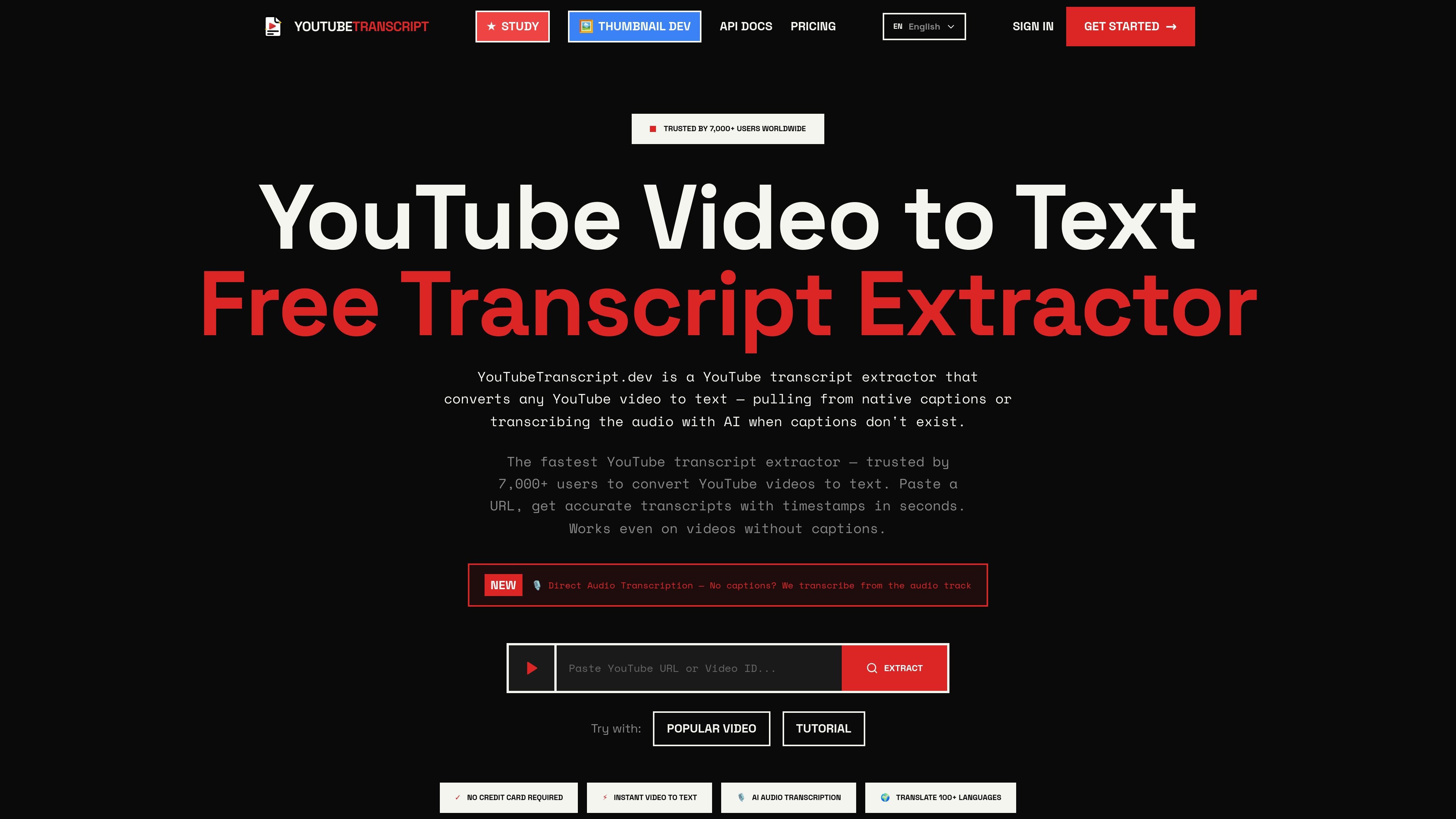
URL and ID input
Extract transcripts from YouTube videos by URL or video ID. The site says it supports standard links, shortened youtu.be links, and direct video IDs.

Преобразуйте видео YouTube в текст с субтитрами или AI-транскрибацией, экспортом, переводом и API.
YouTube Transcript Extractor is a web and API product for turning YouTube videos into text. It can read native captions when they are available and fall back to AI audio transcription when a video does not have subtitles, which makes it useful for a wide range of public YouTube content.
The product is designed for quick extraction, export, and reuse of transcript data. Its site highlights support for multiple output formats, translation into more than 100 languages, word-level timestamps, and a developer API for programmatic transcription, batch processing, and channel-based workflows.
Extract transcripts from YouTube videos by URL or video ID. The site says it supports standard links, shortened youtu.be links, and direct video IDs.
Pull captions when they exist, or use AI speech recognition to transcribe the audio track when captions are missing.
Export transcripts in TXT, JSON, SRT, and VTT formats, with timestamps included in the output.
Translate transcripts to more than 100 languages for reading or reuse in another language.
Use the API for single videos, batch jobs, and channel resolution. The docs also describe webhook delivery and sync/async job handling.
Work with word-level timestamps, synced subtitle viewing, and other transcript-enhancement workflows such as summaries, concept maps, and chat-based transcript analysis.
Pull a transcript from a single YouTube video, then export it in a format that fits editing, documentation, or archiving workflows.
Transcribe videos that do not have subtitles by using the audio fallback, which helps when a creator has not uploaded captions.
Translate a transcript into another language for review, localization, or sharing with multilingual audiences.
Automate transcript extraction across playlists or channels using the API and batch endpoints, especially for larger content libraries.
Use synced text, word-level timestamps, summaries, or transcript chat to study a lecture, interview, or tutorial more efficiently.
It extracts transcripts from YouTube videos by pulling native caption data when it is available, and it can fall back to AI audio transcription when captions are missing.
The site says you can export transcripts as TXT, SRT, VTT, or JSON, and the exports include timestamps.
Yes. The product states that its translation feature supports 100+ languages.
The free plan allows up to 10 YouTube transcripts with no credit card required.
The API documentation says the developer API supports sync and async processing, webhook callbacks, batch jobs, and channel and playlist-style extraction through batch and channel endpoints.
Данные о трафике приведены только для справки.
| май | 380 |
|---|---|
| июнь | 1487 |
| июль | 3338 |
Аналитика трафика пока недоступна.