
Avatars workspace
Choose a life-like avatar for a video, or turn an uploaded photo into a talking video.

Веб-приложение для видеопроцессов с аватарами, контентом, ресурсами, диалогами и действиями API
Yepic Studio is a browser-based AI video creation workspace. Turn text into a video, animate an uploaded photo as a talking video, or work with life-like avatars. The Studio product page lists creation in more than 110 languages with 450+ voices, plus music, transitions, video, images, text, and illustrations. Its API can connect video generation to an application. The live Studio page also lets visitors try video agents. Review the selected plan before relying on any feature or usage allowance.
Choose a life-like avatar for a video, or turn an uploaded photo into a talking video.
Use the video section of the Studio dashboard to access your videos. The official Studio page also offers text-to-video creation.
Add music, transitions, videos, images, text, and illustrations while designing a video in Studio.
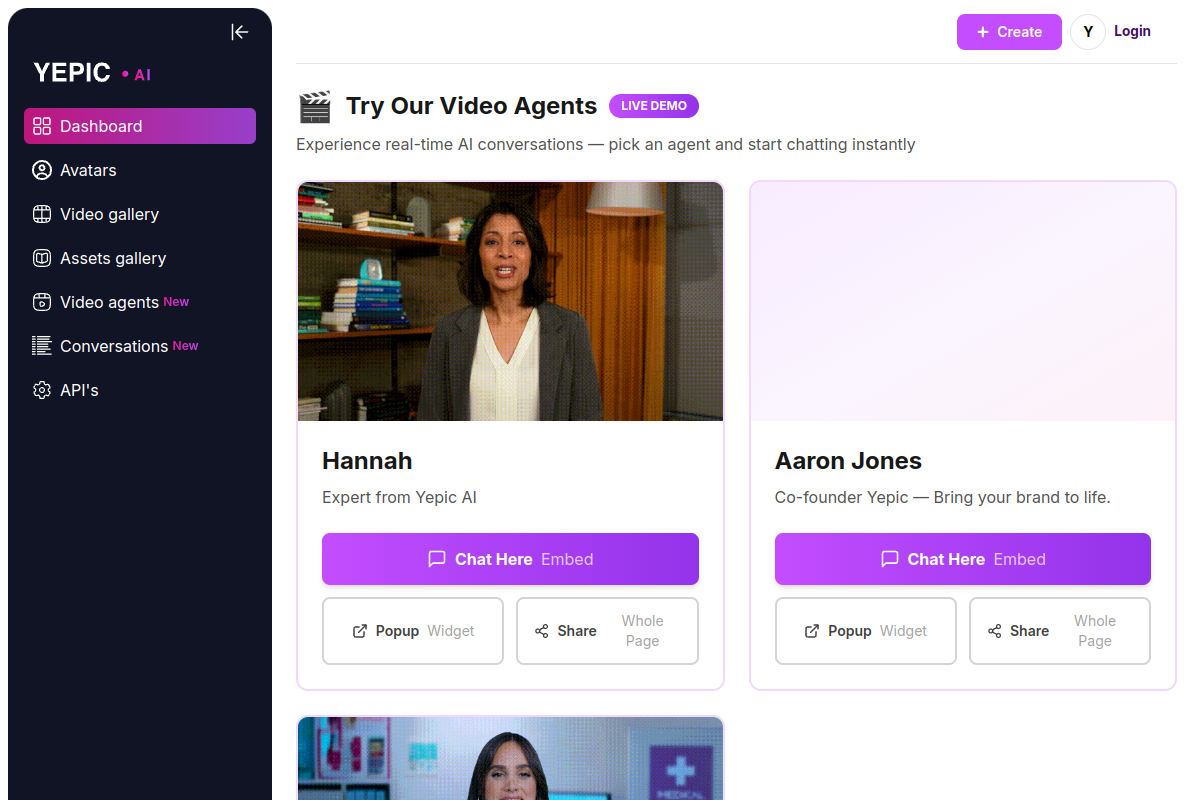
Try the video-agent live demo on the Studio site. Availability of other agent features depends on the selected product and plan.
The Studio product page lists video creation in more than 110 languages with over 450 voices.
Connect Studio video generation to your own application through the API described on the official product page.
Create a presentation video with a selected avatar and voice, then add text, images or music to suit your marketing or communication needs.
Upload a photo and turn it into a talking video for personalized messages, welcome videos or promotional content.
Use the available languages and voices to create onboarding, training or educational videos for different audiences. Review translated scripts and pronunciation before sharing.
Use the Studio API to add video generation to your own application, subject to the selected API access and usage terms.
Choose one of the live-demo agents on the Studio page and try a real-time AI conversation. Use the demo to evaluate how the interaction fits your intended use case.
Open Yepic Studio and create an account to begin. Its official product page offers text-to-video creation, talking photos, avatars, and video agents.
Create video from text or an uploaded photo, choose avatars and voices, and add music, transitions, images, or text. The live Studio page offers video-agent demos.
Review the current plans, usage allowances and access terms with Yepic before choosing a subscription. Confirm any API access needed for your application separately.
Yepic describes an API for connecting Studio video generation to your own application. Confirm the selected plan and API documentation before integration.
Данные о трафике приведены только для справки.