
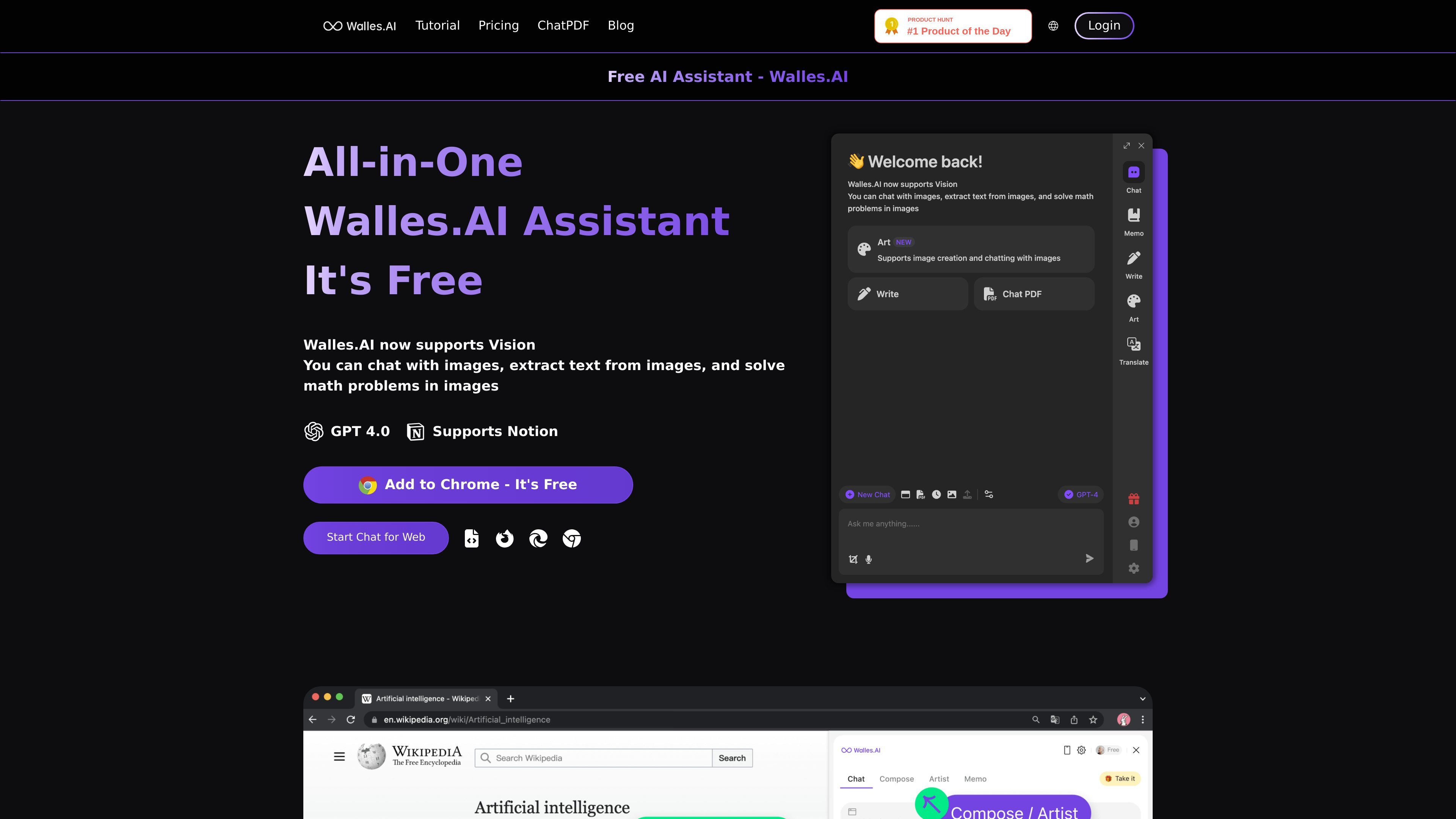
Sidebar chat on web content
Open the extension in a page sidebar and ask questions about the current website, a PDF, or a YouTube video without switching tools.

ИИ-ассистент на боковой панели Chrome для веб-страниц, PDF, YouTube и изображений
Walles.AI is a Chrome extension that adds a ChatGPT-style assistant to the browser sidebar. It is designed to answer questions, help read and rewrite web content, summarize PDFs and YouTube videos, and support everyday writing tasks without leaving the page.
The product is positioned as a free AI assistant with a Pro tier for heavier usage and advanced features. Its workflow centers on opening the sidebar with Cmd+M or Ctrl+M, then using the assistant on websites, PDFs, images, and video pages where the extension is supported.
Open the extension in a page sidebar and ask questions about the current website, a PDF, or a YouTube video without switching tools.
Use selected text actions to explain, translate, or paraphrase text directly from the page.
Export chat history and memo records to Notion so notes and answers can live in the same workspace.
Work with images using vision support to extract text and solve math problems from images, with OCR included in Pro.
On PDF pages, Walles.AI supports summaries, quick Q&A, and source-linked annotation for checking answers against the original document.
The site says the assistant can help write articles, read articles, summarize YouTube videos, and improve search workflows inside the browser.
Open a page sidebar chat to ask follow-up questions about an article, product page, or other web content while keeping the original page visible.
Upload or open a PDF to generate a summary, ask content-based questions, and check answers against cited passages in the original text.
Open a YouTube page and get a summary or outline instead of watching the full video before deciding whether it is relevant.
Highlight text on a page to translate, paraphrase, or explain selected passages when you only need help with a specific section.
Use the assistant for article drafting and note capture, then export chats or memos to Notion for later review.
Walles.AI is a Chrome extension powered by the ChatGPT API. It lets you start a sidebar chat with Cmd+M or Ctrl+M, read or rewrite web content, and use document-specific tools on supported pages.
The free plan is available to all users with a daily query limit. The pricing page also shows a Pro plan with expanded usage limits and access to Pro features.
Walles.AI works on regular websites, PDFs, and YouTube pages, but it does not work on new tabs, blank pages, or Chrome system pages such as Settings, History, and the Chrome Web Store.
You can use the sidebar chat to ask questions, summarize, translate, interpret, and rewrite content. The site also shows PDF-specific functions such as summary, quick Q&A, and citation-backed original annotation.
The pricing page states that Pro supports Chrome extension, iOS, Mac, Android, and Windows (coming soon), while the home page centers on the Chrome extension experience.
Данные о трафике приведены только для справки.
| май | 15703 |
|---|---|
| июнь | 11422 |
| июль | 11810 |
Аналитика трафика пока недоступна.