
Transcribe recorded or live content
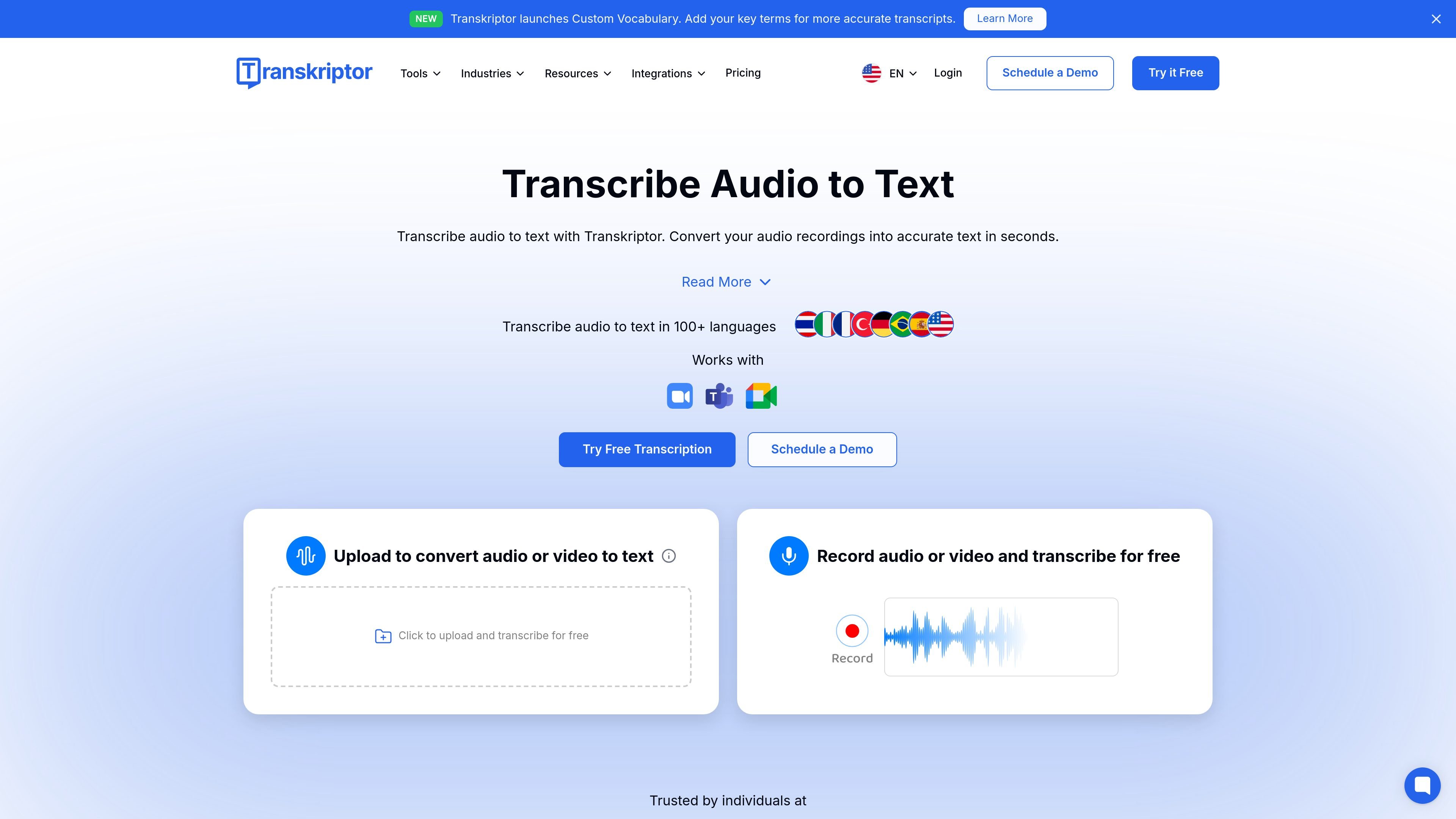
Upload audio or video files, record live sessions, or capture content from a browser extension, then receive an editable transcript for review.

Transkriptor с помощью ИИ преобразует аудио и видео в редактируемый текст для встреч, лекций, интервью, звонков и голосовых заметок. Доступен в веб-версии, на компьютере, мобильных устройствах и в Chrome; есть сводки, экспорт и пользовательский словарь.
Transkriptor is an AI transcription tool for converting audio and video into text. The site positions it for meetings, lectures, interviews, calls, voice notes, and other spoken content that needs to become searchable, editable text.
Across its web app, desktop app, mobile apps, and Chrome extension, Transkriptor supports recording, uploading, transcription, summaries, organization, and sharing. The product also adds related workflows such as speaker identification, translation, custom vocabulary, and meeting-focused automation.
Upload audio or video files, record live sessions, or capture content from a browser extension, then receive an editable transcript for review.
Generate meeting summaries and action items, with additional call analysis on Team plans such as speaker talk time and sentiment detection.
Search within transcripts, edit text and speaker tags, create folders, and organize workspaces for ongoing projects.
Translate, share, and download transcripts, with export options including TXT, SRT, Word, plain text, PDF, and CSV where stated.
Use custom vocabulary to improve recognition of names, acronyms, brand terms, and other specialized language.
Work across web, mobile, desktop, and Chrome extension workflows, including integrations with Google Drive and meeting bots for Zoom, Google Meet, and Microsoft Teams.
Record meetings, generate transcripts, and pull out summaries or action items for follow-up in team settings.
Turn lectures and presentations into searchable text so students can review, study, and organize class material.
Capture interviews, calls, and customer conversations for documentation, review, and internal reference.
Record voice notes or dictate rough ideas, then convert them into text for writing, planning, or content drafting.
Use the Chrome extension or app workflows to record browser-based meetings, screen sessions, or online presentations without switching tools.
Transkriptor lets you record or upload audio and video, then automatically generates a transcript you can review, edit, and download. The Chrome extension also supports recording your screen, camera, microphone, or combinations of those inputs.
The pricing page shows monthly and annual plans, including Lite, Pro, Team, and bulk options. It also states that annual billing saves money compared with monthly billing and that education users can get 50% off all plans.
The source pages indicate web, iOS, Android, and a desktop app for Windows and Mac. The Chrome extension page also describes browser-based recording and transcription.
Yes. The pricing page says the Team plan includes custom vocabulary, shared spaces, centralized team plan management, call analysis, and advanced analytics. The product pages also mention folders, workspaces, and collaboration on transcripts.
Transkriptor can export transcripts as TXT, SRT, Word, plain text, PDF, CSV, and other supported formats mentioned on the Chrome extension page. It also supports translation and sharing from the pricing page.
Данные о трафике приведены только для справки.