
Automatic transcription and subtitle timing
Generate subtitles from a video by selecting the spoken language. SubtitleBee transcribes the audio and syncs subtitle lines to speech; audio files can also be transcribed into text.

An online AI video subtitling editor for generating, translating, styling, and exporting captions.
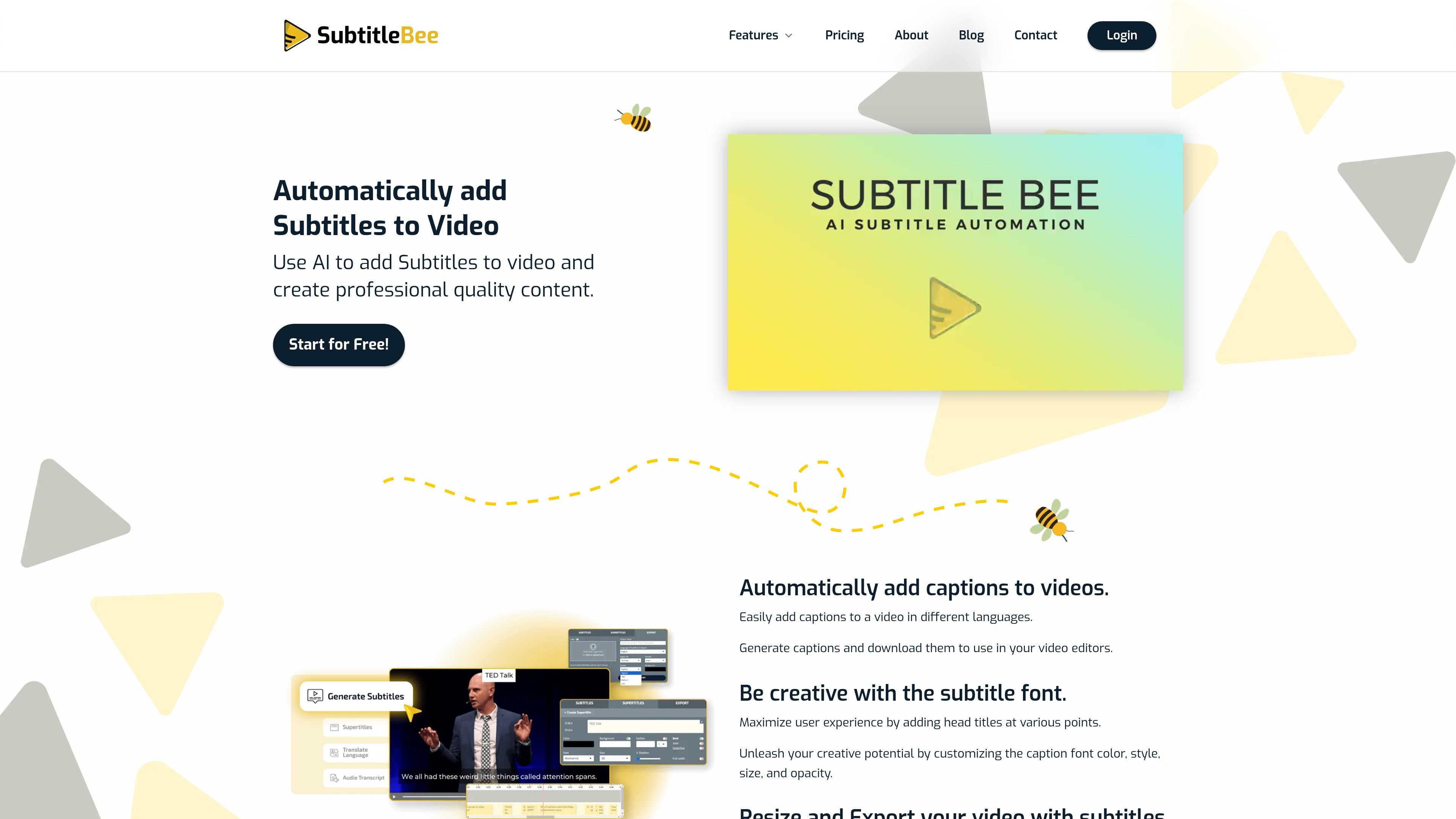
SubtitleBee is a browser-based tool for generating and editing subtitles for video and audio. It transcribes speech, synchronizes subtitle lines to the audio, and supports translation into more than 120 languages. Users can correct wording and timing, style captions, add text overlays, and resize or crop videos before exporting. The workflow is designed for creators, educators, and teams preparing accessible, multilingual, or platform-formatted video content. Videos can be exported with burned-in subtitles, or subtitle files can be downloaded separately.
Generate subtitles from a video by selecting the spoken language. SubtitleBee transcribes the audio and syncs subtitle lines to speech; audio files can also be transcribed into text.
Translate generated subtitles into more than 120 languages, including multiple translations from one upload. Plan limits vary by subscription tier.
Correct text and timing, then adjust subtitle font, color, size, opacity, and position. The editor also supports text overlays and custom logos on applicable plans.
Crop or resize video for different social formats, and optionally add a progress bar. Subtitle placement can be adjusted to remain visible in a crop.
Export a video with subtitles burned in as MP4, AVI, or MOV, or download subtitle files in SRT, ASS, VTT, or TXT formats.
Use the browser-based editor by uploading supported video files or pasting a video link. Supported upload formats listed on the site include MP4, MOV, WMV, AVI, and WebM.
Caption and reframe clips for formats such as Instagram Stories, TikTok, and Snapchat, with adjustable subtitle placement and optional text overlays.
Prepare instructional videos with readable captions, and add a school or creator logo where the selected plan supports it.
Translate a video's subtitle track into additional languages so audiences can follow the content across language boundaries.
Upload audio to produce a text transcript or subtitle file for show notes, editing, or repurposing spoken material.
Create subtitle and translation outputs for marketing or internal video workflows; higher-volume usage and tailored plans are available through the business and custom-plan options.
Yes. The Free plan includes 10 minutes of auto-subtitling and one video export per month. During the free trial, downloads are disabled and trial storage is retained for 14 days.
The site lists MP4, MOV, WMV, AVI, and WebM for video uploads. Burned-in video exports are available as MP4, AVI, or MOV; subtitle downloads include SRT, ASS, VTT, and TXT.
Yes. You can correct words, adjust subtitle timing, and change caption styling and position before exporting.
The pricing page says plans can be upgraded, downgraded, or canceled at any time, with the change taking effect at the end of the current billing period.
The pricing page describes one-time top-up credits for additional usage, and also suggests upgrading or contacting sales for a custom plan. Top-up availability depends on the plan.
Данные о трафике приведены только для справки.

lazyreel.app
LazyReel is a Mac video editor and screen recorder that turns raw footage into editable cuts with captions, B-roll, music, and platform-ready framing. It is designed for creators who want an automated first edit while retaining control over the transcript and timeline.

autocap.app
Automatic video captions, script generation, and teleprompter recording for creators