
Object removal
Automatically detects and removes unwanted objects from photos with a one-touch workflow.

AI-редактор фото для удаления объектов и фона, улучшения изображений и ретуши в браузере и мобильном приложении.
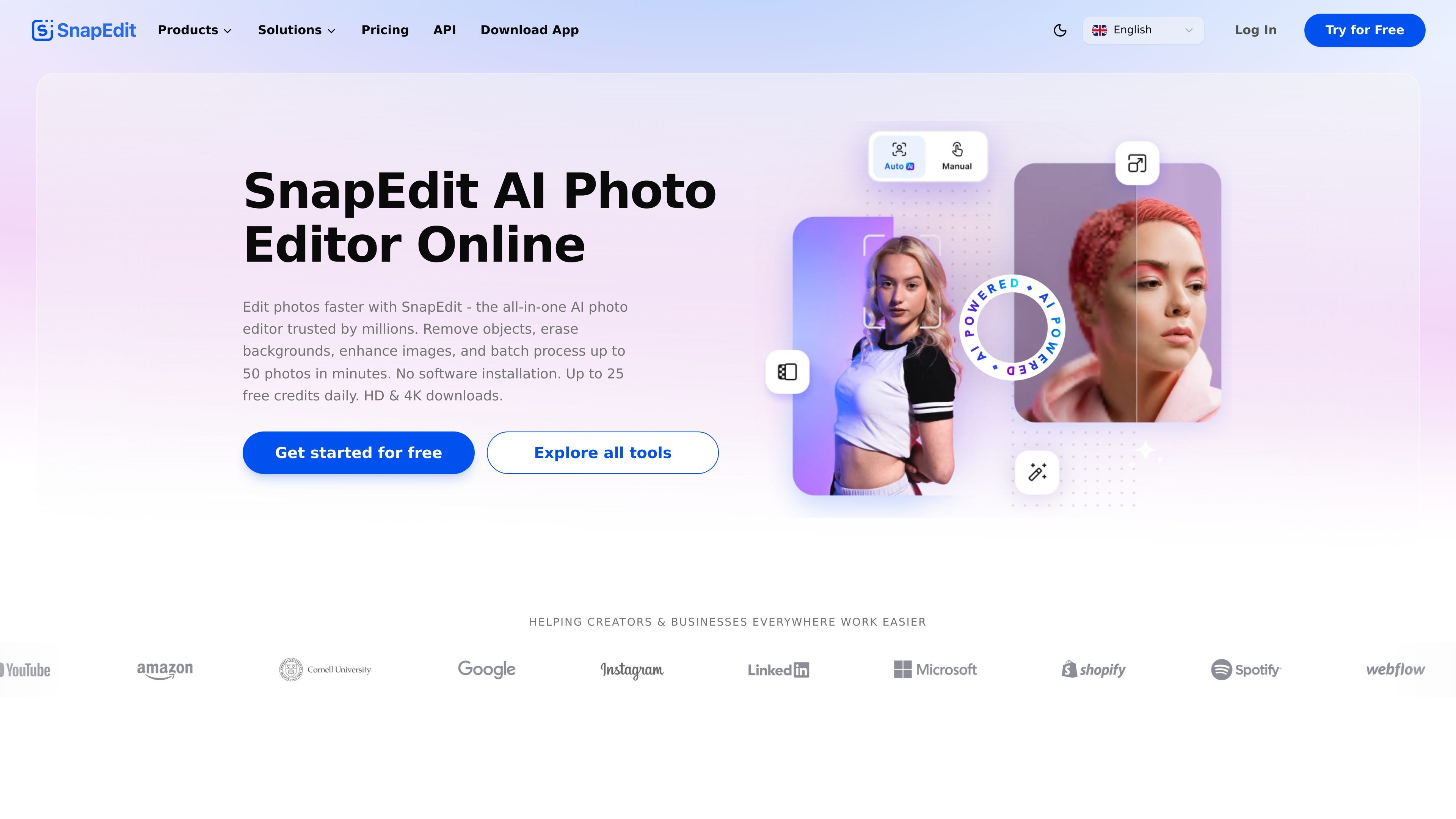
SnapEdit is an AI photo editor for removing distractions, improving image quality, and handling common retouching tasks in a browser or mobile app. Its home page describes it as an all-in-one editor with more than 25 tools, including object removal, background removal, enhancement, and batch processing.
The product is aimed at creators, ecommerce teams, designers, photographers, and everyday users who want to edit images quickly without installing desktop software. Paid plans add higher-tier export options, batch processing, and expanded AI features, while the free tier includes limited AI usage and standard exports.
Automatically detects and removes unwanted objects from photos with a one-touch workflow.
Removes backgrounds and can replace them with templates or other background options.
Enhances blurry or low-quality photos and offers higher-resolution export options on paid plans.
Retouches portraits by removing acne and blemishes and smoothing skin for cleaner results.
Processes multiple photos in a batch, which is useful when editing large sets of product or campaign images.
Includes tools for removing text, wirelines, and other distractions from images.
Creators can clean up social images by removing unwanted objects, improving sharpness, and preparing photos for posts or campaigns.
Ecommerce teams can standardize product images, remove backgrounds, and process multiple photos in one session.
Photographers can rescue blurry or dated shots by enhancing resolution, fixing distractions, and applying retouching tools.
Marketers and office users can remove text overlays, timestamps, wirelines, or other visual clutter from images.
Portrait users can smooth skin, reduce blemishes, and refine selfies or headshots before sharing.
SnapEdit can be used directly in a web browser, and the site also points to a mobile app. The pricing page includes a plan comparison that mentions mobile app PRO access for paid users.
The site says free users get daily credits, while paid plans add more credits and features such as no-watermark exports, batch processing, and higher-quality exports depending on the plan.
The pricing page says unused credits roll over as long as you stay subscribed.
Yes. The pricing page says you can cancel anytime.
SnapEdit says it provides AI tools for removing objects, removing backgrounds, enhancing images, retouching skin, removing text, and related photo-editing tasks, with support available by email.
Данные о трафике приведены только для справки.