Polishes spoken input
Removes fillers and false starts and reshapes a spoken draft into readable writing, rather than returning only a word-for-word transcript.

Turn spoken ideas into clear emails, notes, articles, and summaries.
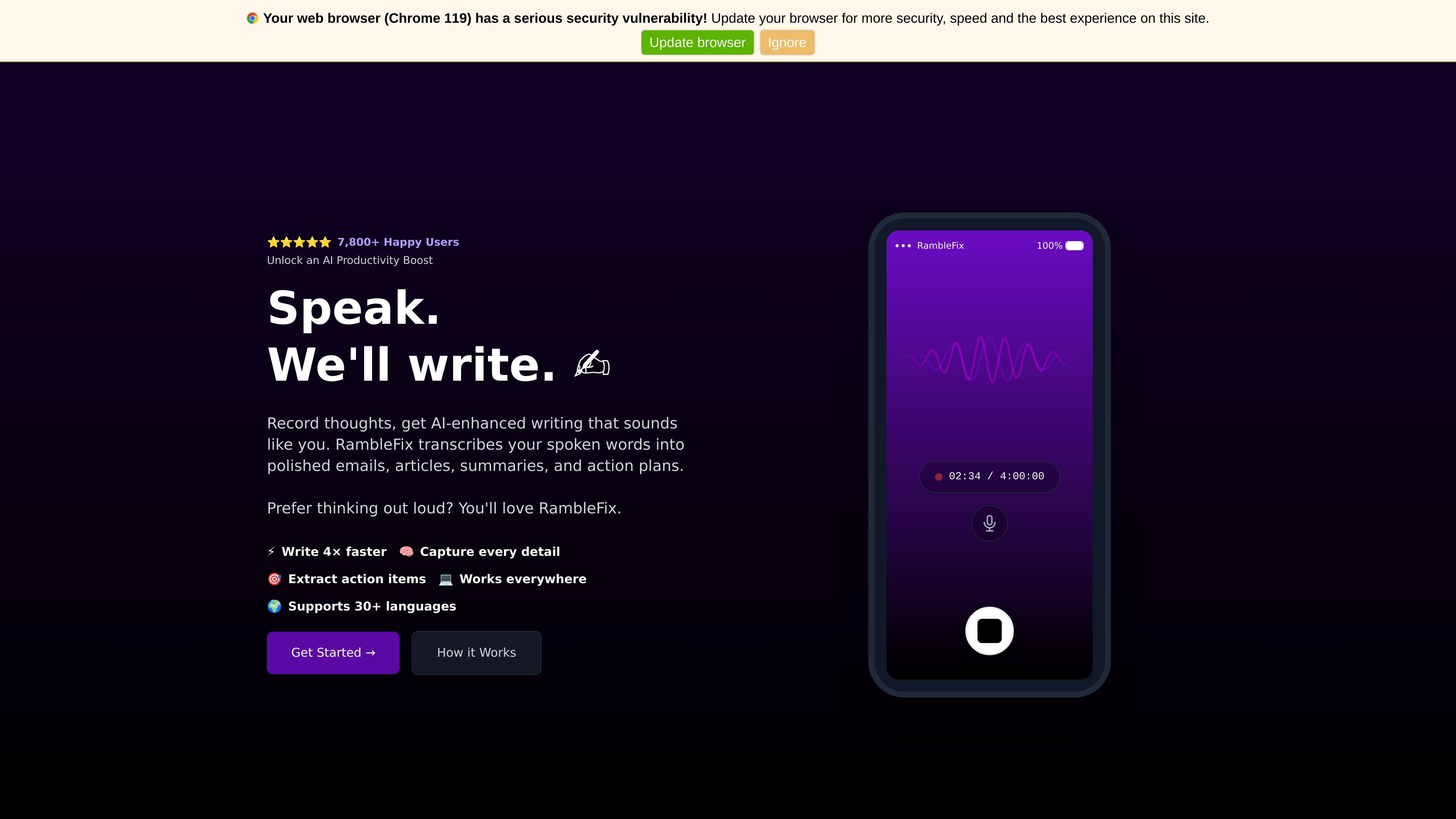
RambleFix is a voice-to-writing app for web, iPhone, and Mac. It cleans up natural speech, including rambling thoughts and false starts, into text such as emails, notes, articles, summaries, and action items. On Mac, a hotkey starts dictation and inserts the result where your cursor is.
It is useful for people who think aloud or want to draft writing without starting from a blank page. The free allowance covers 1,000 words each month on Mac and web; paid subscriptions offer additional usage and features.
Removes fillers and false starts and reshapes a spoken draft into readable writing, rather than returning only a word-for-word transcript.
On Mac, a keyboard hotkey starts dictation and the polished result is inserted at the cursor in the active app.
A recording or spoken draft can be turned into an email, note, article, summary, meeting recap, or set of action items.
RambleFix is available through a browser and apps for iPhone and Mac, with system-wide dictation described for Mac.
The product states that it supports more than 30 languages.
Speak a reply after a call or conversation, then review the polished draft before sending.
Create a recap and action list from spoken meeting notes to prepare follow-up work. Review and distribute the resulting text yourself.
Talk through rough thoughts and use the cleaned-up text as a starting point for a blog post or article.
Talk through the day and extract next steps into a to-do list.
Turn spoken interview notes into cleaned-up writing to use as the starting point for an article, then review the details before publication.
RambleFix is available on the web, iPhone, and Mac. Its Mac app supports dictation into the active app at the cursor.
Yes. RambleFix cleans fillers and false starts from dictation and can turn spoken thoughts into an email, note, article, summary, or action list. Review the resulting text before using it.
Free includes 1,000 words each month on Mac and web, with no payment card required. Paid subscriptions are billed monthly or annually and renew automatically. You can set a subscription to end at the close of the current billing cycle through account settings.
RambleFix’s policy says it does not use data or audio recordings to train AI models. Audio is stored temporarily for transcription, then deleted from its systems. Other personal and usage data may be retained for service, legal, and analysis purposes.
Данные о трафике приведены только для справки.