
AI image upscaling
Upscale low-resolution images with an AI workflow built around Real-ESRGAN-based enhancement rather than a simple resize.

Веб-сервис для AI-увеличения и улучшения фото, аниме-арта и изображений товаров с бесплатным улучшением до 200% и платным выводом в 2K/4K.
Nightmare AI is an online AI image upscaler and enhancer for enlarging images while improving visible detail. The site positions it as a tool for photos, anime art, product images, and other low-resolution files that need cleaner output at a larger size.
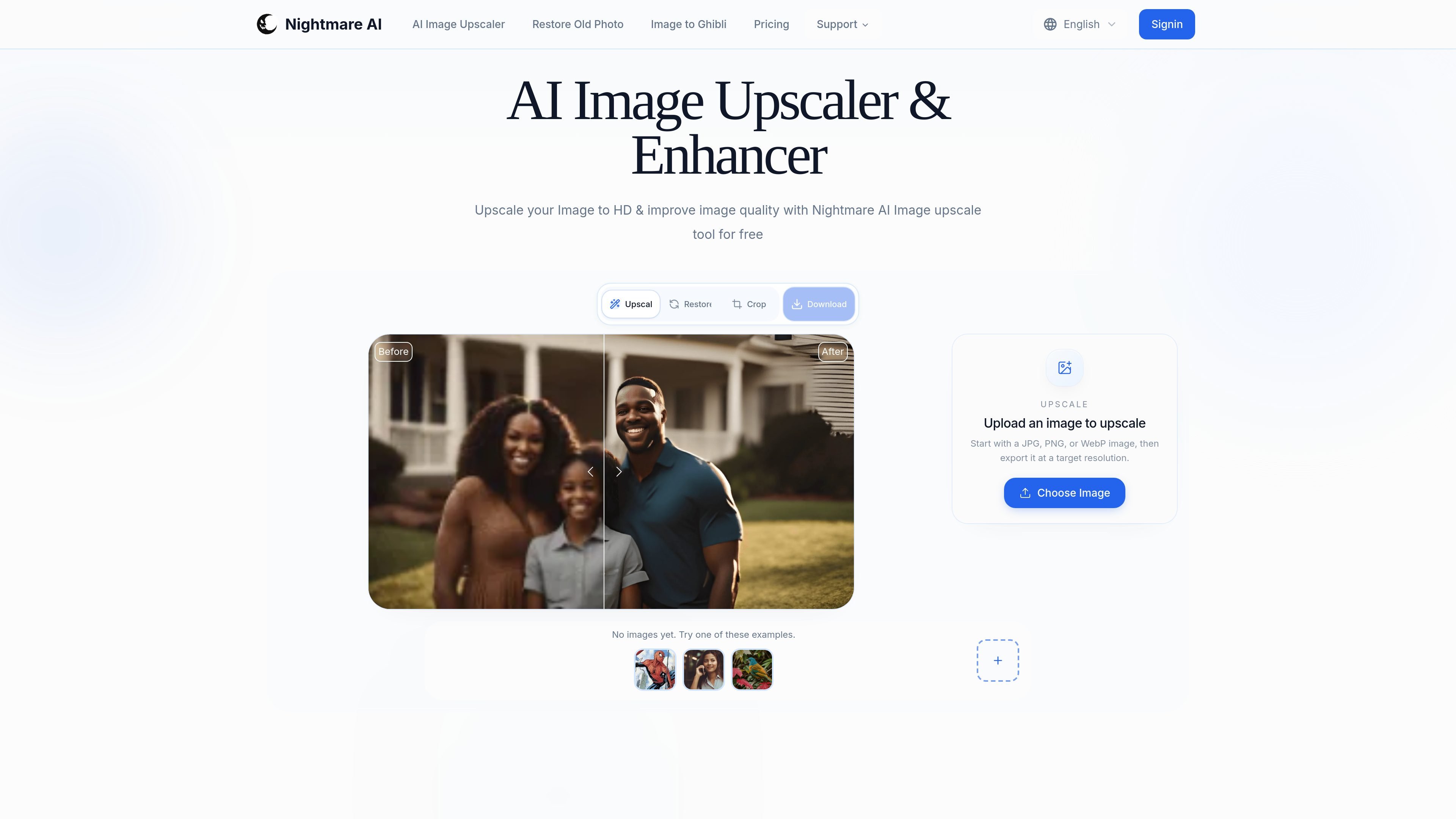
Its workflow centers on uploading a JPG, PNG, or WebP file, choosing an output level such as 200%, 2K, or 4K, and downloading the enhanced result. The site also says batch uploads are supported, and its pricing page shows credit-based paid plans for higher-resolution output.
Upscale low-resolution images with an AI workflow built around Real-ESRGAN-based enhancement rather than a simple resize.
Increase image resolution to 2K or 4K when you need higher-detail exports for printing, presentation, or display.
Start with a free 200% upscale to check quality before moving to a higher-resolution export.
Upload more than one image at a time to process a set of photos, scans, or artwork together.
Export finished files as JPG, PNG, or WebP so the result fits your next workflow without extra conversion.
Use the same tool for photos, anime, illustrations, product images, and screenshots according to the site’s examples and FAQs.
Restore older family photos or scans before archiving, sharing, or sending them to print. The upscaling step can make the image clearer before any deeper restoration work.
Improve marketplace listings, product galleries, and ad creatives when the original image is too small for modern ecommerce presentation.
Enlarge manga, anime, and illustration files for wallpapers, mockups, or print-ready assets while preserving lines and color areas more cleanly than a basic resize.
Process several images together when you have a backlog of scans, product shots, or creative files that all need a higher-resolution export.
Use the free 200% option to evaluate quality on a specific image before deciding whether to pay for a 2K or 4K export.
Nightmare AI is an online AI image upscaler and enhancer that uses a Real-ESRGAN-based model to increase image resolution while improving visible quality. The site says it can upscale images up to 4K and includes optional face correction.
The site says you can start with the free 200% upscale option. Higher-resolution 2K and 4K outputs are part of the paid credit-based plans.
You can upload JPG, PNG, or WebP files up to 10MB, then download the enhanced image as JPG, PNG, or WebP.
The workflow is upload, choose the output level you need, and download the enhanced result. The site also notes that batch uploads are supported.
The pricing page shows monthly and yearly plans with credits, including a Basic Yearly plan and a Standard Yearly plan, and it lists card and PayPal as payment options.
Данные о трафике приведены только для справки.