
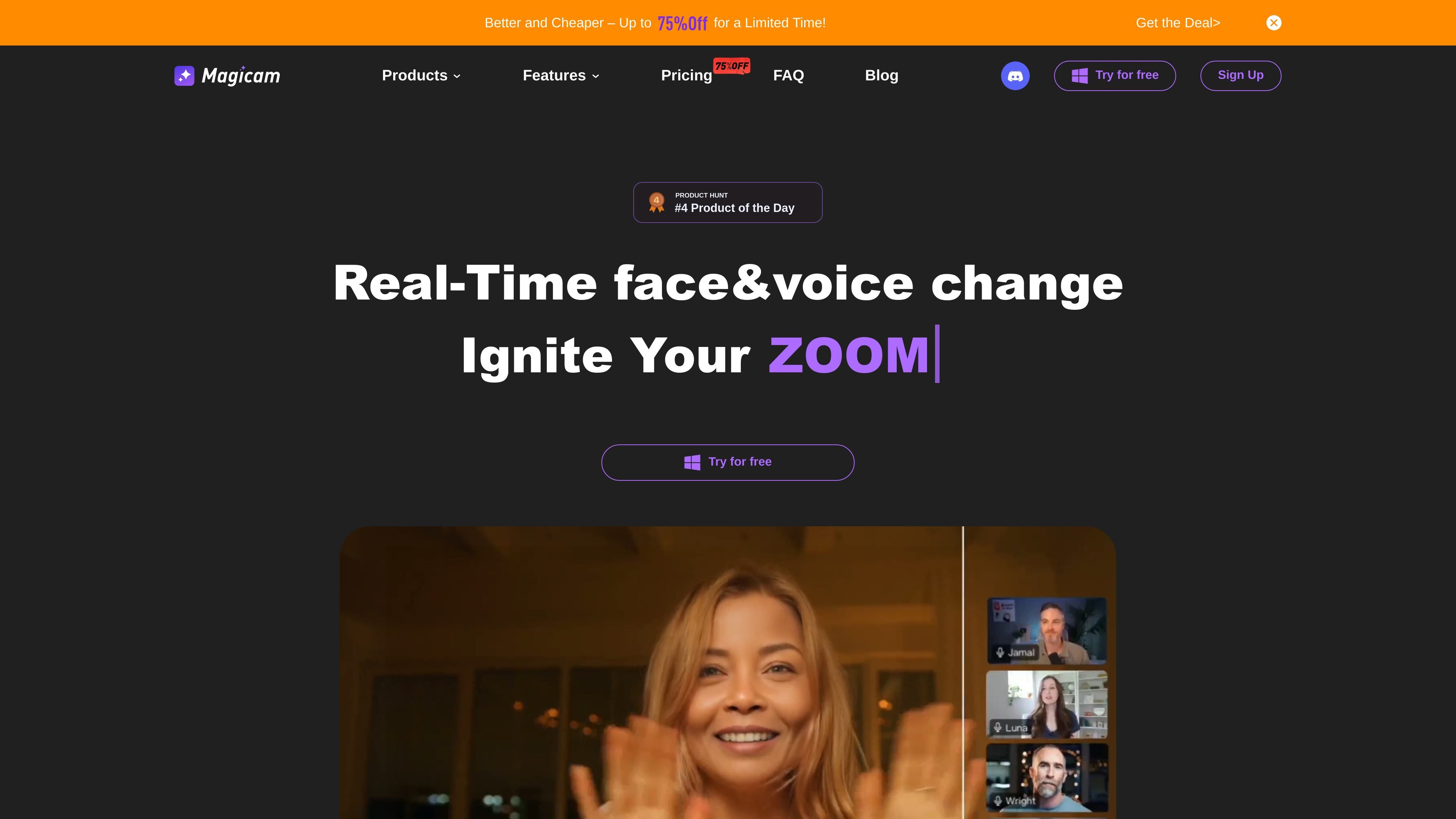
Real-time face and voice change
Swap faces in real time during live video use cases, with the homepage also describing support for simultaneous face and voice change.

Замена лица и изменение голоса в реальном времени для стримов, видео и конференций
Magicam is a face swap and voice change tool focused on real-time use in live streams, video recording, and other camera-based workflows. The homepage describes it as able to swap faces using a single photo, with a mode that combines face and voice change at the same time.
The product page positions Magicam for conferences, live streaming, and video recording, and it also mentions compatibility with a built-in virtual camera and embeds for Zoom or Twitch. The source indicates a Free version and a Pro version, but the pricing page itself returned an error, so detailed plan terms are not available from the provided evidence.
Swap faces in real time during live video use cases, with the homepage also describing support for simultaneous face and voice change.
Start from a single photo and use one-click face swapping, with additional adjustment controls for more precise output.
Create face-swapped video with a focus on higher-quality output, including support for 4K HD video FaceSwap in Pro.
Unlimited face uploads and unlimited face-swap duration are listed as Pro features, which suggests the tool is designed for longer sessions and repeated testing.
A built-in virtual camera and embeddable support for Zoom or Twitch are listed on the homepage, indicating workflow fit for streaming setups.
The homepage says data is processed locally, which keeps media on the user’s computer rather than uploading it to the cloud.
Use Magicam during live broadcasts when you want to swap a face in real time while keeping the workflow inside a streaming setup.
Apply the tool to recorded clips when you need face-swapped video output for creative edits or content experiments.
Use the built-in virtual camera or Zoom/Twitch compatibility for presentations, calls, or online events that need a face change effect.
Use the one-photo face swap workflow when you need a quick result without building a complex media setup first.
Use the face-and-voice change modes for playful or stylized content where both visual identity and audio presentation change together.
Magicam is presented as a real-time face and voice change tool that can swap faces in live streams and video creation.
The homepage says Magicam processes data locally without uploading it to the cloud.
The homepage states that a dedicated graphics card is required, preferably an RTX 2070 or higher, for better performance.
The source shows Free and Pro versions, but the pricing page itself returned a server error, so the full plan details are not available from the provided evidence.
Данные о трафике приведены только для справки.