
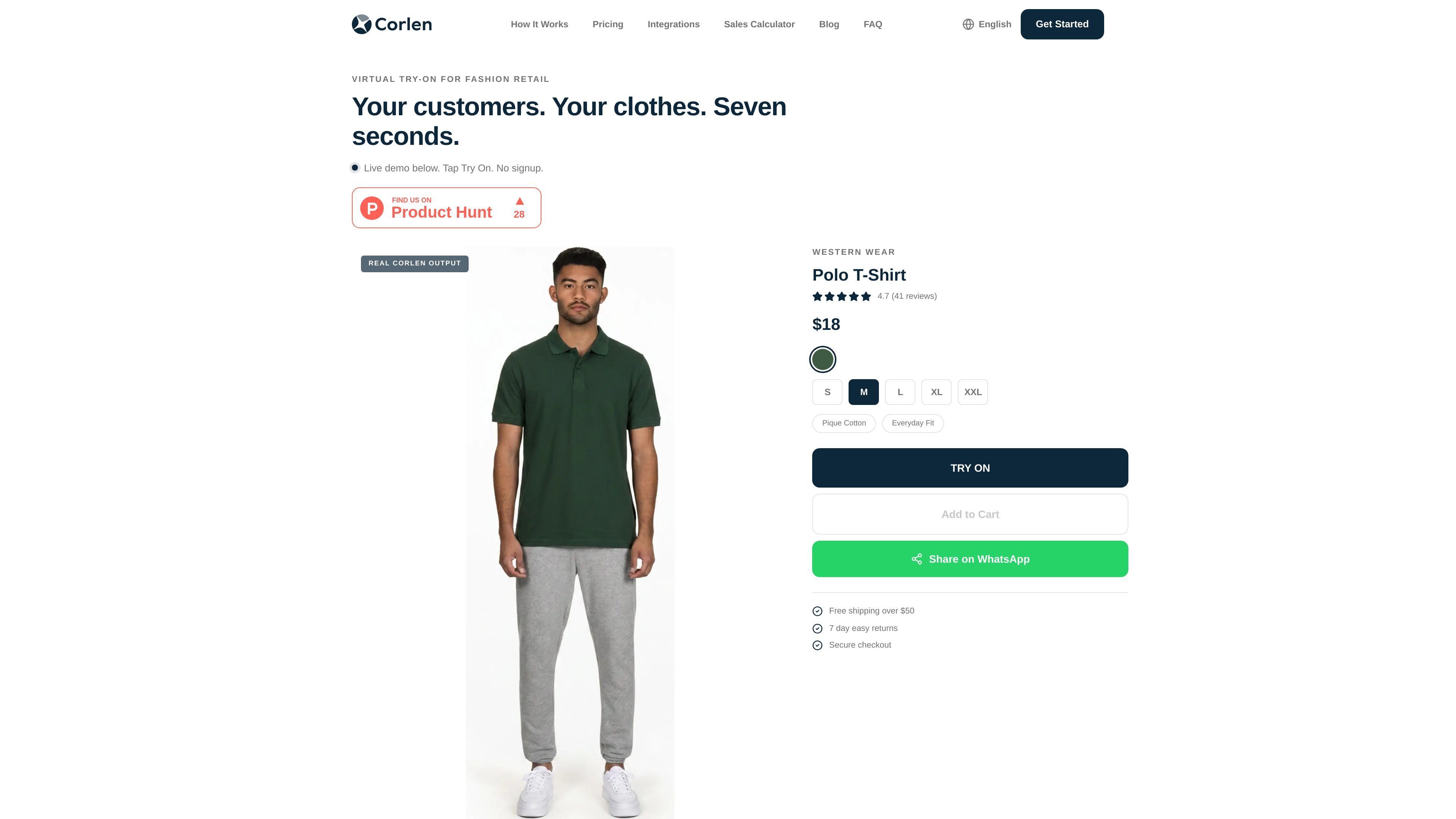
Shopify app installation
Corlen can be installed as a Shopify app, where it adds a Try On button to product pages without theme edits.

Corlen — продукт виртуальной примерки на базе ИИ для магазинов модной одежды. Он помогает покупателям увидеть, как одежда будет выглядеть на них, через Shopify, WooCommerce, собственные интернет-магазины и киоск в торговом зале.
Corlen is an AI virtual try-on product for fashion retail. It lets shoppers preview clothing on their own body before purchase, using the store’s existing product catalog and a try-on flow that runs on Shopify, WooCommerce, custom storefronts, and an in-store kiosk.
The core workflow is straightforward: merchants upload product images, add a Try On button to product pages, and let customers generate a preview after uploading or capturing a photo. The site describes the experience as taking seconds for the customer, with a separate developer API available for custom integrations and other storefront builds.
Corlen also emphasizes privacy handling. The site says customer photos are deleted automatically after a short period, with a manual delete option available, and that the system is designed so photos are not permanently stored.
Corlen can be installed as a Shopify app, where it adds a Try On button to product pages without theme edits.
The WordPress/WooCommerce plugin places a Try It On button on product pages using standard WooCommerce hooks.
The REST API supports custom storefronts and lets developers start an asynchronous try-on job, then poll for the completed result.
The product pages and docs mention body size selection, garment size selection, and options such as garment category, front/back/side angles, and open/closed or tucked/untucked states where relevant.
Customers can share results to WhatsApp and shortlist looks from the product page, which supports family or group approval workflows.
The site states that photos are automatically deleted within 2 hours on the web experience, and the plugin/API documentation says photos are processed in memory and not written to storage.
Merchants can add try-on directly to product pages so shoppers can preview an item before adding it to cart.
Shopify merchants can install Corlen as an app and use the built-in try-on button on existing listings.
WordPress and WooCommerce sellers can activate the plugin, enable try-on per product, and render the button through the theme’s existing add-to-cart area.
Teams building their own storefront or app can use the API to integrate try-on into a custom customer journey.
The homepage describes an in-store kiosk workflow for walk-in customers who want to preview outfits on a tablet or similar device.
Corlen adds a Try On button to a product page. The merchant uploads catalog images, and the shopper uploads or captures a photo to generate a try-on preview.
The site says photos are automatically deleted within 2 hours, customers can delete them sooner, and the plugin/API documentation says the photo is processed in memory rather than written to storage.
Yes. The site has dedicated Shopify and WooCommerce pages, and the product text says it also works through a custom API integration.
The homepage and Shopify page describe the result as appearing in seconds, and the developer/API page says a balanced-mode generation takes about 10 to 15 seconds.
Developers can start an asynchronous job with a REST request, then poll for completion. The API also supports single-garment and multi-garment combo look requests.
Данные о трафике приведены только для справки.