
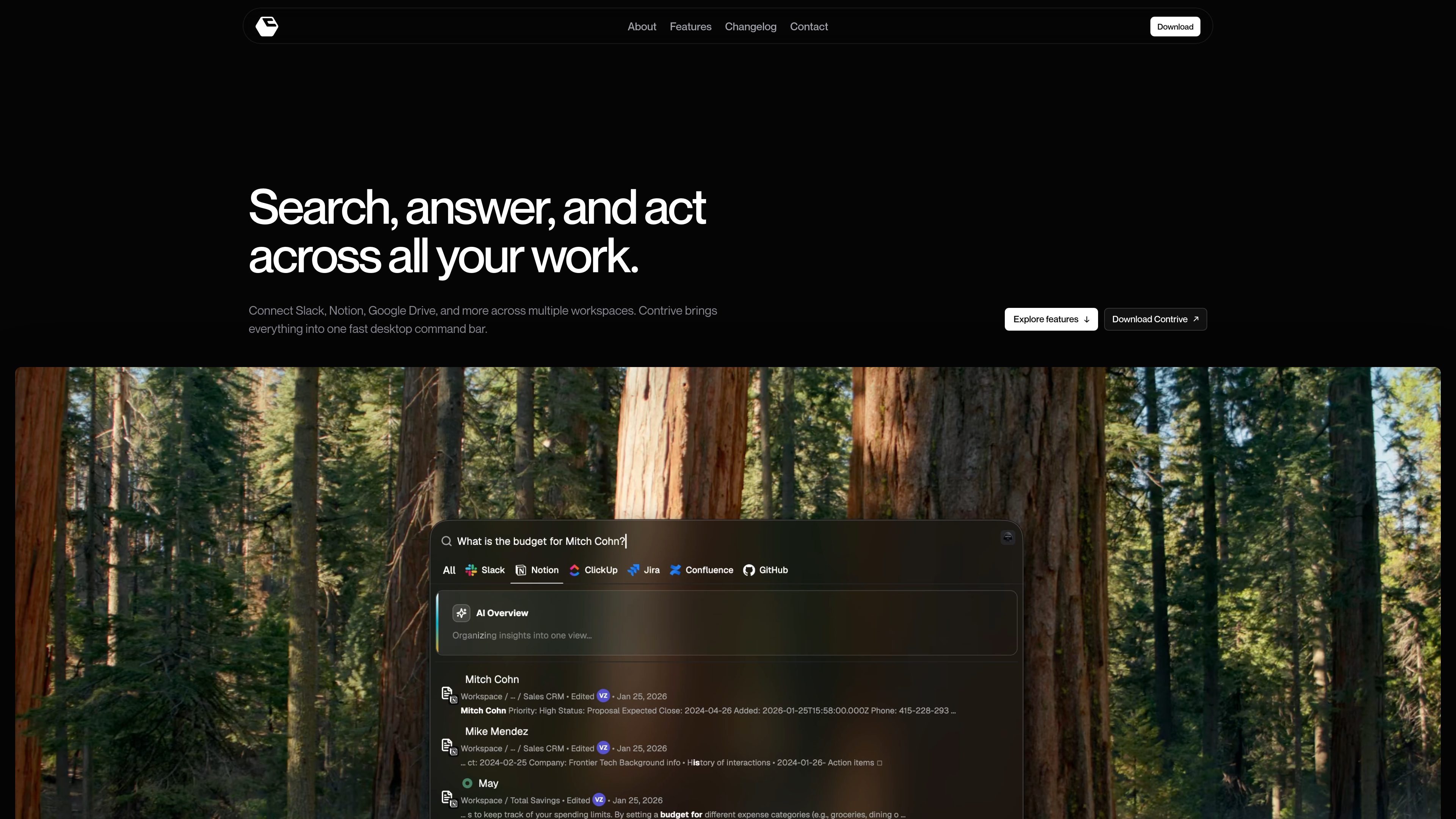
Cross-app search from one command bar
Search across connected workspace tools without moving between separate apps or browser tabs.

Contrive — самостоятельное настольное приложение, в котором можно искать информацию, получать ответы ИИ и выполнять действия в Slack, Notion, Google Drive и других поддерживаемых приложениях из одной командной строки, не переключаясь между вкладками браузера.
Contrive is a standalone desktop application that lets users search, get AI-generated answers, and take action across connected workspace apps from one command bar.
It is built for macOS and Windows and is positioned around fast access to permitted workspace knowledge, with separate workspace contexts, role-based access controls, and support for multiple connected apps.
Search across connected workspace tools without moving between separate apps or browser tabs.
Ask in natural language and get AI-generated answers that use relevant workspace context the user is allowed to access.
Connect tools to more than one workspace, keep knowledge and permissions separate, and switch between workspaces when needed.
Create docs and pages, open and assign tasks, send messages and updates, and run workflows from the command bar.
Use roles and permissions to limit what teammates can search and what connected tools they can use.
Open Contrive with a keyboard shortcut on Mac or Windows and change the shortcut anytime in settings.
Use Contrive when the answer may be spread across Slack, Notion, Drive, docs, or issue trackers and you want one place to search them.
Ask a question in natural language and use the AI overview to turn several relevant search results into a concise answer.
Keep knowledge and permissions separated when you need to move between different workspaces or shared tool sets.
Create a page, assign a task, or send an update directly from the search flow instead of opening each app separately.
Invite teammates, assign roles, and let them search permitted workspace content without exposing tools or data they should not see.
Contrive is a standalone desktop application for searching, getting AI answers, and taking action across connected workspace apps from one command bar.
The download page says Contrive is available for macOS and Windows.
The site names supported workplace services including Slack, Notion, Google Drive, Google Docs, Gmail, Calendar, GitHub, GitLab, Jira, Linear, ClickUp, Confluence, Trello, and Asana, and the FAQ also mentions Slack, Notion, ClickUp, Jira, Confluence, and GitHub.
Yes. The site says you can connect multiple workspaces, keep their knowledge and permissions separate, and switch context when needed.
According to the privacy policy, Contrive uses the permissions you grant through connected services, encrypts OAuth tokens at rest, and processes selected workspace text to provide semantic search and AI overviews.
Данные о трафике приведены только для справки.