
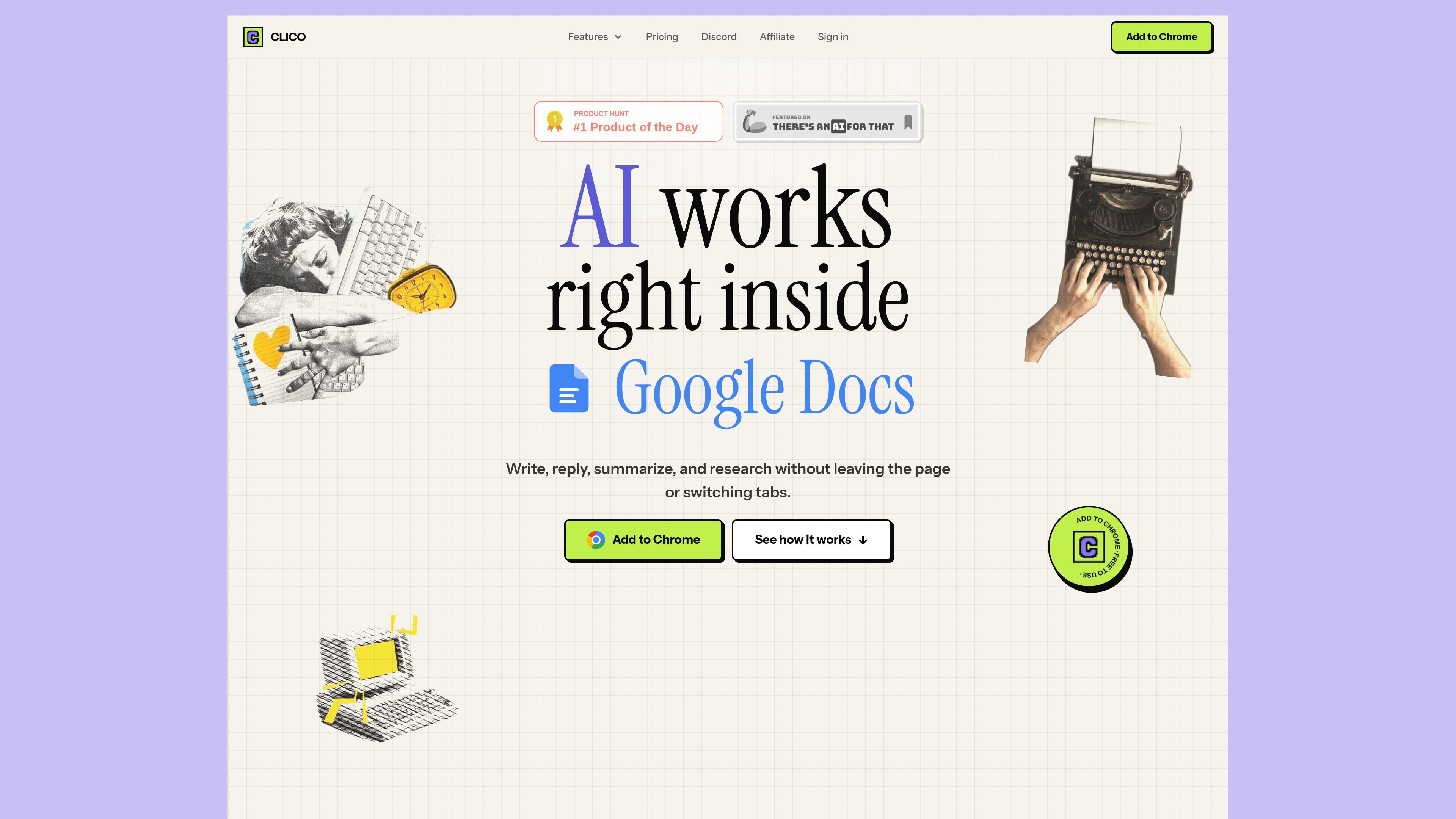
AI inside the page
Open Clico with a keyboard shortcut and use it inside the text field or page you are already working on, without moving to a separate chat tab.

Clico добавляет ИИ в текстовые поля браузера для написания, обобщения, поиска и диктовки.
Clico is a browser extension that puts AI into the text box you are already using. It is built to help people write, search, summarize, and dictate without switching tabs or copying content into a separate app.
The product is positioned for everyday writing workflows in Chromium browsers, including Chrome, Edge, Brave, and Arc. It supports common pages and apps with text fields such as Google Docs, Gmail, Notion, Slack, Discord, LinkedIn, Substack, and similar sites.
Open Clico with a keyboard shortcut and use it inside the text field or page you are already working on, without moving to a separate chat tab.
Generate text, then have Clico type it into the active document at a controlled pace so you can review the output as it appears.
Turn long pages or selected text into concise takeaways when you need a summary before writing or replying.
Use open tabs as context so prompts can draw from research, notes, or other browser pages you already have open.
Dictate text by voice for faster drafting when typing is slower than speaking.
Choose preferences and settings in Pro, and select from premium models such as Claude Sonnet where available.
Draft replies or longer text directly inside Gmail, Notion, Slack, or similar sites when you want the AI to work where the content already lives.
Rewrite or improve a paragraph in Google Docs without leaving the document, copying text into another tool, or losing the surrounding draft.
Summarize a long article or page before you respond, research, or extract the key points you need.
Pull in open tabs, notes, or research sources when you need surrounding context for an answer or rewrite.
Use dictation or auto-typing to move faster when you want spoken input or a controlled paste of generated text.
Yes. Clico offers a Free plan with 100 AI generations per month and no credit card required. The monthly allowance resets automatically.
Pro includes unlimited AI generations, premium models including Claude Sonnet, voice dictation, multi-tab context, and custom preferences and settings.
Pro is available as monthly billing at $9.90 per month or annual billing at $96 per year. The annual plan is shown as the lower effective monthly price and can be managed or canceled from billing.
You can cancel Pro anytime from the billing page. If the subscription ends, the account returns to the Free plan.
Clico is designed for browser-based writing workflows in Chromium browsers and works on pages with text fields such as Google Docs, Gmail, Notion, Slack, and similar sites.
Данные о трафике приведены только для справки.