
Issue, project, and cycle planning
Tracks issues as the smallest useful unit of work and groups them into projects, cycles, and team-specific flows so teams can manage execution in one place.

Aruvi объединяет отслеживание задач, документацию, знания и рабочие процессы AI-агентов для команд разработки.
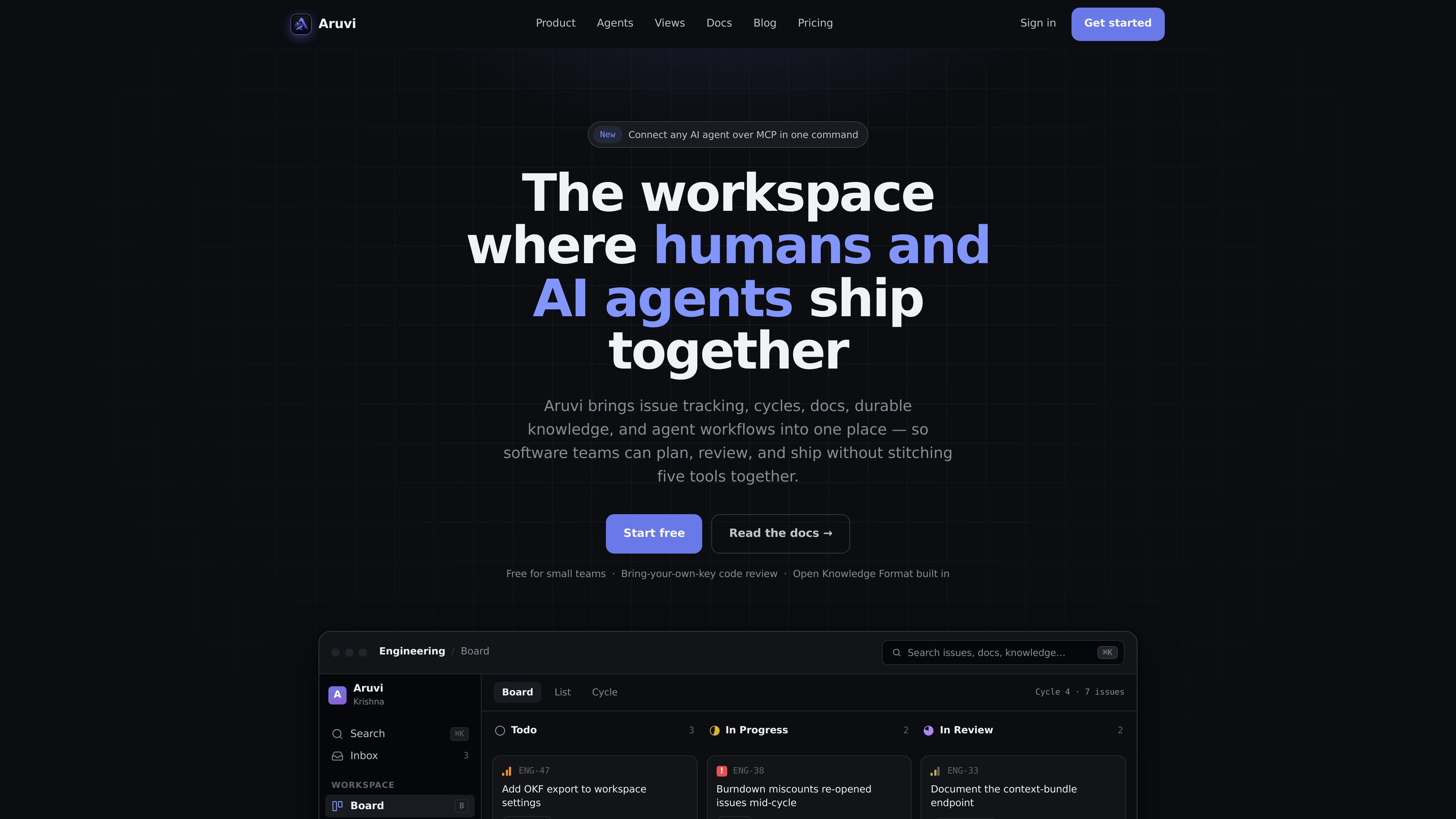
Aruvi brings issue tracking, docs, knowledge, and AI agent workflows into one workspace, where agents work in the same review trail as teammates.
The core idea is to keep context close to execution. Teams can plan work in issues, projects, cycles, boards, lists, and roadmaps; store docs and knowledge in the same workspace; and connect AI tools through an MCP endpoint so agents can be assigned work, leave comments, and operate under scoped guardrails.
Tracks issues as the smallest useful unit of work and groups them into projects, cycles, and team-specific flows so teams can manage execution in one place.
Keeps durable product context close to the work with docs and knowledge stored in the same workspace as issues and projects.
Treats AI agents as first-class teammates that can be assigned to issues, leave comments, and appear in the same review trail as human teammates.
Provides scoped access for agents, including scoped API keys, assigned-only guardrails, and attribution for agent actions.
Supports an MCP endpoint for connecting AI tools, with the docs calling out Claude Code, Codex, and Kiro.
Includes board, list, cycles, roadmap, custom workflow states, context-bundle endpoint, OKF export, and integrations with GitHub, Slack, and Discord.
Use Aruvi to organize day-to-day engineering work in issues, projects, cycles, and roadmap views while keeping team-specific workflow states and labels aligned.
Keep specifications, notes, and other durable context in docs and knowledge next to the issue flow so people and agents can find the background without switching tools.
Assign a coding agent to a real issue, give it scoped access, and review its output in the same trail used for human work.
Use the MCP endpoint to connect Claude Code, Codex, or Kiro when you want AI tools to operate inside the same workspace and workflow structure.
Start small on the Free plan, then move to Pro when you need more issues, projects, or workspace members without changing the workspace model.
Aruvi combines issue tracking, docs, knowledge, and AI agent access in one workspace so teams can keep work and context together.
The docs page says it is designed for small product and engineering teams that want a modern tracker without tab overload and want to delegate work to AI coding tools with guardrails.
Aruvi supports AI tools such as Claude Code, Codex, and Kiro through an MCP endpoint, and the pricing page also lists GitHub, Slack, and Discord as integrations.
The pricing page says every feature is included on both plans, while Pro removes usage caps from the Free plan. Free is limited to 500 issues, 2 projects, and 3 workspace members.
The docs say you can go from sign-in to your first agent-ready issue in about five minutes.
Данные о трафике приведены только для справки.