
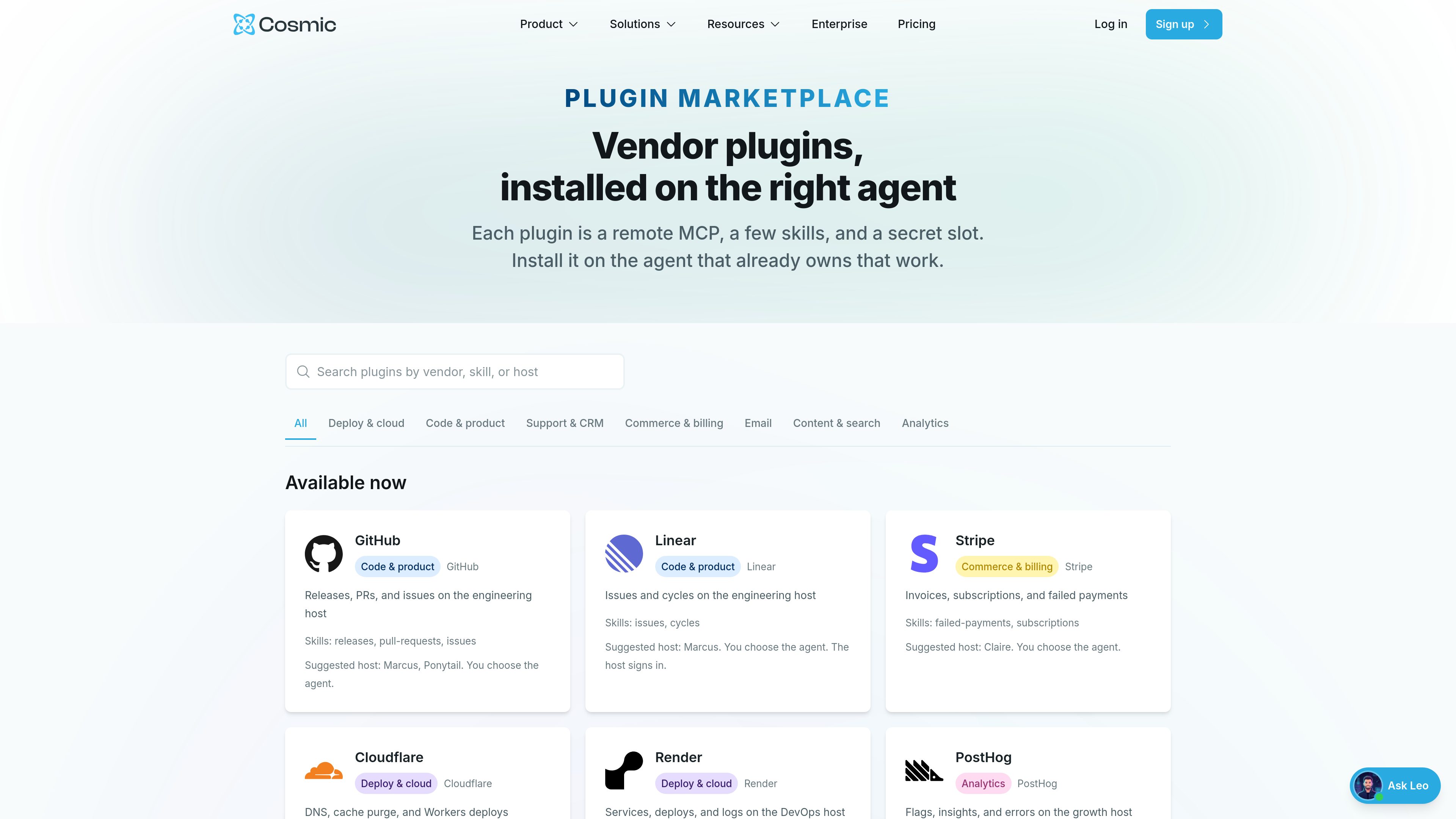
Agent-specific plugin installation
Plugins are installed on the Cosmic agent that already owns the work, which keeps the integration tied to the workflow rather than to a generic workspace-level connection.

Маркетплейс для установки плагинов поставщиков в агент Cosmic, отвечающий за задачу. Он предназначен для команд, использующих агентов Cosmic, инструменты MCP и связанные с ними контентные или операционные процессы.
Cosmic’s Agent Plugin Marketplace is a catalog of vendor plugins designed to be installed on the specific Cosmic agent that owns a piece of work. The marketplace frames each plugin as a remote MCP connection with a small set of skills and a secret slot, so the capabilities and credentials stay attached to the agent that will actually use them.
The page presents plugins for several operational areas, including deploy and cloud, code and product, support and CRM, commerce and billing, email, content and search, and analytics. Some plugins are available now, while others are marked coming soon. The emphasis is on choosing the right agent for a workflow, then adding the plugin to that agent rather than sharing access broadly.
Plugins are installed on the Cosmic agent that already owns the work, which keeps the integration tied to the workflow rather than to a generic workspace-level connection.
Each plugin is described as a remote MCP with defined skills and a secret slot, indicating a structured way to expose external tools to an agent.
Listings include explicit skill paths such as releases, issues, deploy, insights, send, pages, and reindex, showing that each plugin exposes only selected actions.
Every listing names one or more suggested host agents, which helps teams map plugins to the agent responsible for a specific function such as engineering, content, growth, or support.
The marketplace includes a submission path for vendors, requiring an HTTPS MCP endpoint, skill documentation, and secret field names before review.
The catalog spans code, deployment, analytics, content, billing, and support workflows, so teams can choose plugins based on the job rather than the vendor alone.
A team can attach GitHub, Linear, or Atlassian to the agent that handles engineering work so the agent can work with releases, pull requests, issues, cycles, and pages.
Deploy-focused teams can use plugins like Cloudflare, Render, Netlify, or the coming soon Vercel integration on the agent that manages shipping and infrastructure tasks.
Teams can route support and commerce work through agents paired with Stripe, Intercom, Zendesk, HubSpot, or Slack-oriented plugins when those are available.
Content teams can connect Notion or Algolia to an agent that manages pages, databases, or reindexing tasks for content discovery and maintenance.
Growth or analytics agents can use plugins such as PostHog or Sentry to surface flags, insights, errors, and issue signals in one place.
Plugins are presented with suggested host agents, but the page says you choose the agent. The idea is to install the plugin on the agent that already owns that work.
No. The page separates plugins into available now and coming soon entries.
The submission form asks for a plugin name, tagline, publisher, work email, plugin.json or mcp.json URL, HTTPS MCP endpoint, secret field names, skill paths, and suggested host agents. The page also says listings stay pending until reviewed.
No. The page says secret field names are provided, but no credentials should be included in the listing.
Yes. The pricing page states there is a Free plan and a free forever starting point with no credit card required.
Данные о трафике приведены только для справки.