
Compact ref-based snapshots
The snapshot command returns a compact accessibility tree with refs such as `@e1` and `@e2`, which is intended to reduce token usage and make element selection deterministic.

agent-browser — CLI для автоматизации браузера агентами ИИ с поддержкой Chrome, снимков ref и бинарных файлов для разных платформ.
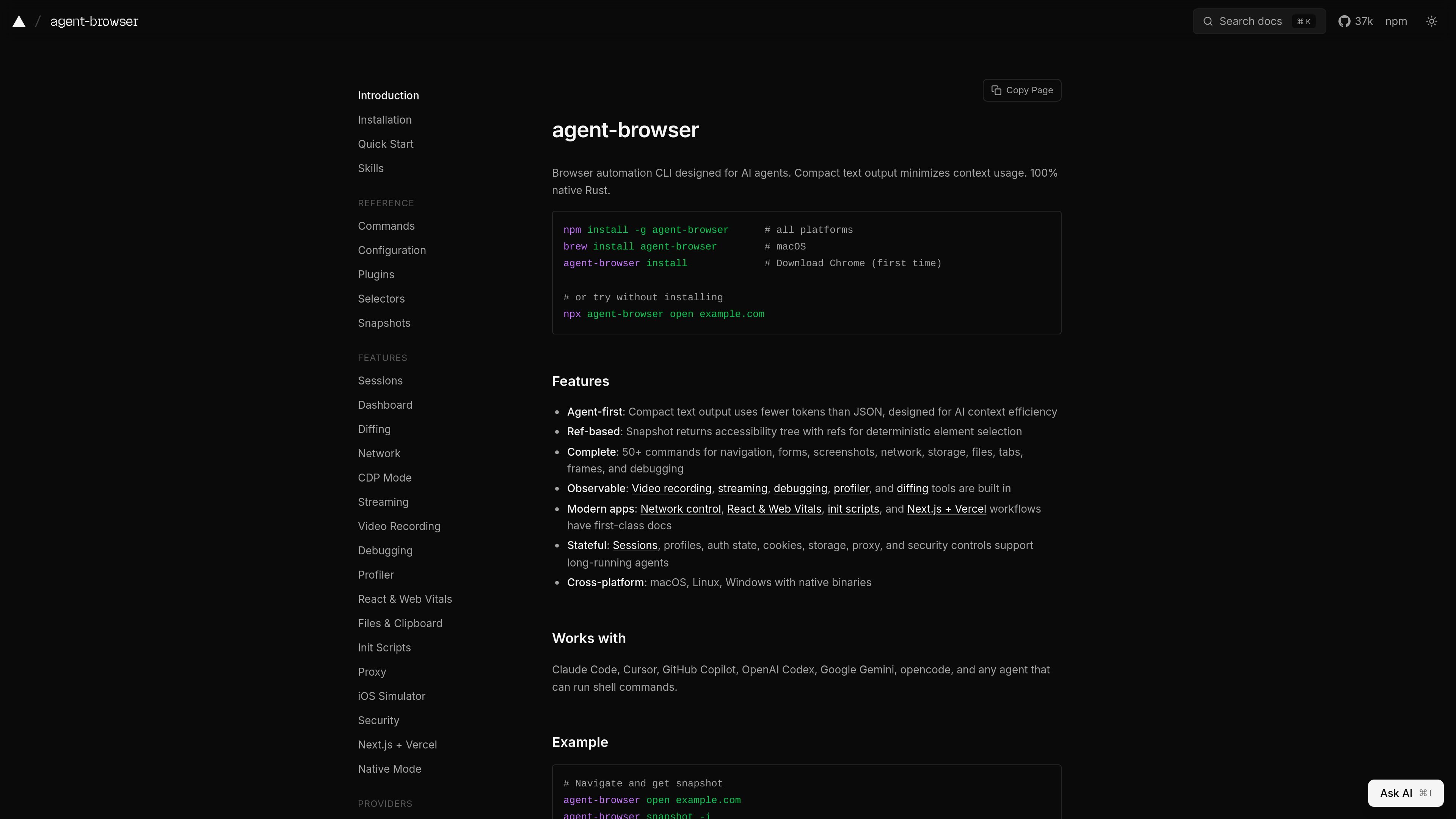
agent-browser is a browser automation CLI for AI agents. It launches and controls Chrome through a native Rust daemon and uses compact text output to keep browser state readable in agent contexts.
The product is built around a ref-based snapshot workflow: the browser returns an accessibility tree with stable refs, and subsequent commands can interact with those refs directly. The docs position it for shell-driven agents and list support for navigation, forms, screenshots, network inspection, storage, tabs, frames, debugging, and other browser tasks.
Installation options include npm, npx, Homebrew, Cargo, and source builds, with native binaries available for macOS, Linux, and Windows. The site also documents configuration files, environment variables, and commands for persistent sessions, proxies, custom browser executables, and a browser automation MCP server.
The snapshot command returns a compact accessibility tree with refs such as `@e1` and `@e2`, which is intended to reduce token usage and make element selection deterministic.
The CLI covers navigation, forms, screenshots, network, storage, files, tabs, frames, and debugging, with 50+ commands documented across the site.
Built-in tools include video recording, streaming, debugging, profiler, and diffing, so browser sessions can be inspected without leaving the CLI.
The docs highlight native support for macOS, Linux, and Windows, with Rust binaries rather than a wrapper around a browser extension.
Sessions can preserve profiles, auth state, cookies, storage, proxy settings, and security controls for longer-running workflows.
The configuration and installation docs call out proxy support, init scripts, React and Web Vitals workflows, and Next.js + Vercel docs for app-specific automation.
Use the CLI to open a page, snapshot it, and click or fill fields by ref when an AI agent needs deterministic browser control from the terminal.
Use persistent sessions, profiles, cookies, and storage when you need the browser to stay logged in across a longer workflow or repeated runs.
Use screenshots, video recording, streaming, profiler, and diffing when you need to inspect rendering changes or capture browser behavior for debugging.
Use proxy settings, custom launch arguments, and install-time dependency helpers when automating in CI, a devcontainer, or behind enterprise network constraints.
Use the documented native integrations and shell-command workflow when pairing with coding agents such as Claude Code, Cursor, GitHub Copilot, or OpenAI Codex.
It is a browser automation CLI designed for AI agents. The docs describe commands for opening pages, taking snapshots, clicking by refs, filling forms, capturing screenshots, and connecting to browsers through CDP.
The installation docs show global install, project install, Homebrew on macOS, Cargo, and npx quick start options. Linux users can also install required system dependencies with `agent-browser install --with-deps`.
The command reference shows a shell-oriented workflow: open a page, take a snapshot to get element refs, and then interact using those refs with commands like click, fill, type, and screenshot.
The docs list `snapshot`, `screenshot`, `pdf`, `read`, `stream`, `connect`, and `mcp` among the available commands, along with navigation, form, tab, file, and debugging actions.
The site documents native binaries for macOS, Linux, and Windows, and says it works with agents that can run shell commands, including Claude Code, Cursor, GitHub Copilot, OpenAI Codex, and Gemini.
Данные о трафике приведены только для справки.