
Video meetings
Host online meetings with easy-to-use video conferencing software as part of the Zoom Workplace platform.

AI-ориентированная платформа для встреч, чатов, телефонии и не только
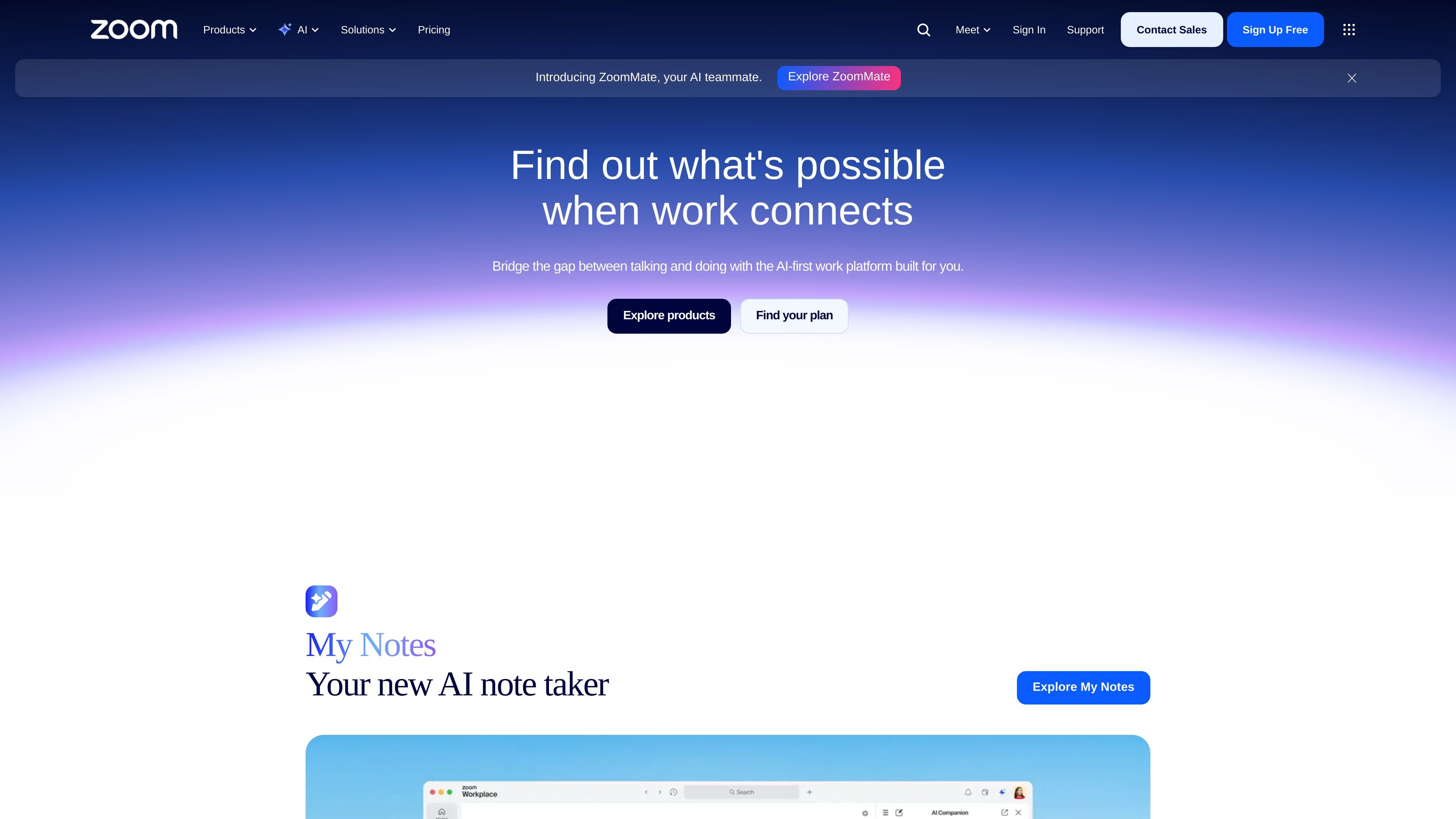
Zoom is an AI-first work platform built around meetings, communication, support, and productivity tools. Its homepage and product pages position it as a single platform for connecting video meetings, chat, phone, webinars, whiteboards, contact center, and events.
The product family includes core workplace apps such as Meetings, Chat, Phone, Mail & Calendar, Scheduler, Canvas, Whiteboard, Clips, Tasks, and Rooms, alongside customer experience products like Contact Center and Virtual Agent. Zoom also adds AI products including ZoomMate and My Notes, with ZoomMate described as an AI teammate that can search, automate, and complete action items.
The platform is aimed at teams that need to coordinate work, support customers, run webinars or events, and reduce manual follow-up after conversations. Pricing information is available on the Zoom Workplace pricing page, and ZoomMate is described as available with eligible paid Zoom Workplace plans.
Host online meetings with easy-to-use video conferencing software as part of the Zoom Workplace platform.
Use integrated chat, phone, mail and calendar, scheduler, canvas, whiteboard, clips, tasks, and rooms to move work across a single workspace.
Create and customize AI agents, delegate tasks, and build routines for recurring automations such as briefings, action items, and meeting prep.
Connect ZoomMate to third-party tools such as Salesforce, Jira, Google Drive, and OneDrive so it can act on work context from other systems.
Run support operations with Contact Center, Virtual Agent, and Workforce Engagement for unified customer service workflows.
Build developer and AI workflows with APIs, SDKs, webhooks, Zoom Apps, and the App Marketplace.
Run recurring team meetings and turn the discussion into notes, follow-ups, and draft deliverables with My Notes and ZoomMate.
Coordinate internal communication across chat, phone, calendar, docs, whiteboards, clips, and tasks from one workplace suite.
Support customers through a unified contact center workflow that includes phone, chat, email, SMS, social, and video in a single view.
Create and manage webinars or events with branded experiences, audience engagement, and built-in analytics.
Automate research, briefings, action items, and recurring workflow steps with AI agents and workflow templates.
Zoom Workplace is presented as a single platform that combines video meetings, chat, phone, webinars, whiteboard, contact center, and events. The product pages also highlight AI features such as ZoomMate and My Notes.
The pricing page shows Zoom Workplace pricing and points visitors to plans for small teams, businesses, and enterprises. The site also includes options to explore plans, try for free, buy now, and request a demo depending on the product area.
ZoomMate can generate agendas, slide decks, documents, follow-ups, and research, and it can connect with tools such as Salesforce, Jira, Google Drive, and OneDrive. It also supports workflow templates, recurring automations, and agent interaction in Zoom Chat.
The Zoom products page presents Zoom Meetings, Chat, Phone, Mail & Calendar, Scheduler, Canvas, Whiteboard, Clips, Tasks, Rooms, Workvivo, Contact Center, Virtual Agent, Workforce Engagement, Webinars & Events, and several AI and developer products.
ZoomMate is noted as available with eligible paid Zoom Workplace plans, and the site says availability may vary by region or industry vertical.
Данные о трафике приведены только для справки.
| июль | 130356258 |
|---|---|
| авг. | 125978633 |
| сент. | 144314689 |
Аналитика трафика пока недоступна.

meetstream.ai
MeetStream предоставляет единый API для создания ботов, которые могут подключаться к встречам в Zoom, Google Meet и Microsoft Teams, записывать и транслировать их, а также расшифровывать речь. Решение предназначено для разработчиков и команд, создающих продукты для встреч на базе ИИ, автоматизацию и аналитические процессы.

saydi.ai
ИИ-перевод речи для встреч, мероприятий и конференций

www.timeless.day
Timeless gives Claude Code access to your organization’s meeting memory and connected workflows. Use it to search past conversations, record meetings, prepare briefs, and turn discussion into tasks or issues.

bluedothq.com
Bluedot — AI-сервис для заметок на встречах без ботов: создает расшифровки, заметки и задачи и синхронизирует их с CRM, ATS, Slack, Notion и Google Drive.

cuckoo.so
Real-time AI translation for global teams across meetings and events.

recordmeeting.com
RecordMeeting — браузерный инструмент для записи и расшифровки встреч в Google Meet с поддержкой Zoom и Microsoft Teams. Он создает заметки с помощью AI, а также позволяет делиться записями и упорядочивать их в приватном рабочем пространстве.