
Photo, video, and GIF face swap
Swap faces in photos, videos, and GIFs with a guided upload flow. The site positions the tool for quick edits without manual masking or cropping.

AI-инструмент для замены лиц на фото, видео и GIF, в веб- и Mac-приложении
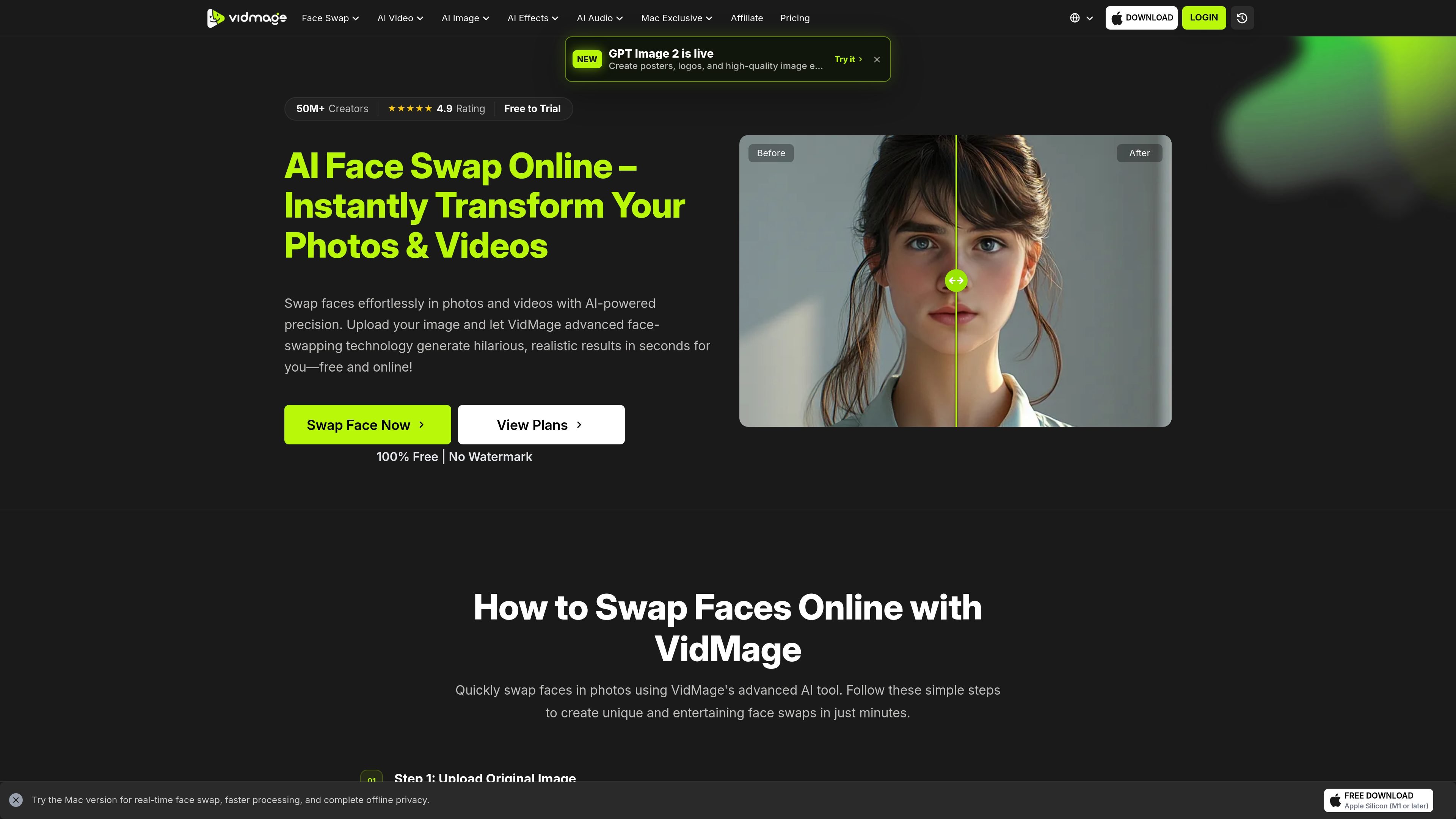
VidMage is an AI face swap product for photos, videos, and GIFs. The web experience lets you upload source media and a target face photo, then generates a swapped result with a guided, step-by-step workflow.
The site presents the tool as suitable for creative edits, memes, group photos, short clips, and other authorized face-swap use cases. It also offers a Mac version that runs locally, with additional features such as live face swap and support for longer, higher-resolution video workflows.
Pricing information shows a free tier, monthly and yearly subscriptions, and optional pay-as-you-go credits for active subscribers. The product pages emphasize watermark-free output and separate the web and Mac experiences by workflow and capability.
Swap faces in photos, videos, and GIFs with a guided upload flow. The site positions the tool for quick edits without manual masking or cropping.
The video face swap flow tracks faces frame by frame and is designed to keep expressions and motion aligned across the clip. The site also mentions multi-face support for up to four people in one video.
The multiple-face workflow can detect and replace several faces in a single group photo or clip. This is useful when one scene contains more than one subject that needs to be swapped independently.
The pricing page says output is watermark-free on the free trial and paid plans. The product pages also describe preview and download steps for finished results.
The pricing page advertises 4K exports on higher tiers, and the video page says the Mac app can handle longer clips and larger files locally. The web flow also highlights fast preview and download.
The Mac version supports live face swap for video calls and streaming apps, and the site lists Zoom, Google Meet, FaceTime, OBS, and Discord as examples. This extends the product beyond offline editing.
Use the web app to swap a face into a portrait, meme template, or stylized scene when you want a quick still-image edit. The page also suggests creative self-expression use cases such as paintings, fantasy scenes, and themed portraits.
Upload a short clip and replace one or more faces while preserving motion and expression. The video page is aimed at TikTok-style clips, Reels, Shorts, skits, and other short-form edits.
When a group photo or dialogue scene includes several people, use the multiple-face workflow to replace more than one face in the same frame or clip. The site says the video workflow can handle up to four faces independently.
On supported Mac hardware, run the swap locally for footage you do not want uploaded to a server. The site frames this as useful for sensitive client work, internal projects, and other privacy-conscious edits.
Use the Mac version's live face swap mode for meetings, streaming, or other camera-based workflows. The site lists Zoom, Google Meet, FaceTime, OBS, and Discord as compatible examples.
VidMage is an AI face swap tool for photos, videos, and GIFs. The web flow uses three steps: upload the source media, add a face photo, then start the swap and download the result.
The source page says the web tool works with photo face swaps, video face swaps, multiple-face photo and video swaps, and GIF face swaps. The video workflow notes support for MP4, MOV, and M4V files, while the Mac app offers broader video support and local processing.
VidMage offers a free tier and paid plans. The pricing page lists a free plan, monthly and yearly subscriptions, and pay-as-you-go credits for active subscribers who need extra usage.
The Mac app processes media locally on the device, while the web version uploads media for processing and the page says web uploads are deleted within two hours. The site also states that users should only upload their own images or media they have explicit permission to use.
The site highlights a free web experience with daily limits, a paid subscription with more credits and member features, and extra credits available only to active subscribers. It also separates the web product from the Mac app, which adds local processing and live face swap features on Apple Silicon Macs.
Данные о трафике приведены только для справки.