
One-press conversation capture
Plaud uses a one-press capture workflow for meetings, calls, interviews, and other conversations that need to be turned into notes.

Plaud.ai записывает разговоры, транскрибирует 112 языков и создает структурированные сводки и задачи.
Plaud.ai is an AI note-taking platform and device line built to turn conversations into structured notes, summaries, and action items. The site positions it as a workflow that covers in-person conversations, phone calls, and online meetings in one system.
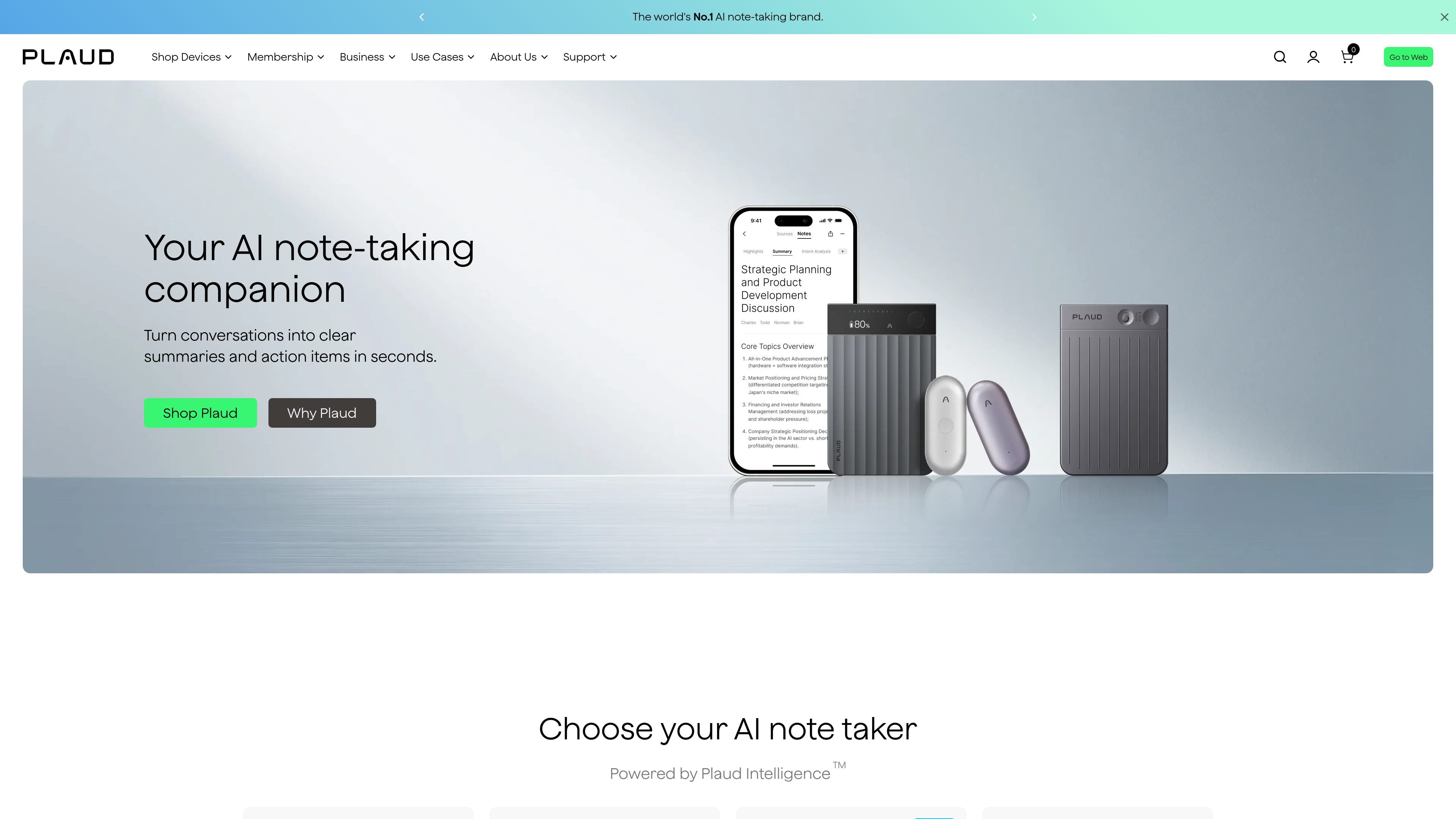
The product family includes Plaud Note Pro, Plaud Note, Plaud NotePin S, and Plaud NotePin, with different form factors aimed at meetings, hybrid work, and hands-free capture. Plaud Intelligence powers the capture and summarization workflow, while the companion apps provide access across mobile, desktop, and web.
Plaud uses a one-press capture workflow for meetings, calls, interviews, and other conversations that need to be turned into notes.
Plaud Intelligence supports multimodal input and can transcribe in 112 languages, which helps the platform handle different speaking contexts and mixed inputs.
The product generates instant transcripts, smart summaries, and template-based summaries so users can choose the output format that fits the conversation.
Ask Plaud lets users query conversation history, follow up on captured content, and dig into earlier notes without manually searching through files.
Plaud supports sharing and integration workflows described as export, share, and integrate, and the shop page lists Google Calendar integration and Plaud MCP Server as plan features.
Plaud devices are paired with mobile, desktop, and web apps, and the site says users can keep recordings on-device or sync them to Plaud's encrypted private cloud.
Executives can use Plaud to capture meeting decisions and follow-up items so they can stay focused on the conversation instead of taking notes by hand.
Sales teams can record client calls, generate follow-ups, and review conversation history to keep next steps moving without manual note cleanup.
Clinicians can capture consultations and turn them into structured notes or charts while staying present with patients.
Lawyers can use the recorder for client consultations and create searchable records that preserve details from the conversation.
Educators and creators can capture lectures, faculty meetings, and idea sessions so they can review or organize the material later.
Plaud is designed to capture conversations, generate transcripts, and produce structured summaries and action items. The site describes a workflow that covers in-person conversations, phone calls, and online meetings.
The site says every Plaud note taker includes 300 minutes of transcription per month, and users can upgrade for more minutes and features through Plaud plans.
Plaud's device and app workflow is presented as mobile, desktop, and web access, with a connected private cloud for cross-device sync. The site also says a Plaud device is required to unlock the full experience.
Plaud positions its products for individuals and teams that need to capture meetings, calls, interviews, lectures, consultations, and other conversations. The site highlights use cases for executives, sales teams, clinicians, lawyers, educators, and content creators.
Plaud says recordings and transcriptions are encrypted, not sold or trained on, and can be kept on-device or synced to Plaud's encrypted private cloud. The site also points to a trust center for more details.
Данные о трафике приведены только для справки.