
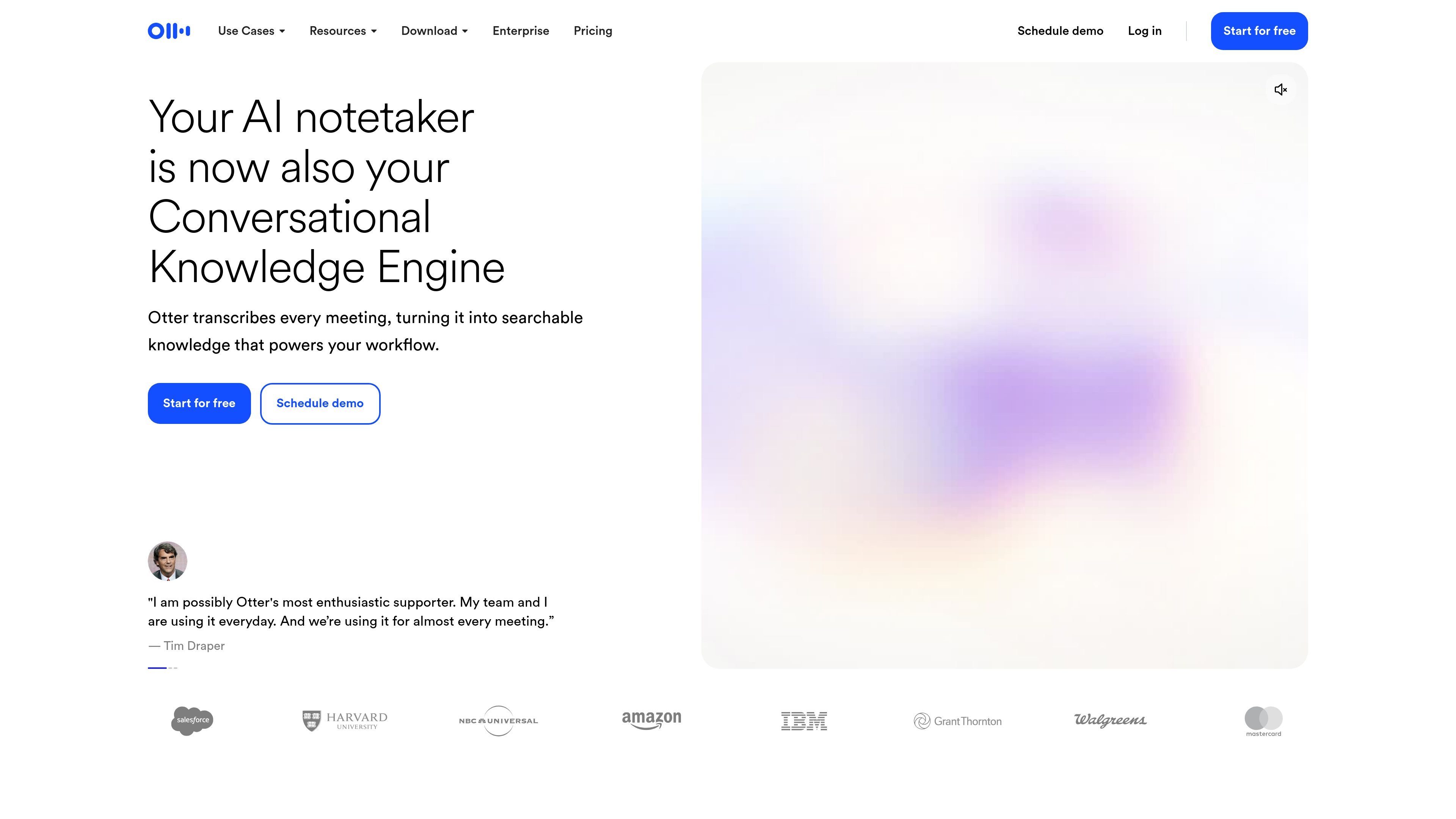
Real-time meeting transcription
Otter joins supported meetings and turns conversations into live transcripts, searchable notes, summaries, and action items, so teams can review what was said without manually writing notes.

ИИ-агент для встреч: расшифровки, поиск по заметкам, резюме и задачи
Otter is an AI meeting agent and note-taking product that transcribes meetings, creates searchable notes, and surfaces summaries, insights, and action items. The site positions it as a conversational knowledge engine that can capture live meetings, imported audio and video files, and recordings from desktop or mobile workflows.
The product is built for individuals, teams, and enterprises that need meeting records they can search, share, and reuse. It supports meetings on Zoom, Microsoft Teams, and Google Meet, and it connects with common workplace tools so transcripts, notes, and follow-up items can flow into existing systems.
Otter joins supported meetings and turns conversations into live transcripts, searchable notes, summaries, and action items, so teams can review what was said without manually writing notes.
Otter AI Chat searches across meetings and connected apps to answer questions and help generate follow-ups, reports, and content from meeting knowledge.
The desktop app supports bot-free recording from Mac or Windows, while the mobile app and browser extension add capture options for meetings and other audio/video sources.
Otter connects to tools such as Zoom, Google Meet, Microsoft Teams, Slack, Google Drive, Salesforce, HubSpot, Jira, Notion, Asana, Dropbox, and others to share notes and move work forward.
Plans include team-oriented organization features such as Channels, shared notes, export options, search, and collaboration tools for editing and tagging speakers.
Enterprise-oriented plans add controls such as SSO, SCIM, domain capture, custom integrations, API and webhooks, and security-focused capabilities described on the pricing page.
Sales teams can record calls, capture next steps, and push meeting notes or insights into CRM systems such as Salesforce or HubSpot.
Managers and project teams can turn recurring meetings into shared notes, action items, and searchable records that are easy to revisit later.
Students, instructors, and education teams can use Otter to transcribe lectures and discussions into searchable notes and summaries.
Recruiters can use the product to keep structured notes during interviews and review candidate conversations after the call.
Teams that already rely on collaboration tools can sync transcripts and meeting artifacts into apps such as Slack, Google Drive, Notion, Jira, Asana, Dropbox, and Microsoft products.
Otter offers a free Basic plan, a Pro plan for individuals and small teams, a Business plan for medium-sized teams, and an Enterprise option that uses a sales demo flow.
Otter can join Zoom, Microsoft Teams, and Google Meet meetings to generate live transcription, summaries, and action items. It also supports desktop and mobile capture, plus browser-based capture in some workflows.
The source highlights Otter AI Chat, which can search across meetings and connected apps to answer questions and help create follow-ups, reports, and content. The pricing page also notes an MCP server for AI assistants.
Yes. The source lists integrations with tools such as Slack, Zoom, Google Drive, Salesforce, HubSpot, Jira, Notion, Asana, Dropbox, and Microsoft products, with some integrations available on certain plans or through sales contact.
Otter supports transcription, summaries, action items, and meeting notes in multiple capture modes. Some enterprise capabilities, such as custom integrations and advanced security controls, are only described for the Enterprise tier.
Данные о трафике приведены только для справки.
| май | 6972417 |
|---|---|
| июнь | 6555066 |
| июль | 6420305 |
Аналитика трафика пока недоступна.