
Video Studio
Generate polished avatar videos from scripts, briefs, decks, or documents. The site positions this as a way to produce consistent communication for organizations that need to explain information at scale.

D-ID создаёт видео с AI-аватарами и визуальных агентов в реальном времени.
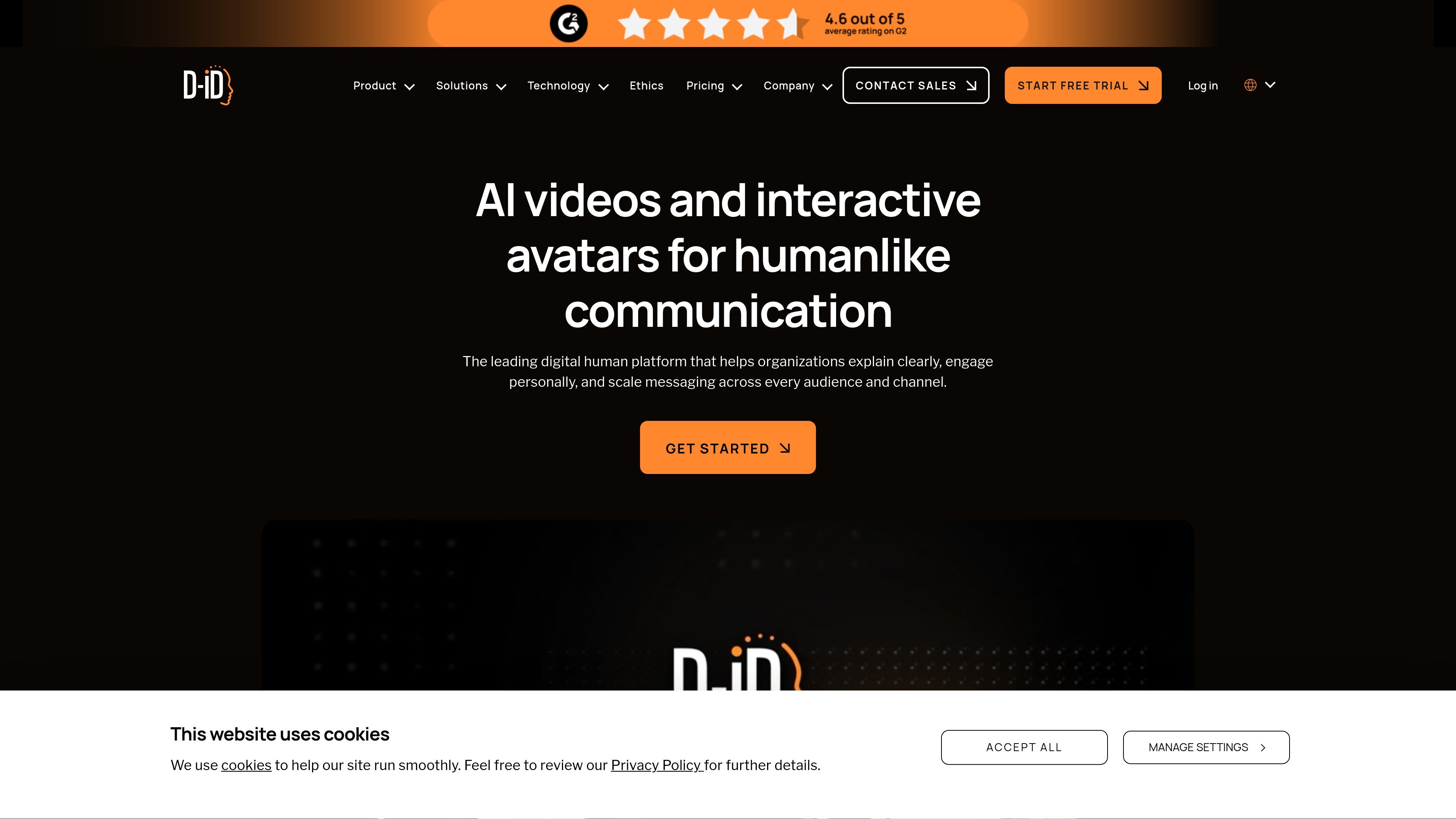
D-ID is a digital human platform for creating AI-generated avatar videos and real-time visual agents. The homepage describes it as a way for organizations to explain clearly, engage personally, and scale messaging across audiences and channels.
The product spans a creative studio, AI avatars, and embeddable agents. It supports video generation from scripts, briefs, decks, or documents, plus conversational agents that can respond naturally, operate in multiple languages, and plug into existing workflows through an API and integrations.
Generate polished avatar videos from scripts, briefs, decks, or documents. The site positions this as a way to produce consistent communication for organizations that need to explain information at scale.
Deploy conversational visual agents that respond in real time, can operate in multiple languages, and can trigger workflows or carry out tasks. These agents are described as embeddable and built for secure enterprise use.
Create digital humans from images or video for both recorded videos and live experiences. The platform also supports voice cloning and multilingual output.
Integrate D-ID through an API for use in apps and platforms. The integrations page and pricing page both point to developer workflows, API keys, and documentation.
Work in 120+ languages across video creation and live interactions. This is presented as part of D-ID’s support for global communication at scale.
Connect with third-party tools such as PowerPoint, Canva, LMS systems, stock media, and social platforms. The integrations page groups these by content management, creative tools, learning and development, marketing, productivity, and social media.
Marketing teams can create on-brand avatar videos for campaigns, explainers, or personalized outreach without a full production workflow.
Sales and customer teams can use real-time visual agents to interact face to face, answer questions, and deliver personalized experiences across digital touchpoints.
Learning and development teams can add AI presenters to training content in PowerPoint, Canva, Articulate Rise, or Storyline-style workflows to make course materials more engaging.
Product and engineering teams can embed D-ID through the API to add avatars, live agents, or video generation into apps and platforms.
Content teams can turn briefs, decks, or documents into videos quickly when they need consistent messaging across many formats or languages.
D-ID offers tools for generating avatar videos, building real-time visual agents, and embedding AI features through its API. The site also highlights integrations with tools such as PowerPoint and Canva.
The pricing page describes a Studio pricing model for creating AI-generated videos, and it also references API usage, API keys, and Developer Hub documentation for developers.
The integrations page shows D-ID connections for PowerPoint and Canva, and it groups other integrations across learning, marketing, productivity, social media, and content management use cases.
The pricing page says unused minutes do not carry over month to month. It also says a free user who does not use D-ID for 6 months will have data deleted after an email notice.
The pricing page notes that trial and Lite plans include a D-ID watermark on videos. It explains that the watermark is used to make the synthetic nature of the content transparent.
Данные о трафике приведены только для справки.