
Personal cloud storage
Store files in Zo's personal cloud workspace, with 100GB disk included on the free plan and larger infrastructure on paid tiers.

Zo Computer é um espaço de trabalho pessoal na nuvem e com IA para armazenar arquivos, criar agentes de IA e hospedar sites, acessível por texto, email, apps de mensagens e API.
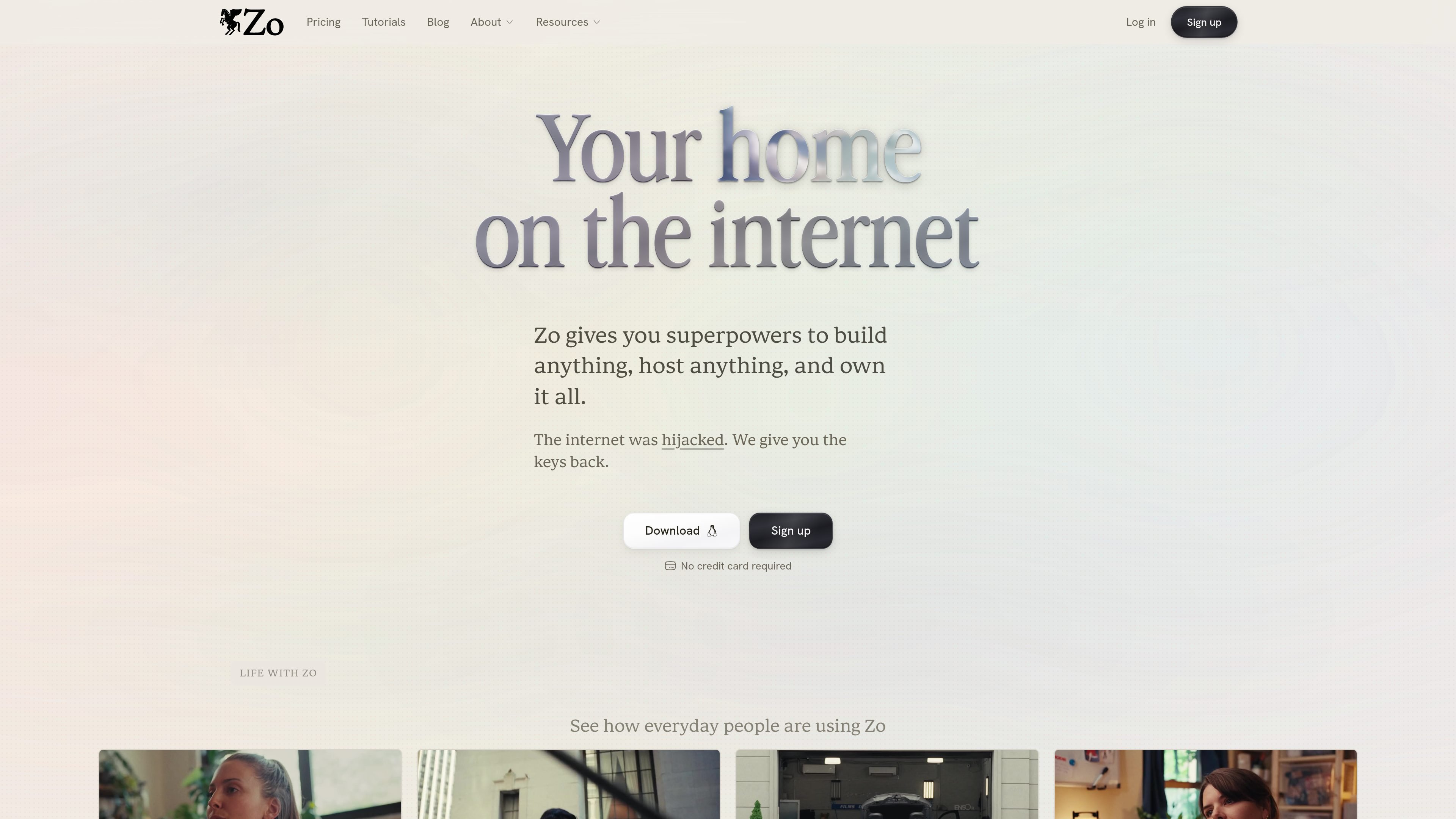
Zo is a personal cloud and AI workspace that lets you store files, create AI agents, and host websites from one account. The product positions itself as a home on the internet where you control your own cloud infrastructure instead of relying on separate SaaS tools or a standalone VPS.
The site emphasizes a no-code workflow for building and hosting, plus access to AI chat and model usage inside the same workspace. Zo also supports multiple entry points — including text, email, Telegram, Discord, Slack, and API — so you can interact with it from the tools you already use.
Store files in Zo's personal cloud workspace, with 100GB disk included on the free plan and larger infrastructure on paid tiers.
Create AI agents that can chat, run tasks, and work with your files, with access to free and premium AI models depending on plan.
Host websites and other services from your Zo environment, with plan-based limits on the number of services and custom domains.
Connect Zo through text, email, Telegram, Discord, Slack, or API so you can work from the channel you already use.
Use integrations with tools such as Gmail, Google Calendar, Notion, Google Drive, Linear, and more to connect Zo to existing workflows.
Choose a plan with always-on availability, more AI credits, larger server resources, and priority support on higher tiers.
Use Zo to keep files, AI assistance, and hosting in one place when you want fewer separate subscriptions and less context switching.
Build a personal site, portfolio, or small web presence from prompts and host it in the same environment without writing traditional server setup.
Run repetitive background work with AI agents that can answer questions, manage files, and connect to your other tools.
Operate from your preferred channel — such as email, Slack, or Telegram — if you want to talk to your assistant without opening a separate app.
Use Zo as a personal cloud base when you need a controlled environment for files and services rather than a generic chatbot alone.
Zo is designed to work out of the box. The site says it does not require terminal setup, a Mac Mini, or a VPS, and that you can try most features on the free plan.
Zo offers a free plan with limited AI models and a daily usage allowance. Paid plans add more storage, services, custom domains, always-on availability, and larger AI credit allowances.
The site says you can chat with Zo from text, email, Telegram, Discord, Slack, or the API, and it also supports Gmail, Notion, Linear, Google Drive, calendars, and more through integrations.
Zo says it gives you your own personal cloud infrastructure where you can store files, create AI agents, and host websites without coding.
The pricing page says the free plan goes to sleep and has limited CPU and memory, while paid plans stay always on and include more services and priority support on higher tiers.
Os dados de tráfego são apenas para referência.

agno.com
Agno é um framework Python de código aberto para criar agentes de IA e fluxos de trabalho multiagente, com AgentOS para executá-los e gerenciá-los como serviços de API em produção na sua própria nuvem.

www.agent-one.dev
AgentOne é um agente de IA para desktop e uma ferramenta de pesquisa aprofundada que automatiza tarefas com várias etapas em apps, sites e serviços. Oferece um plano gratuito e planos pagos com limites de uso mais altos, sincronização, agentes na nuvem, acesso à API e armazenamento.

cognigy.com
NiCE Cognigy é uma plataforma de IA para criar experiências de voz, chat, mensagens e assistência a agentes.

dronahq.com
Plataforma low-code empresarial para criar apps internas, agentes de IA e automações de workflows.

erp.ai
ERP•AI é uma plataforma de IA empresarial para criar agentes, fluxos de trabalho e aplicações sem código.

antigravity.google
Google Antigravity é uma plataforma de desenvolvimento agêntico para agentes autônomos em apps, CLI, IDE e SDK, com download para Windows, plano individual gratuito e acesso avançado para usuários Pro, Ultra e organizações do Google Cloud.