
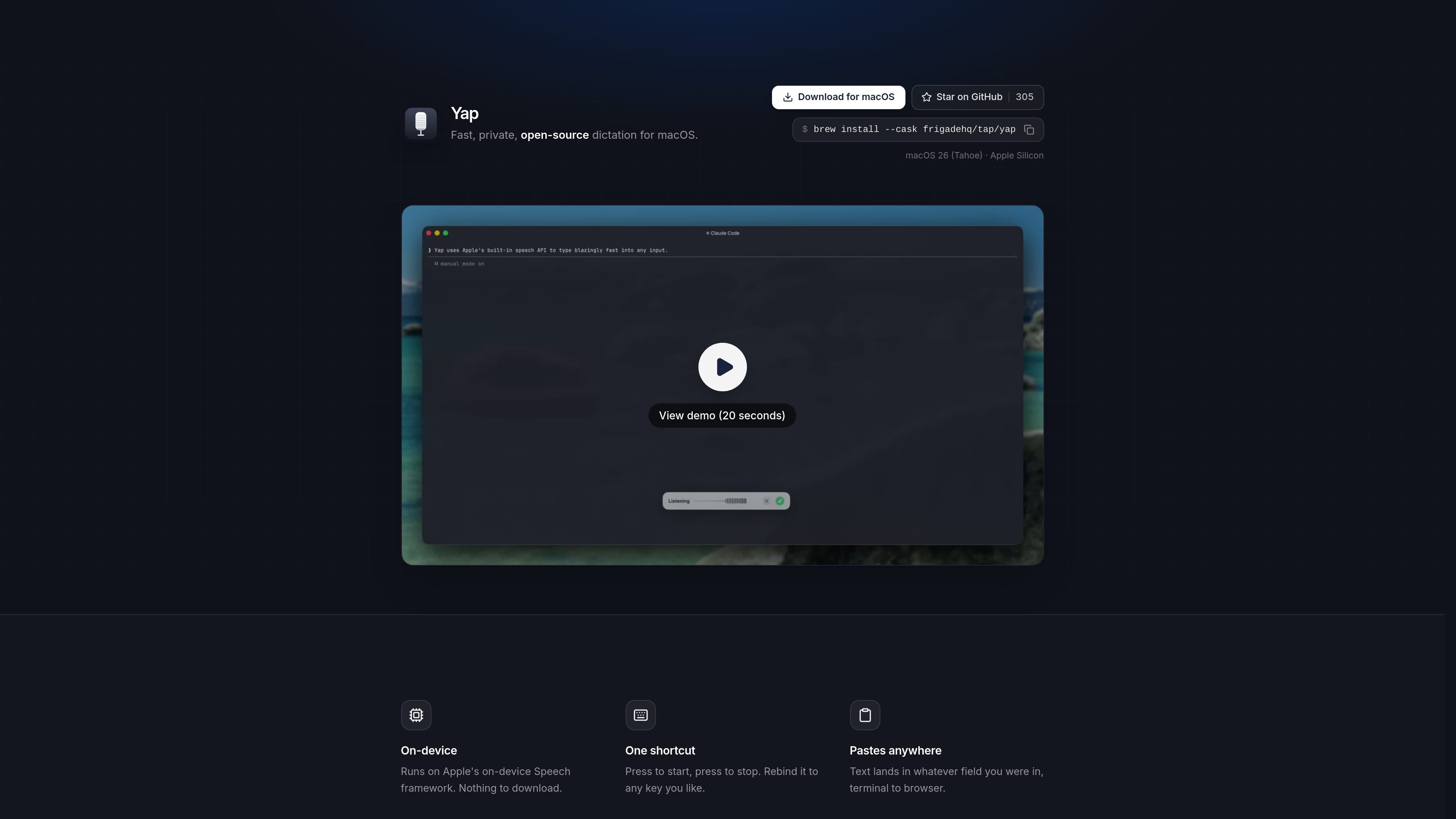
On-device speech recognition
Yap uses Apple’s on-device Speech framework so dictation is processed locally on your Mac instead of sending audio to a server.

Yap é um aplicativo de ditado gratuito e de código aberto para macOS que transforma fala em texto em qualquer campo de entrada. Usa reconhecimento de fala no dispositivo e armazena as transcrições localmente, sem conta, chave de API, telemetria ou código de rede.
Yap is a macOS voice dictation app that turns speech into text wherever you can type. It is built for people who want fast dictation without sending audio off their machine.
The product page describes Yap as private, free, and open source. It uses Apple’s on-device Speech framework, works offline, and pastes text directly into the field you were already using, from browser windows to terminal sessions.
The homepage emphasizes local control: there is no account, no API key, no telemetry, and no network code. Yap also saves transcripts on the Mac so past dictation remains searchable and reusable.
Frigade says it built Yap for its own daily use, including prompting coding agents, writing emails, and sending Slack messages, then open sourced it for others who want the same workflow on macOS.
Yap uses Apple’s on-device Speech framework so dictation is processed locally on your Mac instead of sending audio to a server.
Start recording and stop recording with a single hotkey. The shortcut can be rebound to a different key if needed.
The dictated text is pasted into the app or field you were already using, whether that is a browser, editor, terminal, or another text field.
Yap does not require an account or API key, and the page states that it has no telemetry and no network code.
Each transcript is stored locally on the Mac, making past dictation searchable and available for reuse.
Because it has no network code, Yap is designed to work offline as well as online.
Use Yap when you want to dictate faster than typing, but still keep the text inside the app you are already working in.
The page specifically mentions prompting coding agents and using a terminal, so Yap fits voice input for development workflows where you want local text insertion.
Frigade says it uses Yap for writing emails and firing off Slack messages, which makes it useful for short written communication on a Mac.
Because dictation is processed on-device and works offline, Yap is suitable when you want speech-to-text without network dependence, including travel or low-connectivity situations.
Saved local transcripts make Yap useful when you want to reuse previous dictated text instead of starting from scratch.
Yap uses Apple’s on-device Speech framework and runs entirely on your Mac. The page says there is no account, no API key, no telemetry, and no network code involved.
The page says Yap can paste text into whatever field you are in, from terminal to browser. It is designed to work anywhere you can type on macOS.
Yap starts and stops with one shortcut, and the shortcut can be rebound to any key you like.
Yes. Yap saves each transcript locally on your Mac, and the page says the history is searchable and ready to reuse.
The homepage describes Yap as free and open source. It also shows installation options for macOS, including a download button, GitHub, and Homebrew.
Os dados de tráfego são apenas para referência.

www.voicegecko.dev
VoiceGecko é um aplicativo gratuito e de código aberto para ditado no desktop, que executa o reconhecimento de voz localmente no dispositivo e transcreve fala sem enviar as transcrições para a nuvem.

dictro.com
Dictro é um app privado de ditado com AI para Mac que transcreve a fala em texto refinado dentro de qualquer campo de texto padrão do Mac. O fluxo padrão permanece no dispositivo, com Fast Mode na nuvem e histórico local de transcrições opcionais.

spokenly.app
Spokenly é um app de ditado com IA para Mac, iPhone e Windows que transforma voz em texto em qualquer aplicativo. Oferece modelos locais offline gratuitos, transcrição na nuvem com Pro ou suas próprias chaves de API e mais de 100 idiomas.

www.epilude.com
Epilude é uma suíte de produtividade por voz para Mac que transforma a fala em texto formatado em qualquer app. Inclui limpeza da transcrição, ajuste de tom, vocabulário personalizado e atalhos, além de um modo local que mantém o áudio e o texto no Mac.

quickquill.app
QuickQuill é um app para macOS que oferece ditado, transcrição e anotações de reuniões privadas diretamente no dispositivo. Inclui ditado gratuito por pressionar para falar e um fluxo pago para reuniões com captura, importação de arquivos, resumos, tradução e exportação.

wisprflow.ai
Wispr Flow é uma ferramenta multiplataforma de ditado por voz que transforma a fala em texto refinado em aplicativos para Mac, Windows, iPhone e Android. Oferece suporte a fluxos de escrita individuais e recursos de equipe e administração para empresas.