
AI-assisted mind map editing
Create mind maps in Xmind and use AI to generate or edit map content. The homepage says Xmind AI can expand, restructure, and refine an existing map through chat.

Xmind é uma ferramenta de mapas mentais para organizar ideias, planejar projetos e criar apresentações na web, desktop e mobile, com edição assistida por AI e colaboração.
Xmind is a mind mapping and visual thinking tool available on the web, desktop, and mobile. It helps people turn ideas into structured maps, presentations, and project plans using templates, visual structures, and AI-assisted workflows.
The product page positions Xmind for brainstorming, learning, planning, creating, and organizing. The homepage also describes an AI workflow that can connect with Claude, Codex, and ChatGPT Apps through Xmind MCP Server and Xmind ChatGPT App, while Xmind AI can edit an existing map directly.
Create mind maps in Xmind and use AI to generate or edit map content. The homepage says Xmind AI can expand, restructure, and refine an existing map through chat.
Work with different visual structures, including mind maps, timelines, matrices, and Zones, to match the way you organize information.
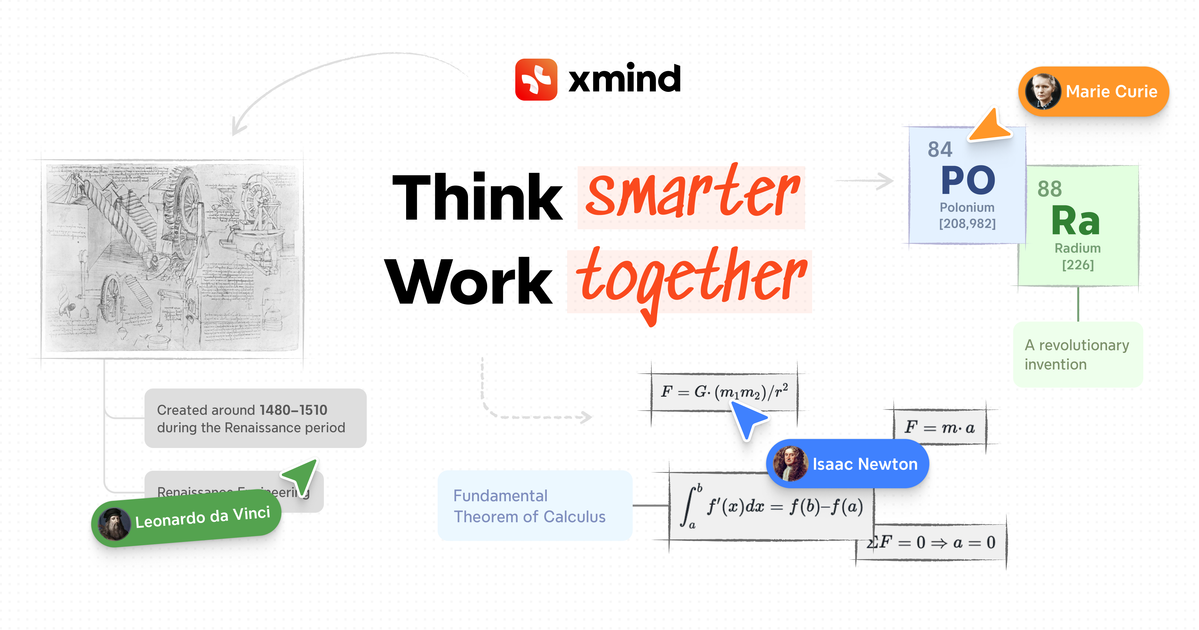
Collaborate in real time, share team spaces, and follow another person's view on Premium for shared work sessions.
Use Pitch to turn maps into presentations. The Free plan includes up to 5 slides, and Pro includes unlimited slides.
Export maps in formats such as PNG, SVG, PDF, Markdown, and Office Suite on Pro, with task exports to Calendar or Excel on Premium.
Use Gantt charts, task assignees, and version history on Premium to manage project plans and keep track of changes.
Use the app to capture ideas, branch them into related topics, and turn rough notes into a more organized map for later review.
Plan projects with AI support, Gantt charts, tasks, assignees, and version history so work can move from map to execution more cleanly.
Prepare presentations by building a map first and then using Pitch to present it as a small slide deck or a longer deck, depending on the plan.
Share maps with teammates, collaborate in real time, and follow a shared view when multiple people are working from the same structure.
Use Xmind AI to expand, summarize, refine, or reorganize an existing map when your notes, research, or project scope changes.
Xmind can be used on the web, desktop, and mobile, and the pricing page lists free and paid plans for individuals, plus team and education options.
The homepage says Xmind AI can understand the current mind map and edit it directly, while the pricing page describes AI credits for text-to-mind-map, summarizing, refining, and breaking work into tasks or to-dos.
Xmind Premium includes real-time collaboration, shared team spaces, and the ability to follow another person's view.
The pricing page lists export options such as PNG, SVG, PDF, Markdown, and Office Suite on Pro, with task export to Calendar or Excel on Premium.
The homepage and pricing page both describe presentation workflows through Pitch, including up to 5 slides on Free and unlimited slides on Pro.
Os dados de tráfego são apenas para referência.

aippt.cn
AiPPT é uma ferramenta de apresentações com IA que gera PPTs a partir de prompts, documentos, links ou texto colado. Ajuda pessoas e equipes a criar e aprimorar mais rapidamente relatórios de trabalho, slides para aulas, apresentações empresariais e outras apresentações.

chat-ppt.com
Ferramenta PPT online com IA para criar e aprimorar apresentações

10sppt.com
AIPPT é uma ferramenta de apresentações com IA que converte documentos do Word ou textos em slides e oferece opções para aprimorar o visual das apresentações e escolher modelos. É voltada para quem quer criar apresentações rapidamente sem montar cada slide manualmente.

sendsteps.com
Plataforma de apresentações com IA para criar sessões interativas, questionários e respostas ao vivo

presenton.ai
Presenton é um gerador de apresentações e uma API de IA de código aberto para criar slides a partir de prompts, documentos, dashboards ou recursos existentes.

pageon.ai
Plataforma de comunicação visual com IA para criar apresentações, infográficos e páginas interativas