
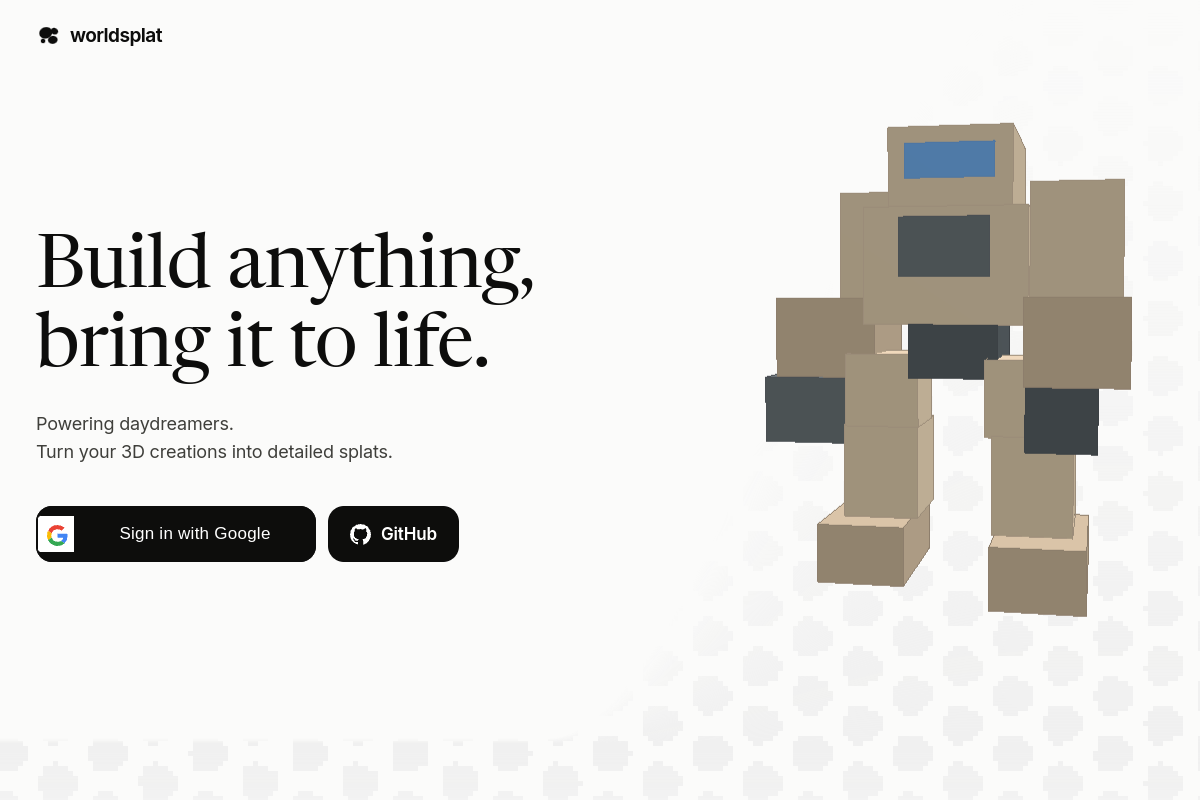
Rough-sketch to world workflow
The product is described as turning rough sketches into explorable 3D worlds, providing a path from an early visual concept to a navigable result.

worldsplat turns rough sketches and 3D creations into explorable 3D worlds using Gaussian splats. It is designed for people who want to build and bring visual world concepts to life.
worldsplat is a web-based 3D creation tool for turning rough sketches and 3D creations into explorable worlds. Its central output is a detailed, seamless Gaussian splat, allowing a scene to be experienced as an explorable 3D environment rather than only as a flat visual.
The homepage describes a simple concept-to-world workflow: the user lays out the blueprint or creates the source 3D work, and worldsplat brings it into a splat-based world. The available product information does not document supported file formats, editing controls, exports, collaboration, platform requirements, or pricing plans.
The product is described as turning rough sketches into explorable 3D worlds, providing a path from an early visual concept to a navigable result.
Users can turn their 3D creations into detailed Gaussian splats, according to the homepage description.
The stated result is intended to be explored as a 3D world rather than presented only as a static sketch or image.
worldsplat specifically describes its scene representation as a seamless Gaussian splat, making splat generation the product’s defining technical workflow.
The homepage presents account access options through Google and GitHub.
Use a rough sketch as the starting point for exploring how an imagined environment could work as a navigable 3D space.
Bring an existing 3D creation into a splat-based representation when the goal is to inspect or experience the scene as an explorable world.
Independent creators can use the stated blueprint-to-world workflow to develop visual ideas into interactive-looking environments.
worldsplat creates explorable 3D worlds represented as detailed, seamless Gaussian splats.
The homepage describes rough sketches and 3D creations as starting points. It does not specify supported file formats or input requirements.
The homepage shows sign-in options for Google and GitHub. Other account or access requirements are not documented in the available source material.
No export destinations, integrations, or sharing workflows are specified in the available product information.
