
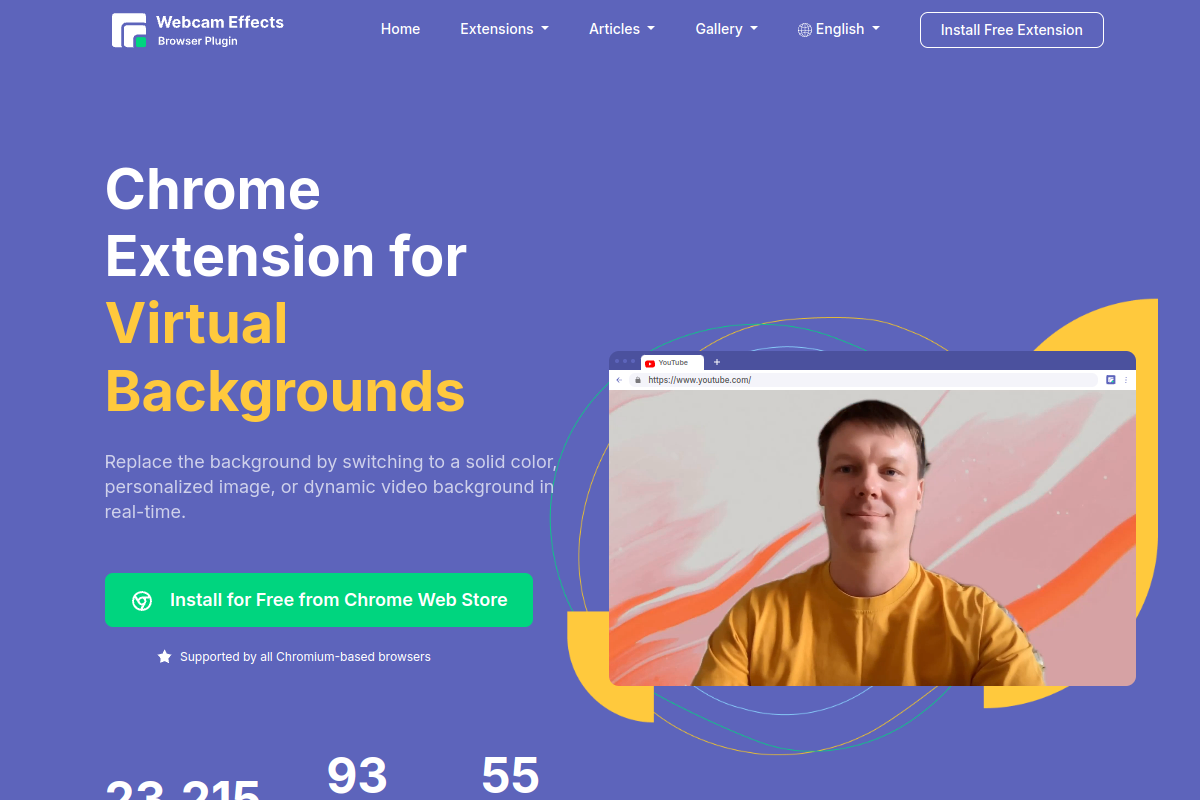
Backgrounds and AI blur
Blur your surroundings or replace the background with an image, video, or solid color. Personal virtual backgrounds are a paid-plan feature.

Improve browser-based webcam video with AI blur, framing, visual effects, and camera or screen recording.
Webcam Effects is a browser extension for improving webcam video and recording camera or screen content. It adds AI background blur, virtual backgrounds, speaker auto-framing, presentation layouts, appearance filters, and lighting adjustments to browser-based calls, streams, and recordings.
Install the video extension, sign in with a Google account, and allow camera access on a compatible conferencing or recording website. It works with the browser version of a video service; the extension does not run on smartphones. A free plan retains a Webcam Effects watermark, while paid plans add personal backgrounds, custom branding, and video enhancement.
Blur your surroundings or replace the background with an image, video, or solid color. Personal virtual backgrounds are a paid-plan feature.
Keep the speaker framed with Smart Zoom and arrange the video layout for presentations, including picture-in-picture.
Adjust skin smoothing, color filters, color balance, and low-light correction. Paid plans also include AI Video Enhancer.
Record webcam or screen content and add lower-thirds, Emoji, or Giphy elements. Custom watermarks and overlay screens require a paid plan.
Reduce background distractions and adjust framing or lighting during browser-based video calls.
Arrange the speaker and presentation visuals, add lower-thirds, or record a camera or screen explanation.
Use visual effects in a compatible streaming website or record webcam content for later use.
Webcam Effects is designed for Chrome and Chromium-based browsers on Windows, Mac, and Linux. Use a browser-based conferencing or recording website with camera access enabled. Smartphones are not supported.
The free plan includes backgrounds, blur, Smart Zoom, layouts, filters, lighting corrections, lower-thirds, and recording, with a Webcam Effects watermark. New users receive seven days of access to premium features.
Paid plans remove the product watermark and add personal virtual backgrounds, custom watermarks, custom overlay screens, Video Enhancer, and 500 MB of cloud storage. The Popular plan costs $38.95 billed annually, displayed as approximately $3.25 per month.
Install AI Webcam Effects + Recorder from the Chrome Web Store, open its extension menu, and sign in with a Google account. Then open your conferencing or recording website, enable the camera, and configure your effects.
Os dados de tráfego são apenas para referência.
