
Content-first design generation
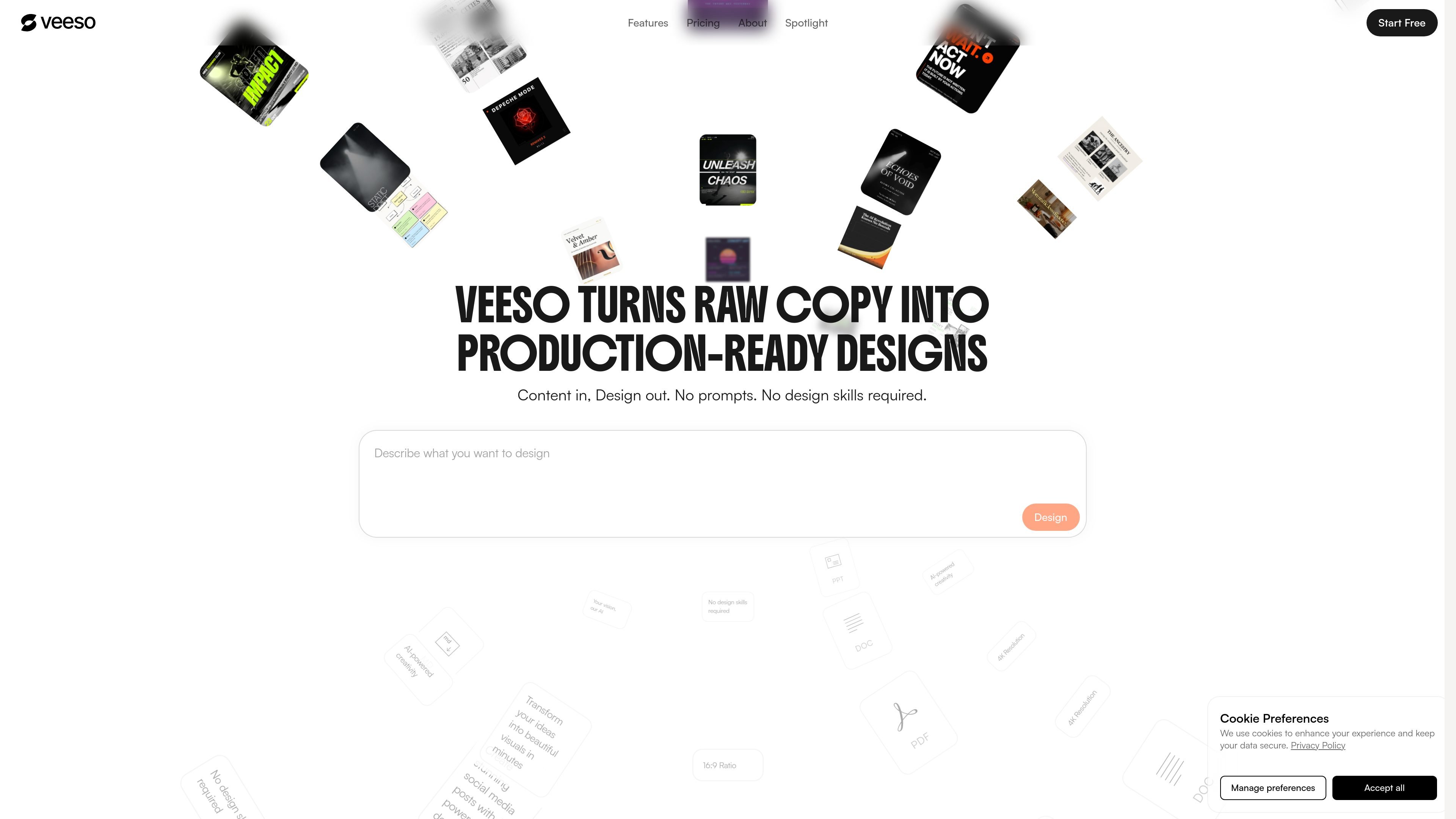
Paste or provide content and Veeso generates a finished layout instead of starting from a blank page. The home page emphasizes content-in, design-out workflow with no prompts and no design skills required.

Veeso AI transforma textos colados em designs editáveis para posts em redes sociais, slides, páginas e newsletters. É voltado para proprietários de PMEs, profissionais de marketing, equipes de operações e fundadores que precisam criar visuais refinados rapidamente, sem conhecimentos de design.
Veeso AI is a content-first design tool that turns pasted copy into editable visual designs. Its homepage positions the product around a simple workflow: provide text, generate a layout, then refine and deliver the result without needing design skills.
The product is aimed at people who need polished social posts, slides, pages, newsletters, and similar assets quickly. The pricing page frames that audience as SMB owners, marketers, operations teams, and founders who need professional visuals under time constraints.
Veeso supports a generation-to-editing workflow rather than image-only output. The site shows direct text editing, export options, background removal, and AI upscaling, while higher plans add features such as multi-page generation, brand kit management, API access, and advanced export formats.
Paste or provide content and Veeso generates a finished layout instead of starting from a blank page. The home page emphasizes content-in, design-out workflow with no prompts and no design skills required.
The editor is presented as fully featured and editable, with text editable directly inside the design rather than being locked into a flat image.
Users can export designs as images or PDFs, and paid plans add advanced export options such as PPT, SVG, and HTML.
The home page highlights background removal as a separate AI image tool for products, portraits, and complex scenes.
The home page also highlights AI upscaling, with resolution enhancement up to 4x and detail restoration.
Pro and Ultra plans add higher-capacity workflows such as multi-page generation, more asset uploads per generation, brand kit management, API access, and priority or dedicated support.
Marketing teams can turn campaign copy into social posts or ad visuals, then adjust layout and text without rebuilding the asset from scratch.
Founders and operations teams can convert product or company updates into slides, pages, or newsletters for internal or external communication.
Teams that need multiple-page output can use the higher tiers for multi-page generation and presentation-style deliverables.
Users working with existing imagery can remove backgrounds or upscale assets before placing them into a finished design.
Organizations that want reusable visual standards can use the higher tiers’ brand kit management to keep output consistent across projects.
Veeso AI turns pasted copy into editable designs for social posts, slides, pages, newsletters, and related visual formats. It is aimed at SMB owners, marketers, operations teams, and founders who need production-ready visuals without starting from a blank canvas.
Yes. The pricing page says the Free plan includes a full-featured editor and standard export, and the home page shows designs remain editable after generation. Paid plans add more export options and higher limits.
The pricing page lists Free, Pro, and Ultra plans. Free is for personal and non-commercial use; paid plans include a commercial license.
The contact page says support is available by email and through Discord. It also says Pro and Ultra subscribers receive priority support.
The pricing page says exports are available as high-quality images, PDFs, and, on Pro and Ultra, advanced export options including PPT, SVG, and HTML.
Os dados de tráfego são apenas para referência.

moda.app
Moda é uma ferramenta de design com AI baseada na Web para criar recursos visuais editáveis, como slides, publicações para redes sociais, documentos, PDFs e diagramas. As equipes podem produzir designs alinhados à marca a partir de materiais de origem, mantendo todos os elementos editáveis.

napkin.ai
Napkin AI transforma texto em recursos visuais editáveis para apresentações, documentos, redes sociais e colaboração em equipe.

vizgpt.ai
vizGPT transforma prompts em linguagem natural em gráficos editáveis Lottie, SVG, GIF e de dados para equipes de produto, design, marketing e frontend.

miricanvas.com
MiriCanvas é uma ferramenta de design online para criar apresentações, posts para redes sociais, miniaturas, cartazes e mais com modelos e recursos de IA.

weavy.ai
Plataforma web de fluxos de trabalho de design com IA para profissionais criativos, equipes e áreas de design empresarial, reunindo vários modelos de IA, ferramentas profissionais de edição e fluxos reutilizáveis baseados em nós.

usekodo.ai
Kodo transforma prompts de texto em designs editáveis para apresentações, cartazes, menus, gráficos sociais e muito mais.