
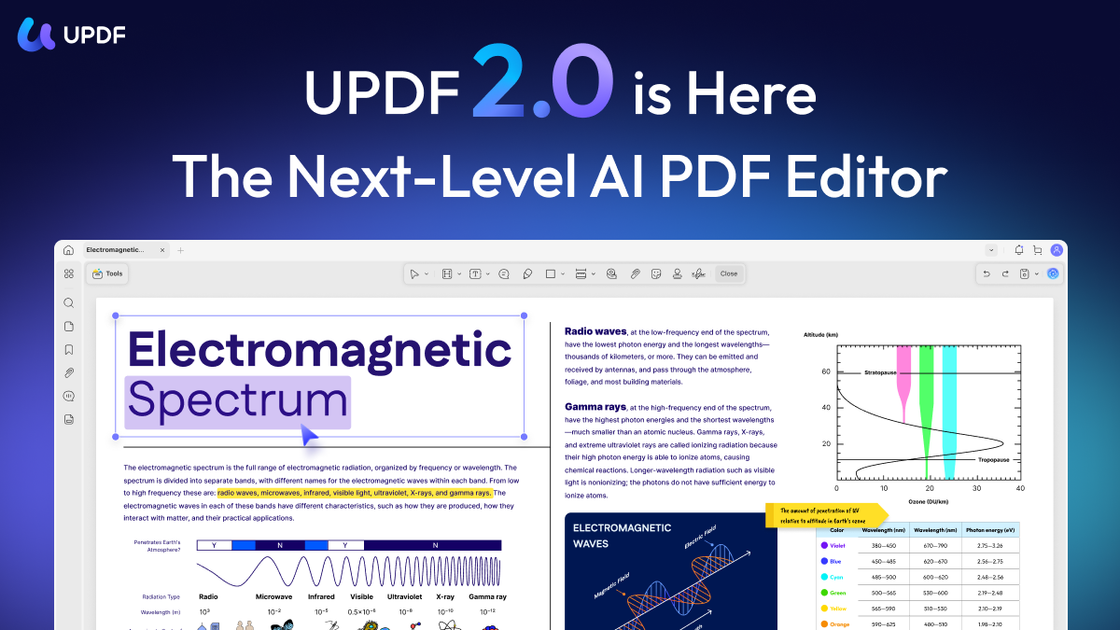
Edit PDF content
Edit text, images, and links directly in PDFs, and work with page-level actions such as reorder, delete, insert, extract, split, and rotate.

Editor de PDF com IA para editar, anotar, converter, organizar, assinar e conversar com PDFs e imagens.
UPDF is a PDF editor that combines core document tools with AI assistance for reading, searching, summarizing, translating, and organizing files. It is available on desktop, mobile, and web, with synced workflows across Windows, Mac, iOS, Android, and the browser.
The product is aimed at people who need one place to edit text and images, annotate documents, reorder pages, convert files, run OCR, and sign PDFs while also using AI to work through large or complex documents more quickly.
Edit text, images, and links directly in PDFs, and work with page-level actions such as reorder, delete, insert, extract, split, and rotate.
Add highlights, shapes, stickers, stamps, notes, and eSignatures, then export comments as a separate PDF when needed.
Convert PDFs to Office formats, images, text, HTML, and other formats, and use OCR to turn scanned documents into searchable and editable files on supported platforms.
Use the AI assistant to summarize, translate, explain, and chat with PDFs or images, plus access more than 10 AI agents for tasks such as semantic search, research, bookmarking, and page management.
Use the app on Windows, Mac, iOS, and Android, or access AI tools in the browser, with documents and workflows synced between devices.
Store files in encrypted cloud storage, transfer data over SSL/TLS-based HTTPS, and use PDF tools offline when you do not want to rely on an online connection.
Edit wording, add comments, mark up sections, and organize pages while keeping the review process inside one PDF workspace.
Run OCR on scanned files so they become searchable and editable, which is useful for digitized forms, archived records, and paper handouts.
Use AI chat, paper search, deep research, and summarization tools to extract key points from long documents and collections of PDFs.
Read, edit, annotate, organize, and sign PDFs from iPhone, iPad, or Android when work needs to continue away from a desktop.
Prepare a file, annotate it, and send it through e-signature workflows when a document needs approval or a recorded sign-off.
The site lists UPDF for Windows, Mac, iOS, and Android, and also offers web access for AI tools such as UPDF AI Assistant.
Yes. The site says UPDF's PDF tools are available for offline use, while AI features can also be accessed online through the web or app.
Yes. OCR is available to recognize text and turn scanned documents into searchable and editable PDFs on supported platforms.
Yes. The product includes an AI assistant for summarizing, translating, explaining, and chatting with PDFs or images, plus AI agents for more specialized tasks.
Yes. The pricing page shows paid plans for UPDF Pro, UPDF AI Assistant, and bundled workspace options, alongside free download and trial access.
Os dados de tráfego são apenas para referência.

lightpdf.com
Editor, conversor e leitor de PDF com IA e ferramentas na nuvem para editar, assinar e gerenciar documentos.

pdfgear.com
Editor e kit de ferramentas PDF grátis para Windows, macOS, iOS, Android e web. Edite, converta, anote, assine e organize PDFs sem se cadastrar.

noedgeai.com
Processamento de documentos com IA para PDFs e imagens, exportação editável, tradução e processamento em lote via API

kaagaz.app
Kaagaz é um conjunto de apps mobile para digitalizar documentos, editar PDFs, fazer backup de arquivos e criar cartazes e currículos.

toppdf.co
Suite de ferramentas PDF no navegador para editar, converter e traduzir

www.uglypdf.com
UglyPDF é um criador e editor de PDF com IA baseado na web que transforma prompts ou arquivos enviados em documentos editáveis. Permite gerar por chat, editar visualmente e exportar para PDF, JPG ou PNG.