TranscribeGo logo

TranscribeGo

Freemium
Visitar

Transcrição de áudio e vídeo no navegador, com resumos e traduções

O que é TranscribeGo?

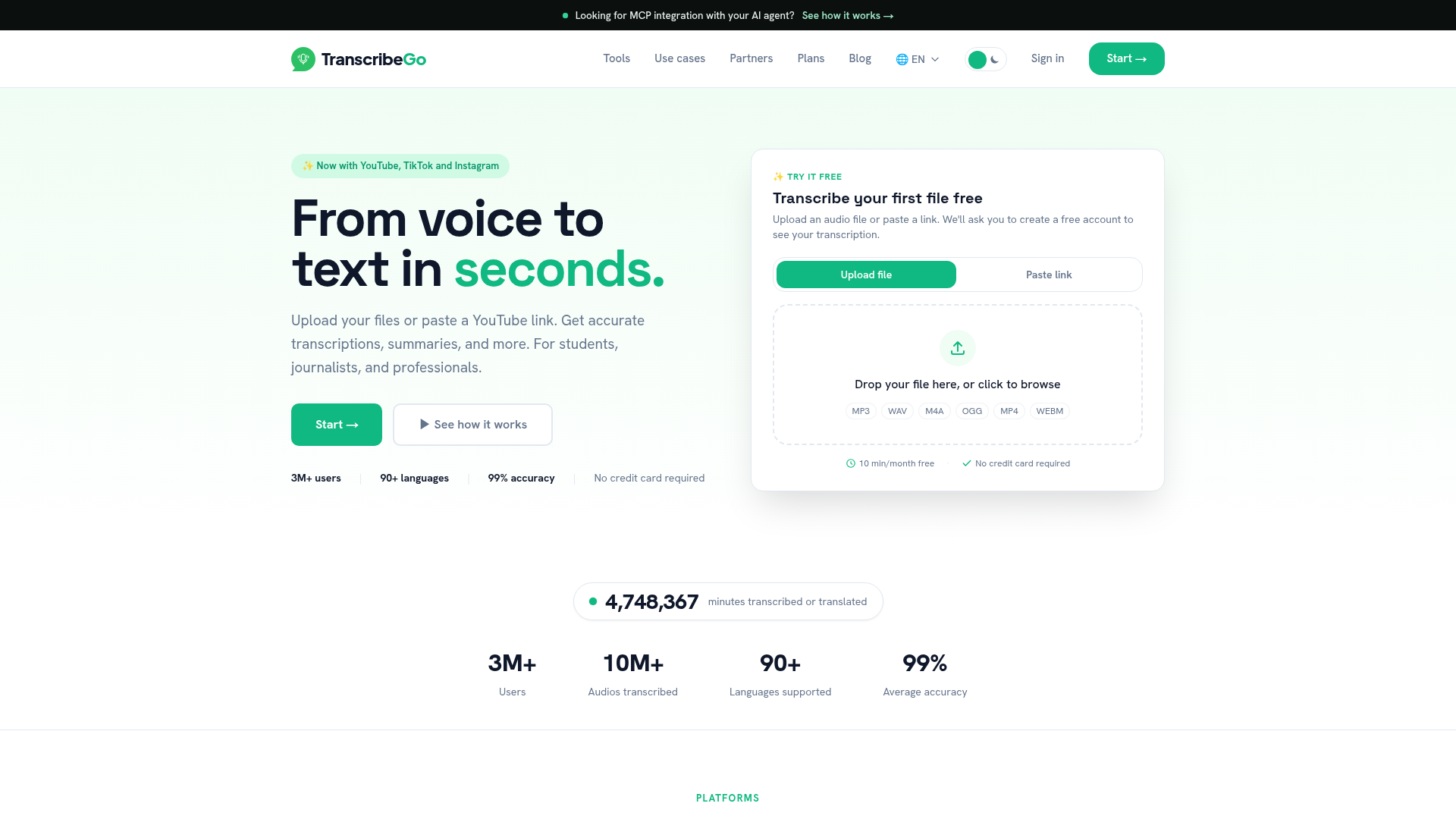
TranscribeGo is a browser-based transcription tool that turns audio and video into text from uploads, links, and messaging apps. It is positioned for students, journalists, creators, and professionals who want transcription, summaries, translation, and downstream editing in one workflow.

The site shows several entry points: a web app for uploading files or recording in the browser, plus WhatsApp and Telegram bots for sending voice notes, forwarded audio, or URLs. It also highlights support for common source platforms such as YouTube, TikTok, Instagram, Vimeo, x.com, SoundCloud, Facebook, Dailymotion, Twitch, and other URLs.

O que TranscribeGo pode fazer?

Multiple input paths

Upload audio files, record in the browser, paste a YouTube link, or send audio through WhatsApp and Telegram bots. The site also lists support for TikTok, Instagram, Vimeo, x.com, SoundCloud, Facebook, Dailymotion, Twitch, and other URLs.
Transcription and translation

TranscribeGo says it detects the audio language, translates automatically to a preferred language, and supports more than 90 languages. The pricing page also states 99% average accuracy and 50+ languages supported in the product stats area.

Summaries, analysis, and speaker labeling

The product generates short summaries and broader AI analysis, including key points, exact quotes, main topics, and relevant data. The journalism flow adds diarization so speakers can be identified and edited on the web.

Article drafting for publishing

Users can turn interviews or podcasts into article drafts, and the journalist workflow shows a search-optimized article view with headline, subheadings, pull-quote, and editorial recommendations.

Professional export formats

Export options shown on the site include PDF, Word, and SRT subtitles, with speaker diarization, timestamps, and summaries included in exports. The journalist page also says results can be copied into a CMS.

Chat-based automation and visual output

The product includes auto infographics and a messaging-bot workflow for quick turnaround in chat. The site also references voice reminders in WhatsApp and Telegram.

Casos de uso

“Journalists turning interviews into articles”

Send an interview to WhatsApp, then move to the web app to identify speakers, pull quotes, and draft a story that can be refined and exported.

“Students reviewing recorded classes”

Upload lecture audio or class recordings, then use transcription and summaries to review the material without replaying long recordings.

“Creators repurposing video content”

Paste a YouTube, TikTok, or Instagram link to get a transcript or subtitles for a video that needs reuse, study, or editing.

“Professionals organizing spoken notes”

Use the browser app or chat bots to capture voice notes and meeting audio, then export text for notes, reports, or follow-up work.

Perguntas frequentes

How do I send audio or video into TranscribeGo?

You can start with a web upload, a pasted YouTube link, or supported messaging flows such as WhatsApp and Telegram. The site also shows source-specific entry points for TikTok and Instagram.

What outputs does TranscribeGo provide?

The rendered pages show transcription, summaries, AI analysis, auto translation, article generation, infographics, PDF and Word export, and SRT subtitles. The journalist flow also highlights speaker diarization and search-optimized article drafting on the web.

Is there a free plan?

The pricing page shows a free plan with 10 minutes per month and paid Starter and Pro plans. It also says no credit card is required for the free plan.

What platforms does it work on?

The site presents a web app plus WhatsApp and Telegram bots. The pricing page also shows platform-specific support for YouTube, TikTok, and Instagram on paid Starter and Pro plans.

Is there a workflow for journalists or team publishing?

The journalist page describes a workflow where audio is sent in WhatsApp, then reviewed on the web for diarization, quotes, and article drafting before exporting to Word, PDF, or a CMS.

Informações rápidas

Category
AI transcription
Primary platform
Web app with WhatsApp and Telegram bots
Primary users
Students, journalists, creators, and professionals
Supported languages
90+ languages
Pricing shape
Free plan plus paid Starter and Pro plans
Source domain
transcribeme.app

Análise de tráfego de TranscribeGo

Os dados de tráfego são apenas para referência.

Classificação do domínio
34

Alternativas ao TranscribeGo

Transcripción+ logo

Transcripción+

transcripcionplus.com

Transcripción+ oferece transcrição de áudio para texto com IA e revisão profissional humana, além de API REST, identificação de falantes, resumos e tradução para mais de 20 idiomas.

Yescribe.ai logo

Yescribe.ai

yescribe.ai

Transcrição online de áudio e vídeo em 98 idiomas, com resumos de AI e plano gratuito para começar.

XspaceGPT logo

XspaceGPT

twitterspacegpt.com

XspaceGPT converte Twitter Spaces em transcrições, resumos e áudio MP3 para download, facilitando o arquivamento e a revisão.

Dictationer logo

Dictationer

dictationer.com

Dictationer transcreve áudio e vídeo e transforma o conteúdo em legendas, resumos, traduções e rascunhos prontos para publicar.

Memo AI logo

Memo AI

memo.ac

Memo AI é um aplicativo desktop de transcrição com IA para Windows e macOS que converte arquivos de áudio e vídeo em texto, com transcrição por link, tradução multilíngue e exportação para SRT, VTT, Markdown e Notion.

ScribeBuddy logo

ScribeBuddy

scribebuddy.com

Ferramenta de IA para transcrição, tradução e legendas de áudio e vídeo