
Offline HTML bug reports
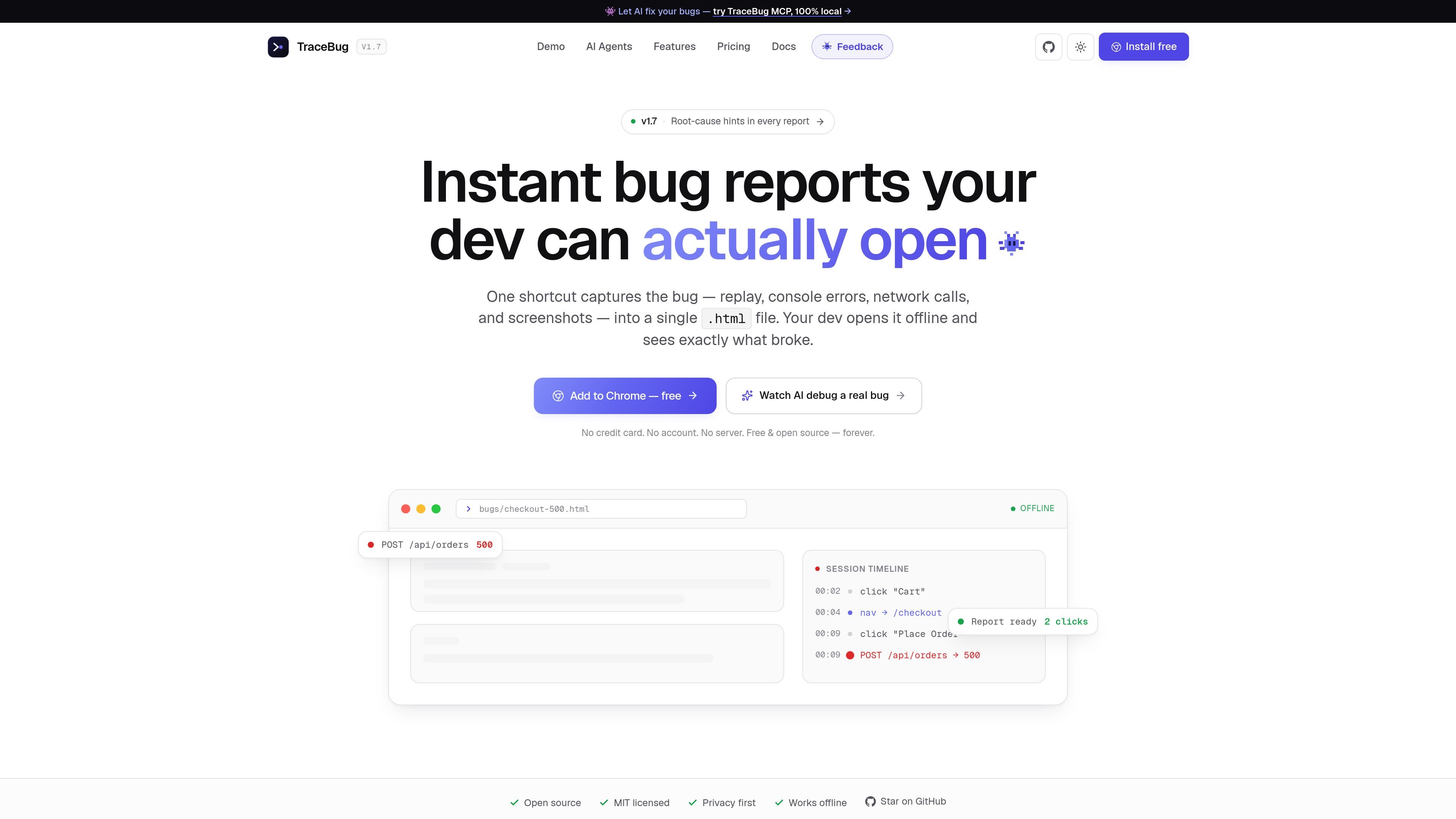
Records the user journey into one self-contained .html file so the report can be opened offline and shared like a normal file, not a hosted ticket.

TraceBug é uma ferramenta local-first de relatório de bugs que captura problemas do navegador em um relatório .html independente, para encaminhamento offline aos desenvolvedores. Também oferece depuração local baseada em MCP e exportação para fluxos comuns de rastreamento e compartilhamento de problemas.
TraceBug is a local-first bug reporting tool that packages a user’s session into a single .html report. The report can include replay, console errors, network requests, screenshots, and captured steps so a developer can open it offline and see what happened.
The product is aimed at the hand-off from tester to developer. Instead of asking someone to retype reproduction steps or paste screenshots into a form, TraceBug turns the bug into a file that can be sent directly, exported into ticket formats, or read by an AI coding agent through its local MCP server.
Records the user journey into one self-contained .html file so the report can be opened offline and shared like a normal file, not a hosted ticket.
Captures the session replay together with console errors, network requests, screenshots, and the user actions that led to the bug.
Adds a root-cause hint at the top of the report, helping the developer see the likely failing request or exception before scrolling through the trace.
Provides export paths for GitHub issue, Jira ticket, PDF, and JSON, so the same capture can be adapted to different hand-off workflows.
Ships with a local MCP server that lets Claude Code, Cursor, Windsurf, VS Code, or another MCP client read reports from disk and investigate them.
Offers a Chrome extension and npm SDK for capture, with offline local bug handling available before any paid collaboration features.
A tester hits a bug in the browser, captures it with one shortcut, and sends the exported file to a developer without filling out a long form.
A developer opens the exported .html report offline to inspect the replay, console error, failed request, and screenshots before starting a fix.
An engineering team uses the local MCP server so Claude Code, Cursor, Windsurf, or VS Code can read a report from disk and investigate the likely cause.
A team that prefers issue trackers exports the same capture into GitHub issue, Jira ticket, PDF, or JSON formats instead of keeping it as a browser file.
A product or support team captures a recurring bug locally first, then decides later whether to use cloud sharing or future team plans for collaboration.
TraceBug captures a bug as a self-contained .html report. The report includes session replay, console errors, network activity, screenshots, and root-cause hints, so the developer can open it offline without needing an account or upload flow.
The browser extension and local capture flow are presented as free. The pricing page says local bug capture and offline .html exports are free forever, while paid plans are reserved for collaboration features such as shareable URLs, integrations, and self-hosting when those are needed.
TraceBug’s MCP server runs locally over stdio. The docs say you can point an MCP client such as Claude Code, Cursor, Windsurf, or VS Code at a folder of exported reports so an agent can read the report from disk and debug against your codebase.
The source pages show exports for GitHub issues, Jira tickets, PDF, and JSON, plus Slack and Linear mentioned in the pricing page. The MCP docs also describe a local hand-off workflow for sending the exported .html file to a developer or agent.
The site describes a free local-first product, plus coming-soon paid plans for Pro, Team, and Enterprise. Pro adds cloud sharing and branding features, Team adds shared workspaces and auto-sync, and Enterprise adds self-hosting and compliance-oriented controls.
Os dados de tráfego são apenas para referência.
| abr. | 0 |
|---|---|
| mai. | 0 |
| jun. | 0 |
As análises de tráfego ainda não estão disponíveis.

valpere.github.io
session-indexer é uma ferramenta para desenvolvedores hospedada no GitHub que indexa transcrições de sessões do Claude Code no SQLite e permite pesquisá-las semanticamente. Foi criada para recuperar o histórico JSONL por projeto, com FTS5 como alternativa quando a busca baseada em embeddings não está disponível.

moxiedocs.com
Moxie Docs conecta-se ao GitHub e transforma repositórios privados em documentação pesquisável, relatórios de lacunas, contexto MCP para agentes de IA e PRs de organização prontos para revisão. Também oferece suporte a centrais de ajuda públicas e notificações no Slack sobre atualizações.

murmell.com
Murmell é uma tela no navegador para executar agentes de programação com IA em sandboxes compartilhadas na nuvem. Ajuda desenvolvedores a coordenar Claude Code, Codex, Kimi e OpenCode em um mesmo projeto, sem configuração local nem conflitos de arquivos.

buildonto.dev
Onto ajuda proprietários de sites a tornar suas páginas mais fáceis de ler para agentes de IA, fornecendo Markdown limpo no mesmo URL. Também oferece análises de visitas de agentes e uma pontuação de legibilidade AIO. Desenvolvedores podem buscar e processar conteúdo da web pela Read API ou pelo servidor MCP.

gitbutler.com
GitButler é uma plataforma baseada em Git para fluxos de desenvolvimento assistidos por IA.

sapling.ai
Sapling é um kit de ferramentas e assistente de modelos de linguagem para desenvolvedores e empresas, com acesso a API/SDK e integrações para escrita, análise de texto e fluxos empresariais.