
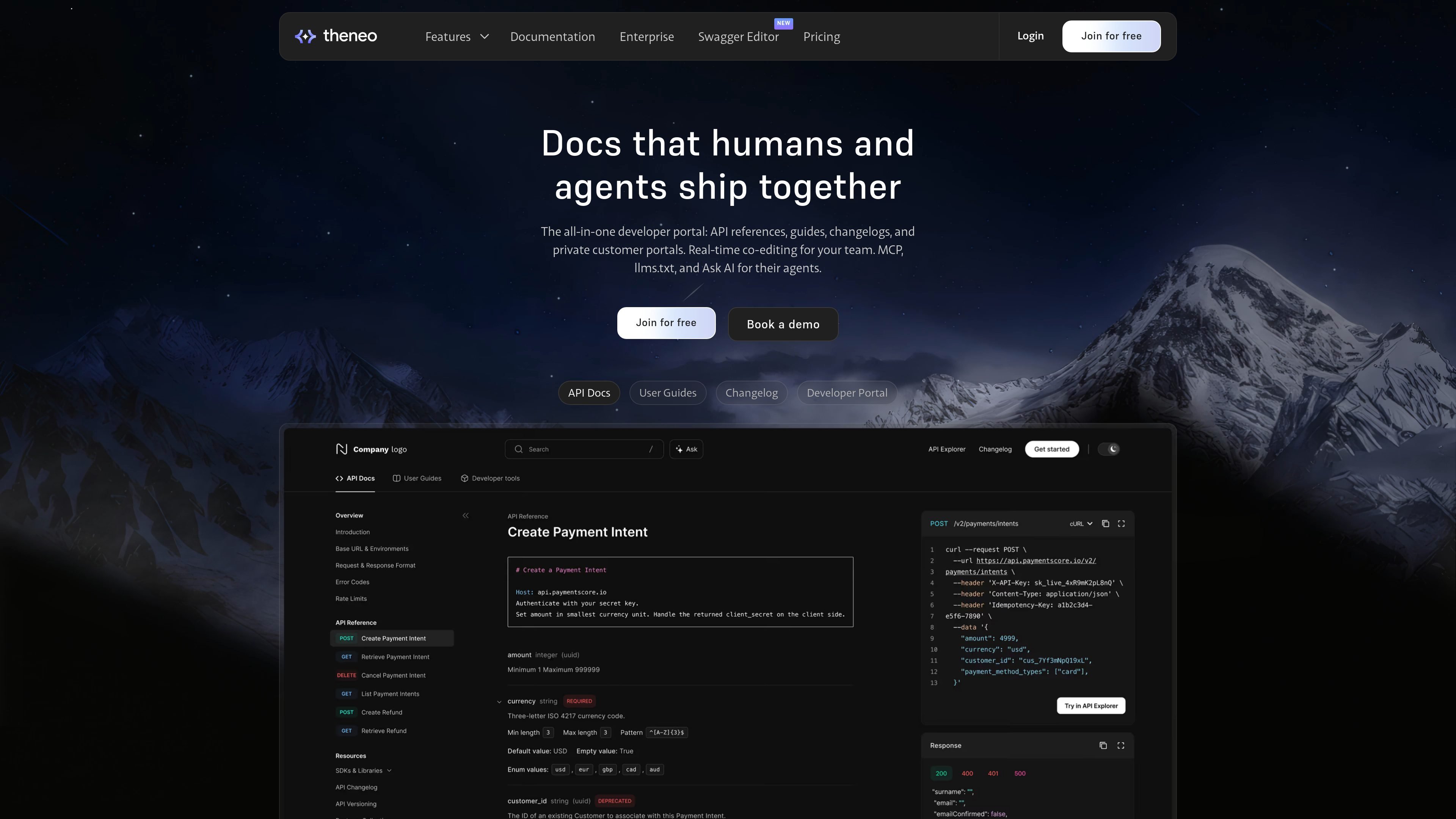
Automated API reference generation
Upload an OpenAPI file, Postman collection, or GraphQL schema, or connect a Git repo, and Theneo generates interactive documentation with endpoint descriptions, examples, and code samples.

Documentação para desenvolvedores com referências de API, changelogs e portais personalizados
Theneo is a developer documentation platform for building API references, developer portals, changelogs, and private customer portals in one place. It is positioned for teams that want documentation, guides, and API operations to stay aligned as the product changes.
The site emphasizes collaboration and automated updates. Theneo can generate docs from API specs or connected repositories, supports real-time co-editing, and includes tools such as a Try-it console, AI-assisted descriptions, changelog generation, and access controls for public or private documentation.
Upload an OpenAPI file, Postman collection, or GraphQL schema, or connect a Git repo, and Theneo generates interactive documentation with endpoint descriptions, examples, and code samples.
A built-in Try-it console lets readers send live requests from the documentation, with support for common auth methods and multiple environments.
Git-synced workflows detect spec changes, rebuild documentation, and support preview deployments, approval steps, and changelog generation.
Engineers, PMs, and writers can edit in one shared environment with inline comments, role-based permissions, version comparison, and live collaboration.
Theneo supports branded public docs, private portals, partner portals, and per-customer access controls for teams that need different visibility levels.
The platform supports custom domains, branding controls, templates, and white-label options for teams that want their docs to match their product identity.
Teams can upload an API spec or connect a repository to produce a structured reference with examples, descriptions, and a Try-it console without building the docs manually.
Product, engineering, and technical writing teams can edit the same documentation set together, resolve comments, and manage versioned changes in one workflow.
Companies that expose partner or customer APIs can publish branded portals with gated access, customer-specific visibility, and multiple documentation surfaces.
Teams shipping frequent API changes can use automatic changelog generation, breaking-change detection, and preview/approval flows to keep release notes current.
Organizations serving enterprise or regulated buyers can use access controls, SSO-related options, and workspace permissions to separate audiences and manage who sees what.
Theneo generates API reference documentation from OpenAPI/Swagger, Postman, or GraphQL inputs, and it can also stay in sync through Git and CI/CD workflows. The source material also describes web-editor publishing and approval steps for updates.
The source explicitly supports OpenAPI 2.0 and 3.x, Swagger, Postman collections, and GraphQL schemas for API documentation generation.
Yes. Theneo includes a built-in Try-it console / API Explorer for live testing from the docs, and the source mentions support for API key, OAuth 2.0, OIDC, sandbox and production environments, custom headers, and masked sensitive values.
Yes. The pricing and product pages describe public docs, private documentation, password-protected projects, customer portals, and access controls such as SSO or invitations.
The pricing page shows a free starter tier, paid business and growth tiers, and an enterprise plan with custom pricing. The pricing details also mention higher-tier options for branding, access control, and support.
Os dados de tráfego são apenas para referência.

documentation.ai
Documentation.AI é um software de documentação e base de conhecimento com IA para equipes de produto, desenvolvimento e suporte. Crie e mantenha documentos, referências de API, centrais de ajuda e bases de conhecimento com edição assistida por IA e respostas dentro dos documentos.

pruve.dev
Pruve lê o histórico de um repositório para explicar por que determinadas linhas de código são como são, com evidências que podem ser abertas. Oferece contexto somente de leitura de repositórios do GitHub ou GitLab para desenvolvedores, gerentes de produto e agentes de IA.

archbee.com
Portal de conhecimento para criar e manter a documentação das equipes

www.eraser.io
Eraser é uma ferramenta de IA para design técnico e documentação, ajudando equipes a criar diagramas, notas e documentos de design com prompts e diagram-as-code.

codewiki.google
Code Wiki é um hub de documentação com IA que gera resumos de código, diagramas de arquitetura e Q&A de repositórios para agilizar a integração e a exploração.

docsalot.dev
Docsalot é uma plataforma de documentação com um fluxo de integração à CLI que prioriza agentes, voltado para usuários do Claude Code, Codex e outros agentes de programação. Ela ajuda as equipes a instalar a CLI, configurar fluxos de trabalho de documentação e gerenciar tarefas como criar, baixar, visualizar, enviar, publicar e migrar documentos.