
AI math solving and explanations
Interpret mathematical notation or a described problem and follow the solution’s intermediate steps. Full access to solution steps and AI chat is included with Pro.

Work through math problems with Symbolab’s AI solver, topic calculators, graphing and practice tools, with full solution steps and AI chat in Pro.
Symbolab is an online math-solving and study platform covering topics such as algebra, trigonometry and calculus. Enter a problem in mathematical notation, describe it in plain language or use an image, then work with the solver’s structured explanations. Dedicated calculators provide entry points for tasks such as derivatives, integrals and matrices.
The platform also includes function graphing, practice problems, quizzes and a notebook for organizing study material. Pro provides full access to solution steps and AI chat, alongside practice, ad-free use and unlimited storage.
Interpret mathematical notation or a described problem and follow the solution’s intermediate steps. Full access to solution steps and AI chat is included with Pro.
Use focused calculators for algebra, derivatives, integrals, matrices and other math topics. Calculator examples help show the syntax for entering a problem.
Plot functions and equations with parameter sliders, point tables, graph settings and function properties to inspect behavior visually.
Choose a topic, work through practice problems with hints or build a custom quiz. Progress statistics and feedback support reviewing the work.
Keep problems and notes in a notebook, then tag, filter or share them for study. Pro includes unlimited storage.
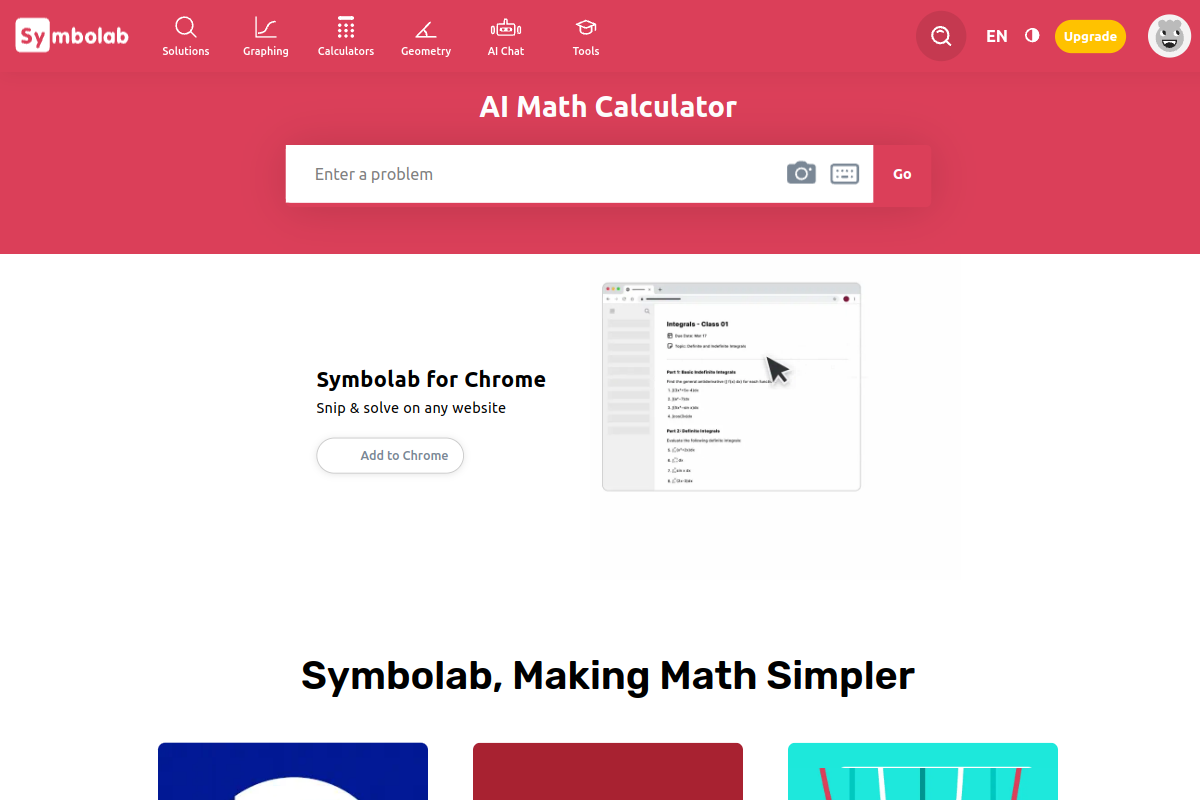
Use the Symbolab Chrome extension to capture a math problem while browsing and bring it into the solver.
Enter an equation or other problem and review its intermediate transformations. Pro unlocks full solution steps and AI chat for questions about the explanation.
Choose the derivative or integral calculator when you already know the operation you need, using the available examples to enter the expression.
Use the graphing view, parameter sliders and point table to compare the plotted behavior with the expression or equation.
Work on a selected topic, build a quiz and review feedback, then organize useful problems and notes in the notebook.
Pro provides full access to solution steps and AI chat, practice tools, access across devices, no ads and unlimited storage.
The standalone web Pro options are US$9.95 charged monthly, US$32.95 charged every six months, or US$39.95 charged every twelve months. The six-month and annual totals are charged for their respective periods, not as monthly payments.
Use mathematical notation and the scientific input pad, type a plain-language request or provide a problem image. Each calculator includes examples showing suitable input syntax.
Yes. Choose a topic for practice problems and hints, or build a custom quiz. Statistics and feedback help you review the work; Pro includes practice access.
Plot functions and equations and inspect function properties. The graphing calculator includes parameter sliders, a table of function points and graph or grid settings.
Os dados de tráfego são apenas para referência.