
Stack profiles
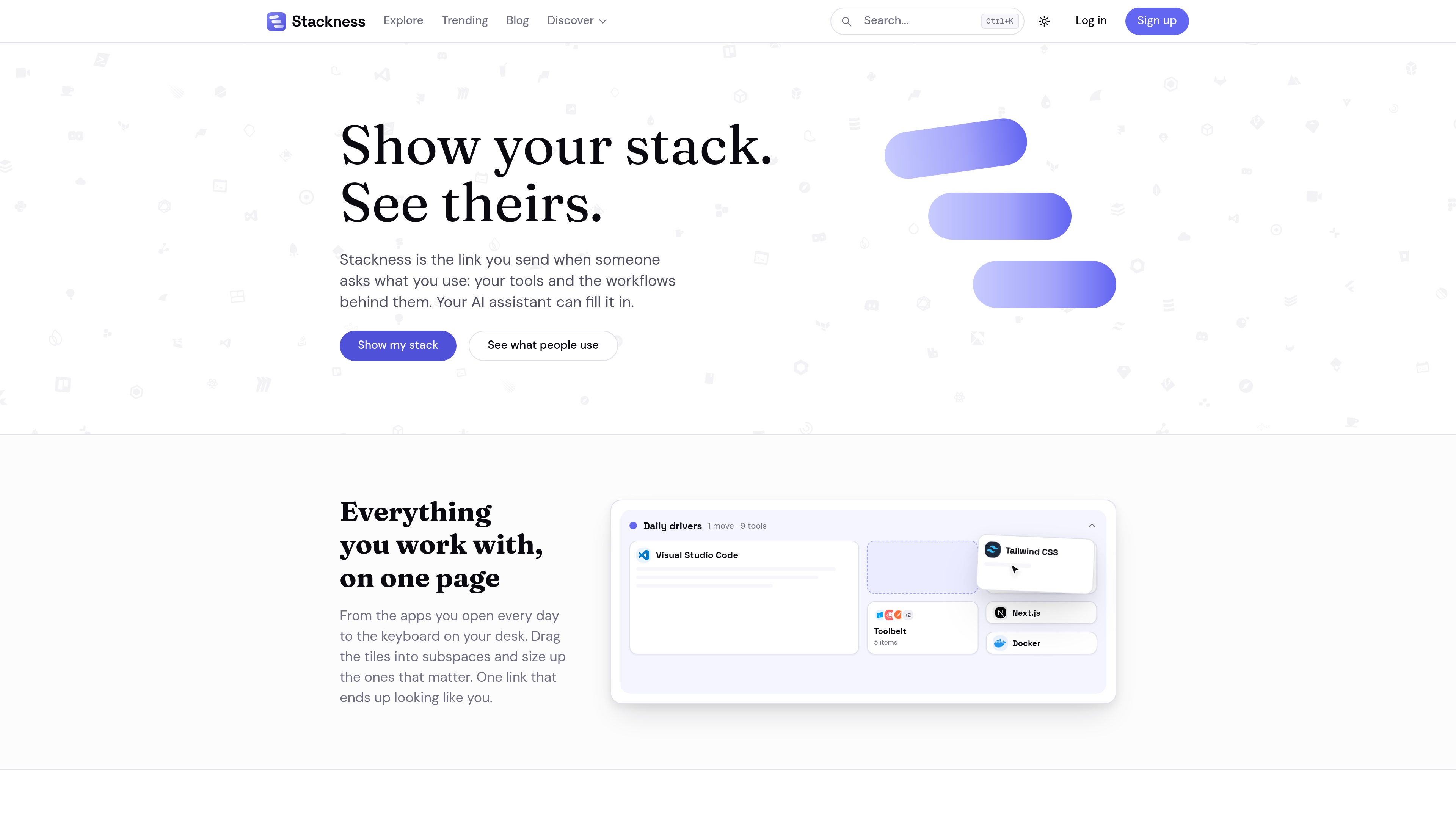
Assemble a list of tools you use and keep it available as a single shareable profile.

Stackness is a social platform for people in IT to document the tools, workflows, and techniques they use. Users can publish stacks and moves, explore how others work, and connect an AI assistant through MCP to read and manage their account.
Stackness is a social platform for documenting and exploring how people in IT work. Users assemble a stack of the tools they use, arrange those tools into profile subspaces, and publish a shareable view of their setup. The product is aimed at engineers, designers, data professionals, DevOps practitioners, project managers, QA professionals, and others who want to explain their working environment beyond a simple software list.
The product separates tools from “moves”: the techniques and workflows behind them. A move can describe a reusable prompt, a testing practice, a design-review process, or another approach to getting work done. Public stacks and moves can be read by anyone, while registered users can publish their own content, react, comment, and follow other people.
Stackness also provides a hosted Model Context Protocol (MCP) server. After creating an API key, users can connect an MCP-compatible AI client to https://stackness.dev/api/v1/mcp. The assistant can read and manage account data such as stack entries, profile layout, moves, feeds, follows, profiles, and the tool catalog. The server exposes 35 tools across six categories and operates over Streamable HTTP; clients that only support stdio can use the documented mcp-remote bridge.
For discovery, Stackness includes profiles, feeds, trending tools, tool pages, and usage history. Tool pages show who lists a tool and what they keep it alongside. Historical charts can include imported public datasets, which Stackness says are kept separate from platform activity and attributed on its data-sources page. The service is operated by its founder, Sergei Gordeichuk, and is funded by optional supporter and team subscriptions; the site says it does not use advertising or sell user data.
Assemble a list of tools you use and keep it available as a single shareable profile.
Organize stack entries into subspaces, tracks, and clusters, and adjust tile order and size to represent different areas of work.
Publish the techniques and workflows behind your tools, including prompts, development practices, and review processes.
Connect an AI client with an API key to read or edit stacks, layouts, moves, feeds, follows, profiles, and tool-catalog data through the hosted MCP server.
Follow people, read their updates, react and comment on published content, and browse trending tools and usage patterns.
Review tool pages with platform usage information and historical charts that distinguish Stackness activity from imported public datasets.
Create a current reference for the applications, hardware, and services used in day-to-day work, then send the profile when someone asks about your setup.
Explain how a tool is used in practice by publishing a move, such as a prompt-driven testing routine or a design-review method.
Ask Claude or another MCP-compatible client to inspect a project, GitHub account, or LinkedIn skills list and add relevant tools, then repeat the process as the setup changes.
Compare how other members use a tool, see the surrounding tools in their stacks, and consult usage trends before adopting it.
An account can contain stack entries, an arranged profile layout, moves, follows, and social activity such as reactions and comments. Public stacks and moves are readable without an account, while publishing and other account actions require signing in.
Create an API key in Stackness settings, then configure an MCP-compatible client with the hosted endpoint and a Bearer authorization header. The documented endpoint is https://stackness.dev/api/v1/mcp; clients limited to stdio can connect through mcp-remote.
It exposes 35 tools in six categories for managing stack entries and profile layout, creating and browsing moves, reading feeds, following users and viewing profiles, and searching or discovering tools. Requests are scoped to the API key used for the connection.
The About page says optional team subscriptions are available and can add extra features, but the available source does not specify plan limits or team-management details.
The service says it is funded by optional supporter and team subscriptions. It also states that it has no advertising and does not sell user data; specific prices are not provided in the available product information.
Os dados de tráfego são apenas para referência.