
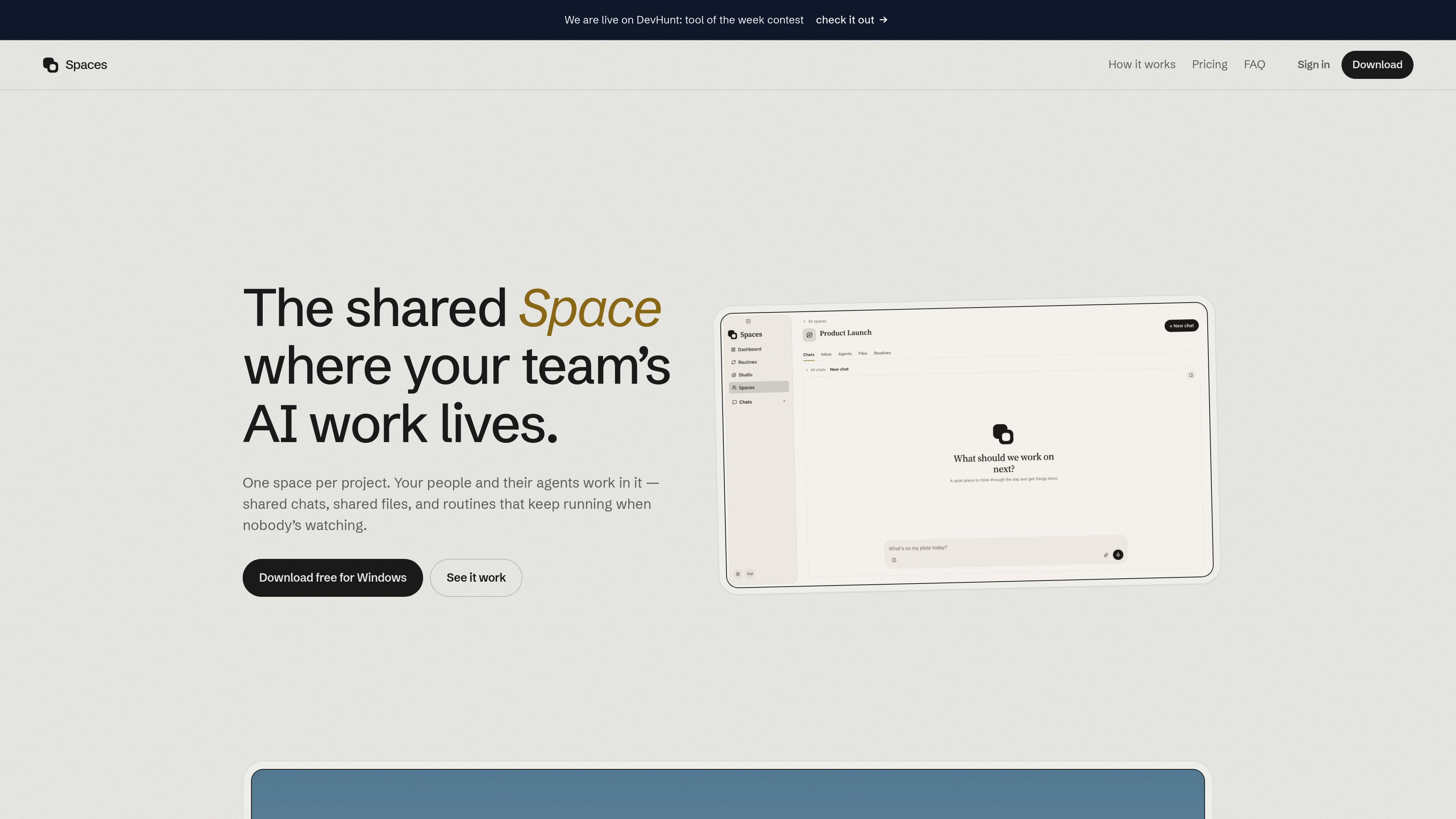
Project-based shared spaces
Create one space per project and keep its conversations, files, and routines available to everyone with access.

Spaces é um espaço de trabalho de IA para desktop, voltado a indivíduos e equipes, que organiza chats de projetos, arquivos, especialistas de IA e rotinas agendadas em espaços compartilhados. Conecta-se ao ChatGPT, Claude, Gemini ou a um modelo executado localmente, enquanto agentes e contas conectadas permanecem no computador de cada usuário.
Spaces is a desktop AI workspace organized around projects. A space brings chats, files, AI agents, and recurring routines together so a team can work from the same project context instead of separate personal threads. Individuals can use the desktop app on their own computer without an account, then invite other people when a project needs shared access.
The app runs agents locally on each person’s computer and connects to AI providers the user already pays for, including ChatGPT, Claude, and Gemini. Shared-space content—such as chats, files, and routines—is synchronized for members, while each user’s API keys, connected accounts, and agents remain on their own computer.
Create one space per project and keep its conversations, files, and routines available to everyone with access.
Assign roles such as researcher, copywriter, or launch lead. Each specialist can have its own instructions, memory, and tools.
Set recurring work such as morning briefs, weekly recaps, follow-ups, or reports. Routines can notify a person when a decision is needed.
Connect an existing ChatGPT, Claude, or Gemini account, bring more than one provider, and choose a provider per agent. Spaces also supports running a model on the user’s computer.
Agents can research and interact with websites through a browser inside the app, including pages where the user is already signed in.
Link Telegram to continue the same chats from a phone, including sending photos, files, and voice notes.
A launch team can keep planning conversations and project files together while separate agents handle research, copywriting, and launch coordination.
A team can schedule a morning brief, weekly recap, or follow-up routine so regular work continues without someone manually restarting the task each time.
A user can assign an agent to browse relevant sites, collect information, and draft an output using the connected model and browser access.
Team members can continue a project conversation away from their computers through Telegram, sharing files, images, or voice notes in the same chat.
The desktop app is free for individual use on a user’s computer, with no account required. Shared spaces require seats for the people who work in them; the site lists $1.49 per month or $10.99 per year per person, with annual billing also described as $0.92 per month.
The site identifies ChatGPT, Claude, and Gemini. Users can connect more than one provider and switch providers per agent, or run a model on their own computer.
Each person’s agents, API keys, and connected accounts stay on that person’s computer. Shared spaces synchronize the chats, files, and routines added to them. The site says shared-space content is encrypted at rest with a per-space key held in Google Cloud KMS.
Spaces is offered as a desktop app for Apple silicon Macs and Windows PCs. Telegram can provide access to the same chats from a phone.
The enterprise offering is set up inside the customer’s own cloud, with the site stating that the data does not leave that infrastructure. The enterprise setup is handled through a conversation with the company rather than a self-service checkout.
Os dados de tráfego são apenas para referência.

monodesk.com
MonoDesk é um espaço de trabalho na web para profissionais criativos freelancers e pequenas equipes, reunindo propostas, comunicação com clientes, planejamento de projetos e assistência de IA em um só lugar. Gratuito durante a beta pública, reduz tarefas administrativas e mudanças de contexto.

runevr.com
runevr é um espaço de trabalho colaborativo para equipes criativas, reunindo quadros, revisão de mídia ao vivo, chat, drive, chamadas, gravações e agentes de IA em uma única sala de projeto. Mantenha o trabalho, o feedback e as aprovações contextualizados do briefing à entrega.

miro.com
Miro é um espaço de trabalho visual com IA para equipes, da ideação ao lançamento.

linear.app
Linear é uma plataforma de desenvolvimento de produtos para planejar, criar e monitorar o trabalho em um único espaço, com rastreamento de issues, planejamento de projetos, programação assistida por IA, revisão de código e operações de produto.

kroolo.com
Espaço de trabalho nativo de IA para projetos, documentos, pesquisa, chat e automações

kaiku.tech
Kaiku é um rastreador de tarefas nativo para agentes e uma wiki de equipe que reúne issues, documentação e trabalho com assistência de IA em um só espaço. Os agentes podem se conectar via MCP, operar com as permissões de quem os invoca e deixar registros rastreáveis de execuções, fontes, propostas e custos.