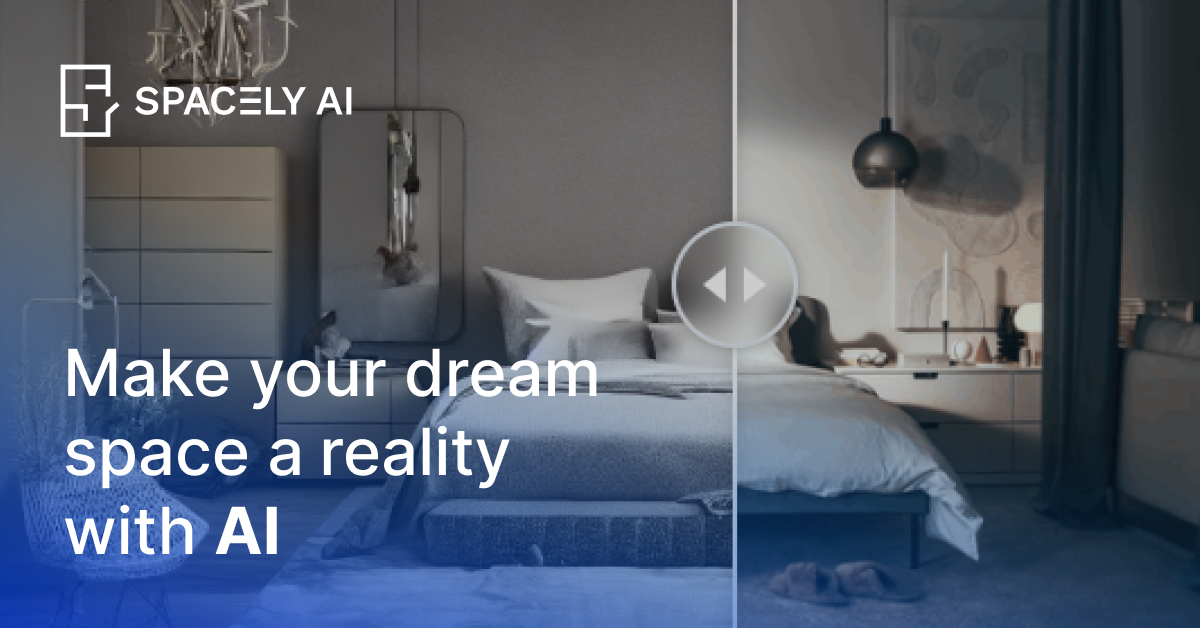
Realistic Render
Create photorealistic concepts while retaining the original materials and geometry described in the input.

Render and revise architectural and interior concepts from sketches, models, or room photos.
Spacely AI helps architects, interior designers, and property teams create and revise room and building visuals. Start with a sketch, 3D model, or room photo, then explore design changes using AI rendering, image editing, furnishing, and style-reference tools. Its workflow is useful for developing concepts and presenting design options to clients.
Create photorealistic concepts while retaining the original materials and geometry described in the input.
Describe the change you want to make to a design image.
Visualize furnishings in an empty room while keeping its layout.
Use a mood board to guide the visual style of a design.
Render existing models from within SketchUp using the Spacely AI extension.
Prepare interior or exterior concepts and revise them as clients compare options.
Show a furnished interpretation of an empty room when preparing a property presentation.
Create an account to use the free plan and its trial credits. No credit card is required to start.
Personal is for one seat, Studio supports up to two seats, and Agency supports up to five. Choose according to team size and required tools.
Os dados de tráfego são apenas para referência.