
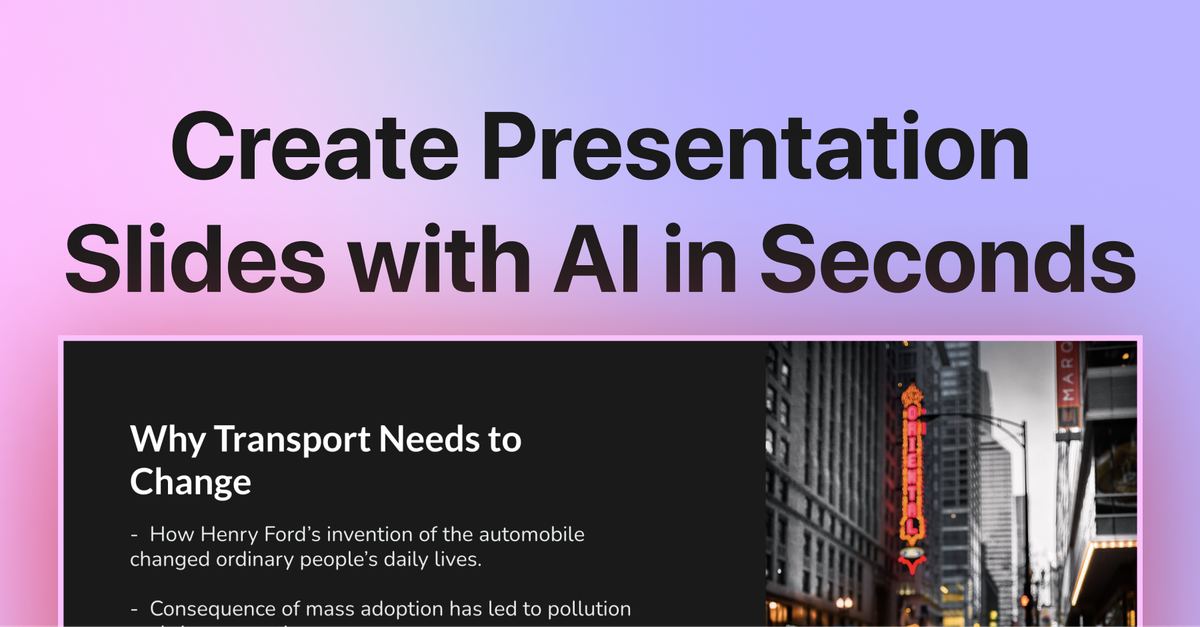
AI slide generation from text
Enter a topic, paste notes, or start from an outline and let SlidesAI generate a structured presentation in seconds.

Criador de apresentações com IA para gerar slides a partir de textos, notas ou temas no Google Slides ou PowerPoint.
SlidesAI is an AI presentation maker that turns text, notes, or a topic into a slide deck inside Google Slides or PowerPoint. It is designed to help people create, customize, and refine presentations without moving between separate design tools.
The product is positioned for teachers, students, and professionals who want a faster way to build structured presentations. Its workflow centers on generating an outline, choosing a theme, adjusting the content and visuals, and exporting the finished deck in a compatible format.
Enter a topic, paste notes, or start from an outline and let SlidesAI generate a structured presentation in seconds.
Edit slide wording, tone, depth, and layout directly from the panel so you can refine the deck without leaving your presentation app.
Choose from built-in themes and 150+ professional templates to match the style of the deck.
Generate visuals with AI or insert stock images, then place, crop, and swap them inside the editor.
Translate, rephrase, and shorten slide content while working in Google Slides or PowerPoint.
Export presentations as PPTX for sharing and presenting across Google Slides and PowerPoint.
Professionals can turn meeting notes, pitch ideas, reports, and proposals into a structured deck, then adjust tone, branding, and visuals to fit the audience.
Teachers can paste lesson material or a lesson topic, choose grade level and objectives, and generate classroom slides that are easier to adapt into lesson-ready materials.
Students can start from a topic or notes and use the tool to organize content into a presentation faster, especially when they need a structured draft before polishing it.
Teams can keep working in Google Slides or PowerPoint and export as PPTX, which supports sharing and presenting across the two platforms.
Users working in more than one language can use the translation and multilingual support mentioned on the home page to adapt slide content for different audiences.
Yes. SlidesAI’s FAQ says you do not need a Google Workspace account; a regular Gmail account is enough, and you can install it from the Google Workspace Marketplace.
You install SlidesAI from Google Slides or the relevant add-ins store, then enter a topic or paste notes and let the AI build a structured outline and slides. You can then refine wording, tone, layouts, and visuals before exporting.
The source says SlidesAI can create presentations in Google Slides and PowerPoint and export presentations as PPTX for compatibility with both tools.
The pricing page lists a Basic plan, a Pro plan for students, and a Premium plan for educators and professionals. The Pro and Premium plans include document upload, while the Basic plan is free.
The professional use-case page says SlidesAI supports Google Slides and Microsoft PowerPoint, and the home page says it supports 100+ languages.
Os dados de tráfego são apenas para referência.

prezi.com
Prezi é um criador de apresentações com IA para gerar apresentações, vídeos e infográficos a partir de prompts, arquivos ou slides.

slidesgo.com
Modelos gratuitos e premium para Google Slides, PowerPoint e Canva, com criador de apresentações com IA

voxdeck.ai
VoxDeck é um criador de apresentações com IA que gera slides sofisticados a partir de prompts, notas e materiais estruturados para educação, marketing, finanças e pesquisa.

magicslides.app
Gerador de apresentações com IA para Google Slides e PowerPoint

get-folio.ai
Assistente de apresentações para PowerPoint e Google Slides que cria e edita decks editáveis baseados em modelos.

lgppt.cn
Ferramenta de IA para gerar, editar e reformular apresentações a partir de temas ou documentos.