
Automatic note generation
Upload a presentation or PDF and receive notes automatically, without manual rewriting.

Converte apresentações .pptx e PDF em notas legíveis para facilitar a revisão e o compartilhamento.
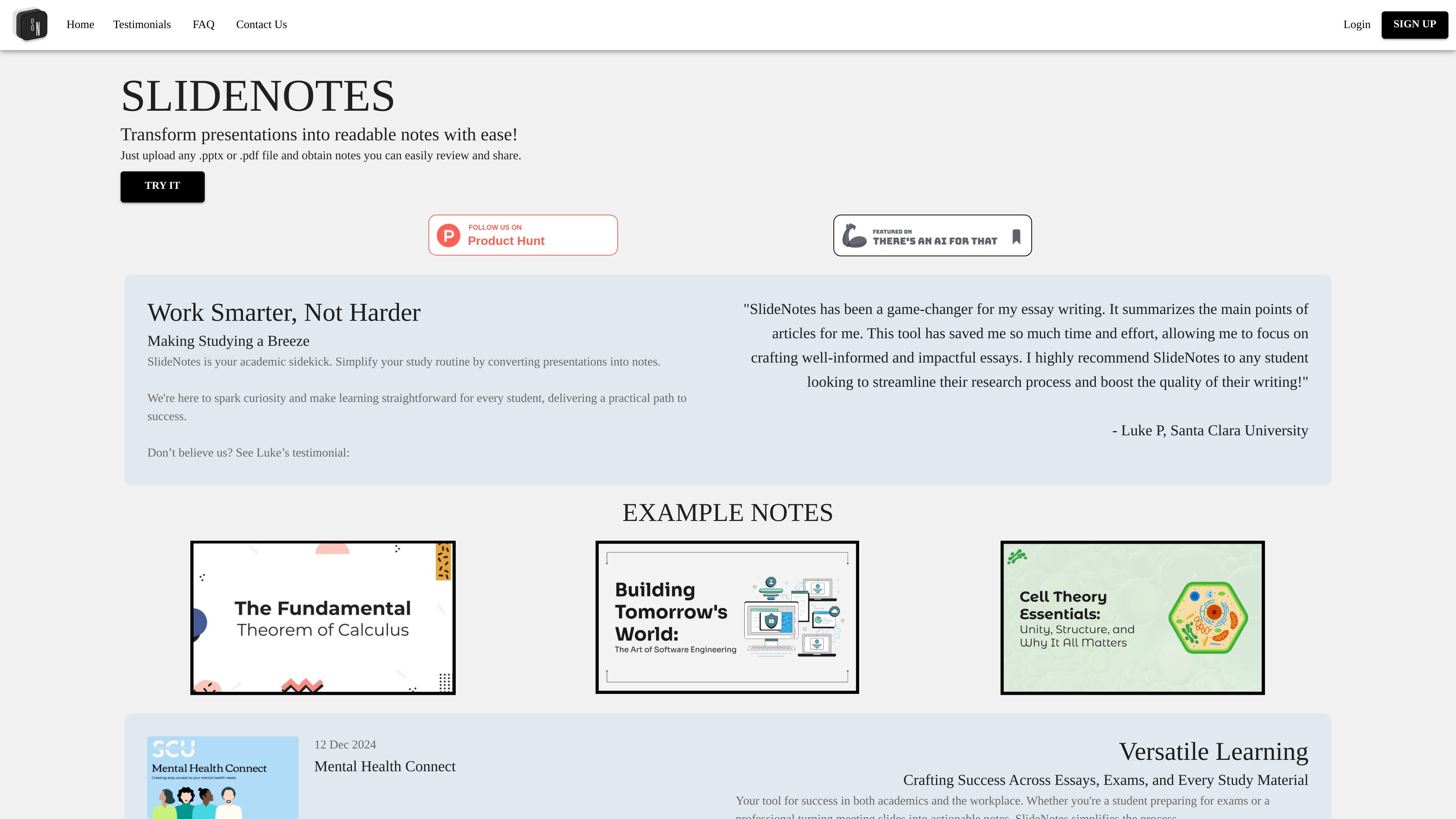
SlideNotes is a web-based tool that turns uploaded presentations and PDF documents into readable notes. The site describes it as a way to convert .pptx or .pdf files into easy-to-read notes that can be reviewed and shared.
The product is positioned for students and professionals who need to save time on manual note-taking. Its homepage emphasizes using presentation content for studying, essay writing, meetings, and other situations where a dense deck needs to become a shorter, more practical summary.
Upload a presentation or PDF and receive notes automatically, without manual rewriting.
Supports PowerPoint and PDF files, covering the formats mentioned on the site.
Produces easy-to-read bulleted notes designed for review and sharing.
Uses extracted keywords and phrases from the source file to create the notes.
Designed for both academic material and work presentations, including lecture slides and meeting decks.
Includes example notes pages on the homepage, showing the kind of output users can expect.
Turn lecture slides into concise notes that are easier to review before exams or while studying.
Convert article-style or research-focused presentations into notes for essay planning and writing.
Summarize meeting decks into actionable notes that are easier to revisit after a session.
Extract the main points from dense slide decks so they can be shared or scanned quickly by others.
Use the tool when a presentation or PDF is the starting point but a shorter written summary is needed for follow-up work.
SlideNotes automatically turns uploaded presentations and PDFs into bullet-point notes by identifying key words and phrases in the document.
SlideNotes supports PowerPoint (.pptx) and PDF files.
The site says SlideNotes currently supports usage in the United States and Canada.
Yes. The homepage says SlideNotes is intended for both students and professionals, and its FAQ specifically says it was built to help students turn lecture slides into concise notes.
Yes. The site says it can also be used by business professionals to turn presentations and PDFs into actionable notes for meetings and work documents.
Os dados de tráfego são apenas para referência.

znote.io
App de notas Markdown para arquivos .md executáveis com código, IA e resultados integrados

www.theodorehq.com
Muse é um app nativo para Mac que permite salvar e organizar links, imagens, vídeos, PDFs e notas em uma biblioteca local e privada. Ajuda quem reúne referências visuais ou faz pesquisas a manter tudo em arquivos pesquisáveis e disponível no Mac.

getfreed.ai
Escriba médico com IA para criar notas, resumos de consultas, códigos, cartas e contexto pré-consulta.

vetrec.io
Escriba veterinário com IA para automatizar notas SOAP, históricos e chamadas

memrizz.com
Criador de flashcards com IA para estudantes de medicina a partir de aulas, notas e gravações

goodnotes.com
Goodnotes para notas manuscritas, PDFs, quadros e equipes