
Computer-use automation
Agents operate digital interfaces through clicks, keystrokes, and logic, allowing automation for workflows that may not provide public APIs.

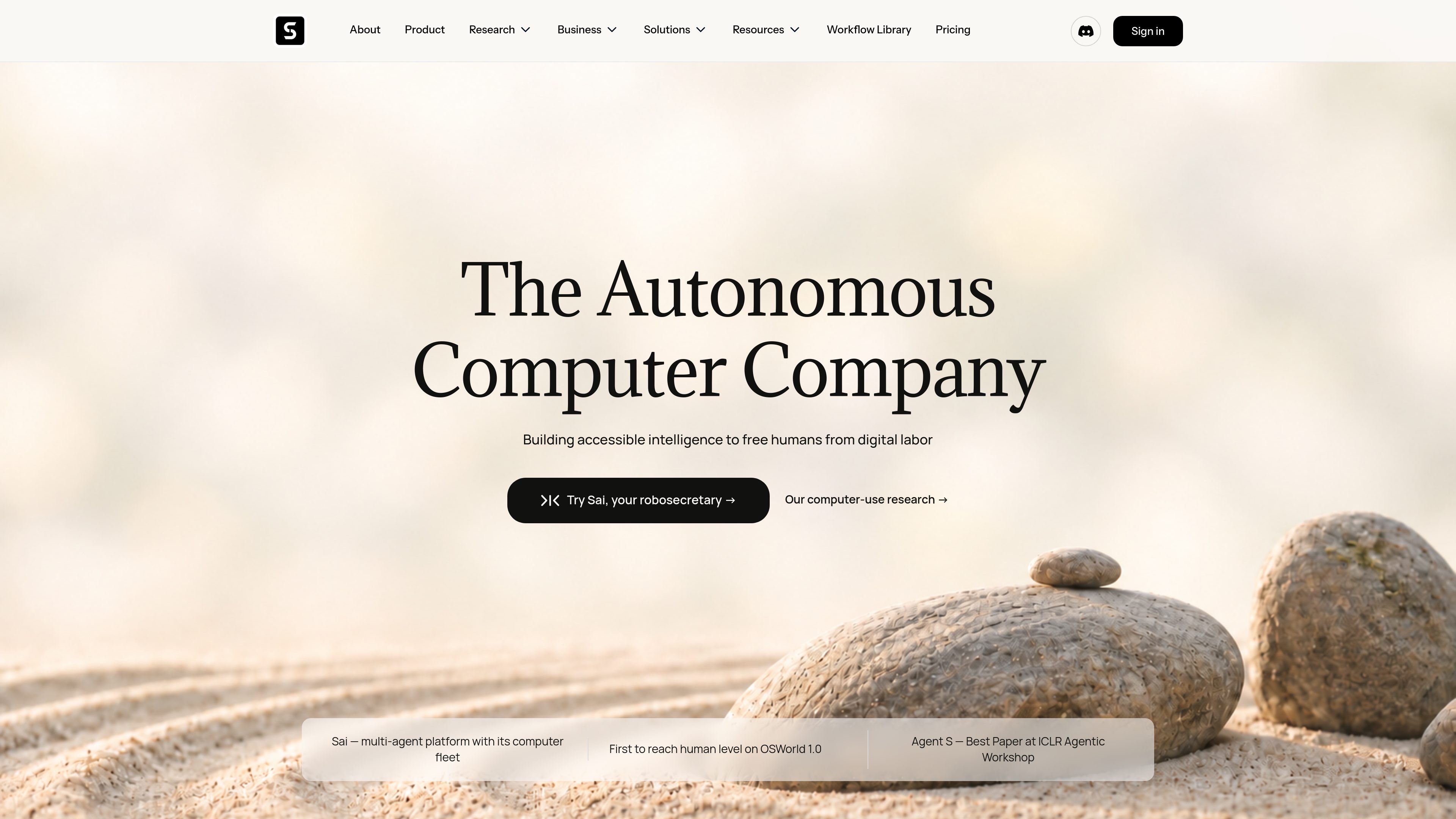
Simular is an autonomous computer platform that uses AI agents to operate real computers and automate digital workflows. It serves individuals, builders, operators, and businesses that need to automate tasks across desktop applications and websites, including workflows that do not expose traditional APIs.
Simular is an autonomous computer platform for running AI agents on real computers, devices, and cloud virtual machines. Instead of depending only on traditional software APIs, its agents can perform digital work through computer interaction such as clicks, keystrokes, and logic. The platform is intended to reduce repetitive screen-based work for individuals and organizations.
Its flagship product, Sai, is positioned as a multi-agent platform with access to a fleet of computers. Simular also provides Agent S, an open-source computer-use agent framework, and Simulang, an open-source scripting language for controlling browsers, native applications, and operating-system workflows.
The product supports workflows on macOS, Windows, and Linux, as well as virtual machines. Users can start from ready-to-run workflow templates, edit the supplied prompts and brackets, and run tasks such as inbox triage, market research, spreadsheet updates, recruiting workflows, and sales outreach preparation. Team-oriented plans add private workflow sharing, while higher tiers provide API access and enterprise support options.
Agents operate digital interfaces through clicks, keystrokes, and logic, allowing automation for workflows that may not provide public APIs.
Simular runs on macOS, Windows, Linux, and virtual machines, with execution available on a user’s device or in cloud computers.
Sai is Simular’s flagship multi-agent product for delegating recurring screen-based work to autonomous computers.
The workflow library provides exact prompts, required inputs, and expected handoffs for tasks across productivity, sales, marketing, research, operations, finance, recruiting, and support.
Agent S is an open-source computer-use framework, while Simulang provides a scripting approach for browser, native-app, and operating-system automation.
Templates cover daily inbox triage, email summaries, follow-up nudges, meeting follow-up briefs, and structured data extraction from inbound email.
Users can find connections at a company, enrich and verify lead lists, identify buying signals, research buyer personas, and prepare personalized outreach.
Example workflows include campaign launch automation, newsletter creation, SEO seed-keyword generation, and checking whether ChatGPT cites a brand.
Sai templates can summarize YouTube videos, prepare market-sizing reports with cited figures and flagged unverified claims, and investigate hotel rates or loyalty points.
Available examples include resume screening against a job description, application review with a record, candidate scoring, and drafting candidate replies.
Simular is an autonomous computer platform that runs AI agents on user devices or cloud virtual machines to execute digital workflows through human-like computer interaction.
The pricing information lists macOS, Windows, and Linux support, along with deployment to virtual machines.
Yes. Simular says its agents can mimic human interaction through clicks, keystrokes, and logic, which enables workflows for software that does not expose a public API.
Yes. Workflows can be shared publicly through the Simular Gallery. Private team sharing is available on Pro and Enterprise plans.
The listed support levels include community support, priority support for Pro, and a dedicated onboarding and engineering team for Enterprise. Users can also join the Discord community or contact Simular support directly.

www.tinyfish.ai
TinyFish is web infrastructure for AI agents that searches, fetches, browses, and completes tasks on live websites. It helps developers and enterprise teams gather current web data, use authenticated portals, and automate browser-based workflows.

pinecomputer.io
A cloud computer that lets products use AI to perform real-world work across websites and apps.

solid.tech
Solid provides AI agents with computers, accounts, and budgets to carry out business tasks across approved tools. Users describe the desired outcome and rules; agents handle setup, execution, verification, and reporting, with approvals where needed.

zeroclick.ai
ZeroClick helps businesses sell APIs, datasets, and digital services directly to AI agents. It adds a machine-readable storefront, agent payment support, signed request forwarding, and transaction analytics in front of an existing offering.

cue.im
Personal AI agents with individual digital identities for handling real-world tasks.

www.statewave.ai
Statewave is an open-source, self-hosted memory runtime for AI agents. It stores durable episodes, compiles structured memories with provenance, and returns ranked context bundles for applications that need continuity across sessions.