
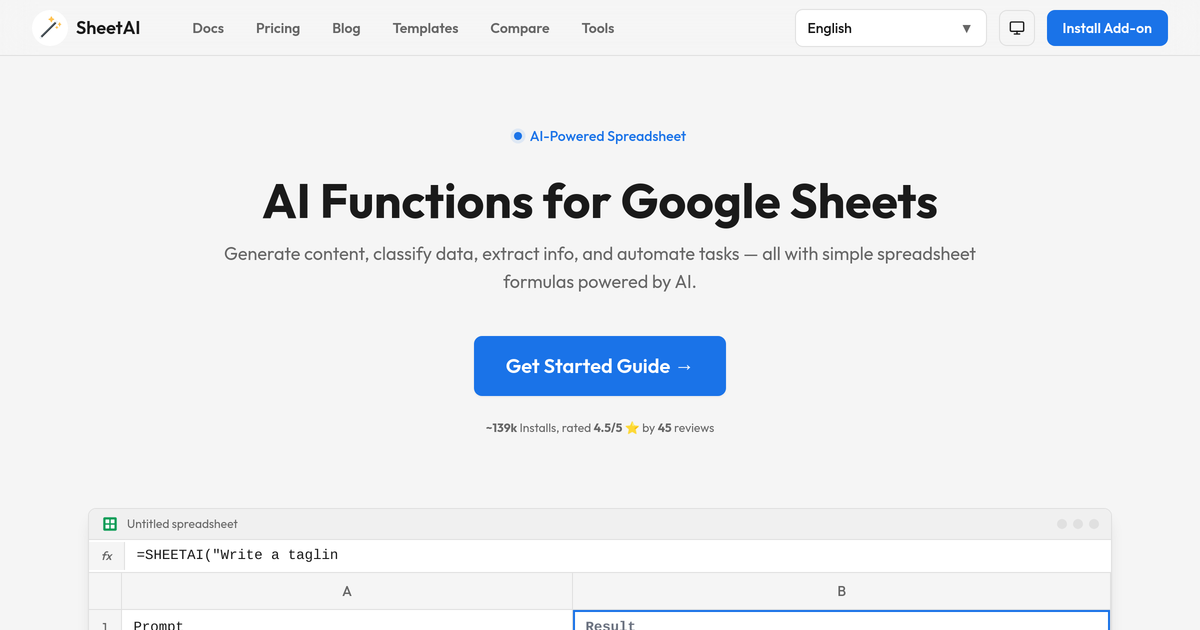
AI text generation in cells
Write a prompt in a cell and return AI-generated text directly in the spreadsheet using `SHEETAI()`. The docs show use cases like taglines, summaries, and generated ideas.

SheetAI é um complemento de IA para Google Sheets que gera texto, extrai dados, classifica linhas, resume conteúdo e automatiza fluxos de trabalho.
SheetAI is a Google Sheets AI add-on that brings model-powered functions into spreadsheet cells. The product page positions it as a way to generate content, classify data, extract information, summarize text, and automate repetitive work without leaving Sheets.
The public docs highlight functions such as SHEETAI(), SHEETAI_LIST(), and SHEETAI_EXTRACT(), along with related tools for classification, fill, and summarization. The pricing page shows individual unlimited plans and a domain license, and it states that users can bring their own OpenAI, Claude, and Replicate keys.
Write a prompt in a cell and return AI-generated text directly in the spreadsheet using `SHEETAI()`. The docs show use cases like taglines, summaries, and generated ideas.
Generate multiple outputs in sequence with `SHEETAI_LIST()`. The function is designed for brainstorming, lists, feature ideas, and other multi-item responses.
Extract structured values from unstructured text with `SHEETAI_EXTRACT()`. The docs show pulling out names, email addresses, phone numbers, metrics, and other specific fields.
Classify text into labels such as sentiment, topics, or custom categories with `SHEETAI_CLASSIFY()`. The home page shows it being used for positive, negative, and neutral tagging.
Auto-complete missing table values with `SHEETAI_FILL()`. The home page shows it filling columns such as country, capital, and currency.
Summarize long source text with `SHEETAI_SUMMARIZE()`. The home page shows it condensing reports and articles into shorter summaries.
Write product descriptions, headlines, taglines, emails, and other short-form copy in spreadsheet cells when you want AI output tied to row data or prompts.
Generate brainstorm lists, feature ideas, blog topics, or multiple slogan variations with `SHEETAI_LIST()` when one prompt needs several outputs.
Pull out names, companies, emails, phone numbers, metrics, and other fields from freeform text with `SHEETAI_EXTRACT()` for cleaning and structuring datasets.
Tag feedback, transactions, or other text rows with categories such as sentiment or topic so sheets can be sorted and analyzed more easily.
Summarize long reports, abstracts, or articles into shorter notes that are easier to scan, share, or review in a worksheet.
SheetAI runs inside Google Sheets as add-on functions such as `SHEETAI()`, `SHEETAI_LIST()`, and `SHEETAI_EXTRACT()`. The docs show prompts entered in spreadsheet cells and results returned into cells below or beside the input.
The pricing page shows single-user unlimited plans and a domain license for up to 20 users on one domain. For team licenses beyond that, SheetAI says to contact support.
The pricing page says you can use your own OpenAI, Claude, and Replicate keys. The docs and pricing page also describe caching of repeated requests to save AI usage.
SheetAI provides support by email at `support@sheetai.app` for installation, licensing, and usage issues while the support period is valid. The pricing page says it does not include custom feature requests or customization.
The product pages do not describe a separate app outside Google Sheets, so the documented workflow is to install the add-on and use its functions directly in Sheets.
Os dados de tráfego são apenas para referência.

wawawriter.com
蛙蛙写作 é um assistente de escrita com IA para criadores de conteúdo em chinês, com geração, continuação, revisão e conversão de romances, roteiros, séries curtas e dramas em quadrinhos. O site também oferece tutoriais, fluxos de trabalho e aulas.

capgo.ai
CapGo AI automatiza SEO programático e conteúdo GEO no Google Sheets.

supernormal.com
Fluxos de trabalho de reuniões e conteúdo com IA para criar entregáveis prontos para clientes

pletor.ai
Pletor é uma plataforma de infraestrutura criativa para equipes de marketing e criação que transforma a geração de imagens, vídeos e textos com AI em fluxos de trabalho repetíveis, com memória de marca, colaboração, acesso à API e orquestração MCP por agentes como Claude ou Codex.

numerous.ai
Numerous.ai é um plugin de planilhas com IA para Google Sheets e Excel.

frase.io
Plataforma de otimização de conteúdo para Google e buscas com IA