
Smart Video Creation
Supports generating talking-head videos automatically from copy, reducing manual shooting, editing, and recording. The smart production capability combines AI copy, voiceovers, and subtitles for faster output.

闪剪 é uma ferramenta de geração de vídeos com AI e criação de vídeos curtos, com avatares digitais, edição inteligente, cortes de lives e vozes multilíngues.
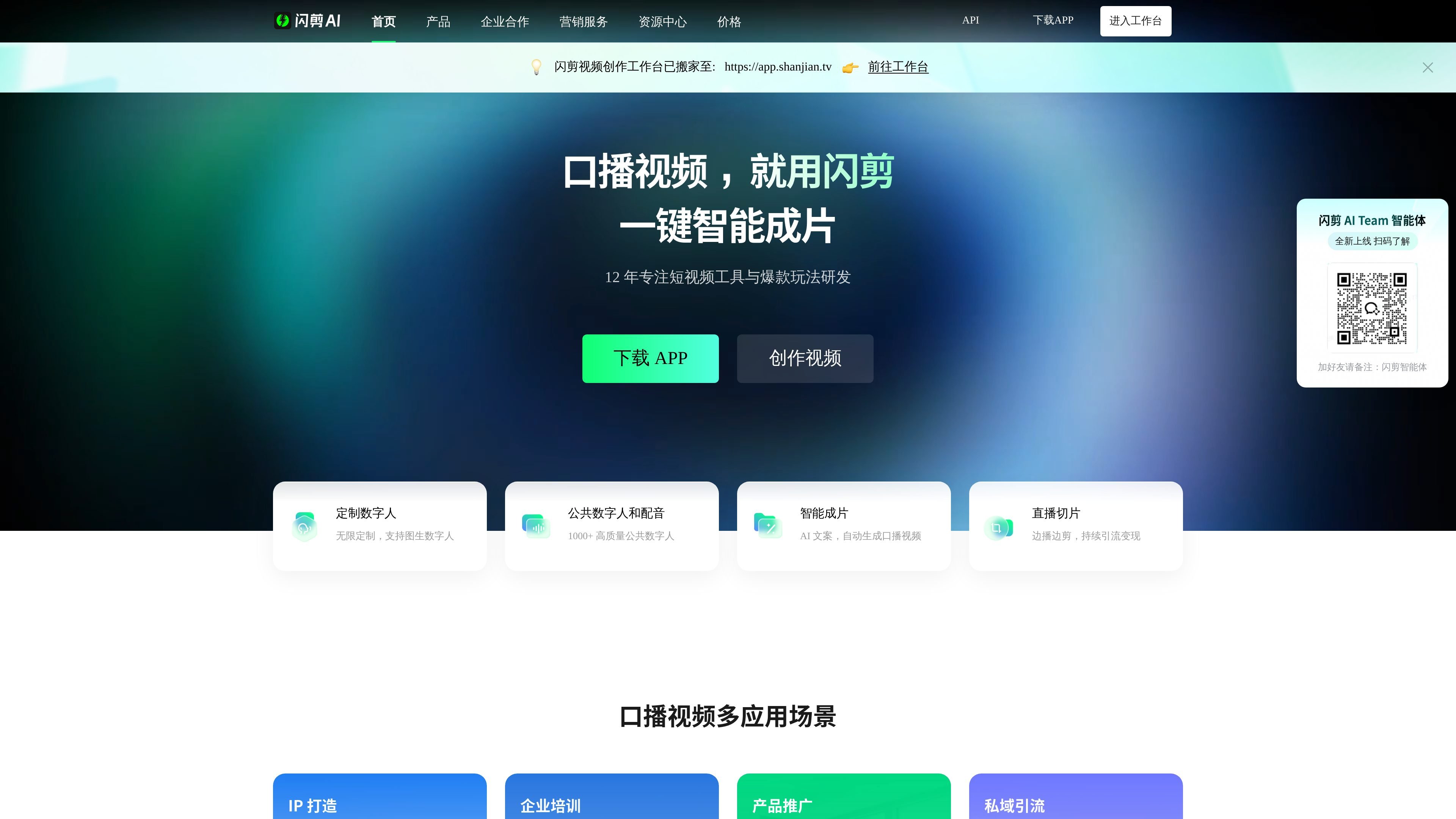
闪剪 is an AI video generation tool for short video creation, centered on digital avatar talking-head videos, smart editing, livestream clipping, and multilingual voiceovers. The official site positions it as a virtual digital human customization platform and a short video intelligent creation tool, covering scenarios such as individual creators, enterprise marketing, and content matrix production.
Based on the features shown on the official site, users can quickly generate talking-head content using copy, images, video assets, and digital avatar templates. They can also build a more batch-oriented production workflow through custom digital avatars, public digital avatars, public voiceovers, and API access. The pricing page shows free benefits and paid membership plans, making it suitable for needs ranging from trial use to ongoing production.
Supports generating talking-head videos automatically from copy, reducing manual shooting, editing, and recording. The smart production capability combines AI copy, voiceovers, and subtitles for faster output.
You can upload a 30-second video to replicate appearance and voice 1:1. It also supports image-to-digital-avatar, photo-based digital avatars, public digital avatars, and public voiceovers. The page also shows different customization modes, including fast customization, standard mode, and 4K training materials.
Includes 500+ public voiceovers covering Chinese, English, and several other languages, with voice options in different genders, accents, and emotional tones to support multilingual content production.
Supports importing a livestream link and automatically recording and clipping highlight segments, which is suitable for repurposing and redistributing livestream content.
Provides tools for image-and-text-to-video, mixed editing of assets, adding subtitles to videos, and video removal, with detailed settings for titles, subtitle styles, BGM, backgrounds, and video aspect ratios.
The Open Platform supports personal developers and enterprises integrating via API, with the page emphasizing low-barrier access, usage-based billing, and continuously updated capabilities.
Suitable for individuals or teams that want to quickly produce talking-head short videos. With only copy and assets prepared, AI copy, voiceovers, subtitles, and digital avatar templates can be used to create videos quickly.
Suitable for brands, stores, education and training, and knowledge-based accounts that need continuous content updates. Custom digital avatars and consistent style templates help maintain stable output.
Suitable for livestream operators who want to break long streams into shareable highlight clips. After importing a livestream link, the system can automatically record and cut key moments for redistribution.
Suitable for content teams that already have a large amount of image-text materials, product images, posters, or article links. Existing assets can be turned into videos, and mixed editing, subtitles, and background settings can improve production efficiency.
Suitable for enterprise teams and developers who need multi-account, multi-brand, or systematized output. The Open Platform API and brand mini program OEM support more process-driven application methods.
From the official site information, 闪剪 provides entry points for the workspace, app download, and API console. The creation flow mainly centers on digital avatars, copy, voiceovers, media assets, and smart editing. The site also notes that the “闪剪 video creation workspace has moved to app.shanjian.tv,” so the workspace is the main operating entry point.
Yes. The official site shows capabilities such as short video smart editing, AI digital avatar customization, public voiceovers, livestream clipping, photo-based digital avatars, API access, and brand mini program OEM, making it suitable for individual creators, enterprise marketing, and teams that need to produce videos in bulk.
The pricing page shows free benefits, plus Basic Member and Standard Member plans. The Basic Member plan supports unlimited digital avatar customization, unlimited exclusive voice cloning, and longer video generation duration, while the Standard Member plan offers more computing power and larger cloud storage for assets. The best choice depends on actual usage time, asset volume, and whether more advanced features are needed.
The official site says public voiceover resources include Chinese, English, and multiple other languages, with 500+ public voiceovers available. The AI digital avatar page also shows 4K training materials, green screen keying, and different customization modes.
The official information shows capabilities covering digital avatar videos, talking-head videos, livestream clipping, batch remix editing, and API calls, but it does not provide complete third-party integration documentation or detailed deployment instructions. If you need team-level embedding or system integration, you should review the Open Platform documentation.
Os dados de tráfego são apenas para referência.

ai.kezhan365.com
万彩AI é uma ferramenta de criação de conteúdo com IA para escrita, conversão de artigos em vídeos, avatares digitais, edição de vídeo e perguntas e respostas.

chanjing.cc
蝉镜AI é uma plataforma de criação de conteúdo com humanos digitais de IA para vídeos curtos e captação de clientes em educação, direito, finanças e marca pessoal.

clipmove.com
Ferramenta de criação de vídeos com IA para produzir vídeos virais mais rápido, com avatares e planos pagos.

talkingavatar.ai
Plataforma de vídeo e avatares com IA para clonagem de voz, sincronização labial, humanos digitais e redublagem de vídeos.

d-id.com
D-ID cria vídeos de avatares com IA e agentes visuais em tempo real.

mangoanimate.com
Mango AI cria avatares falantes, vídeos de troca de rosto e animações por texto